
AI Image Enhancer: Turn a Blurry Photo Into a Sharp One
A phone shot in dim light came out blurry, grainy or too dark. Upload it and the AI improves sharpness, lifts color and light and keeps your product's shape and pattern. You get a frame you will not be embarrassed to put in a listing or an ad.
Get started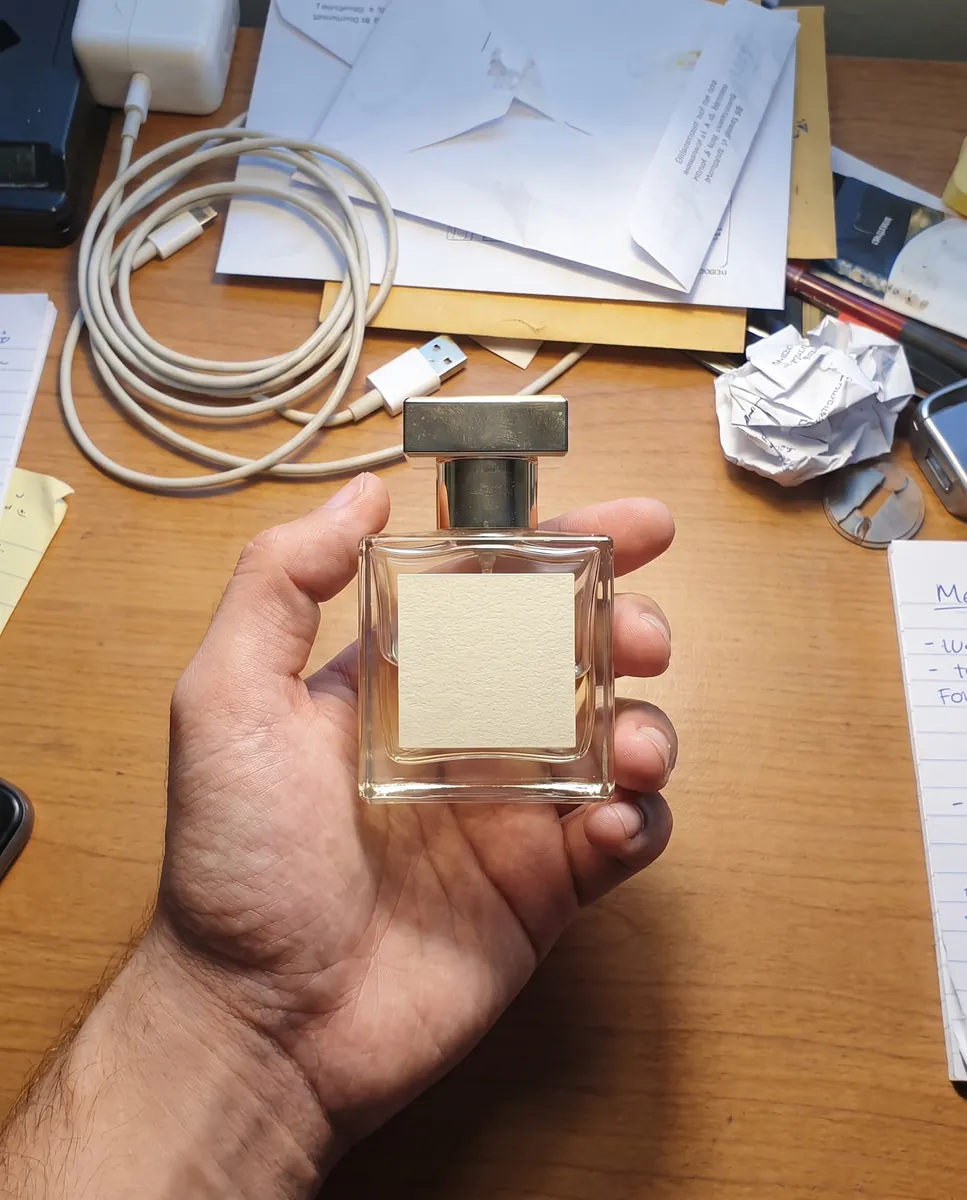
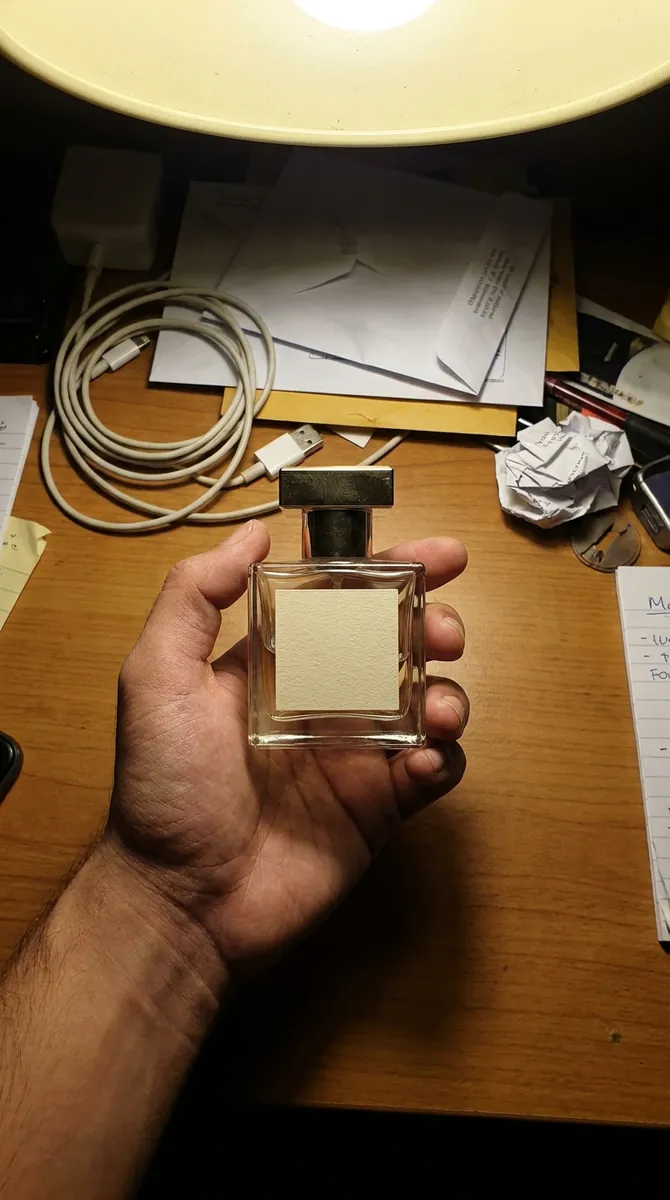 BeforeAfter
How it works
Upload the photo
Anything shot in poor conditions works: dark, soft or noisy.
Choose what to improve
Write what is missing: sharpness, light, color depth.
Compare and save
Check the result next to the original and download the best one.
BeforeAfterSharpen a blurry photo without losing detail
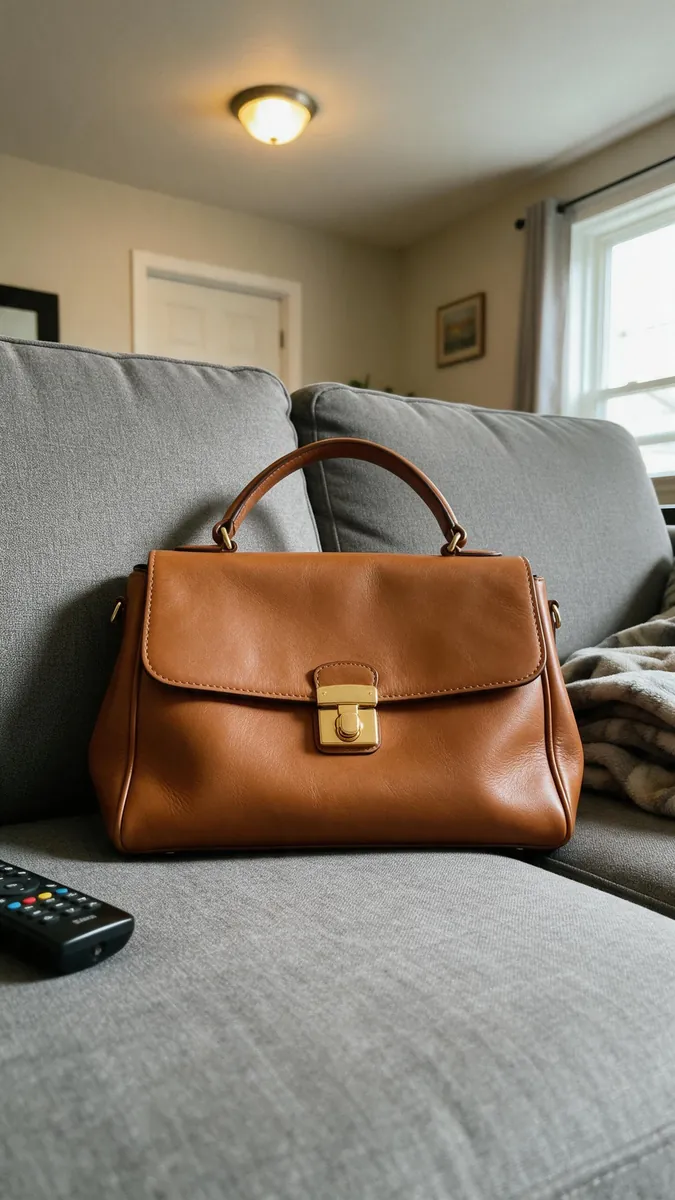
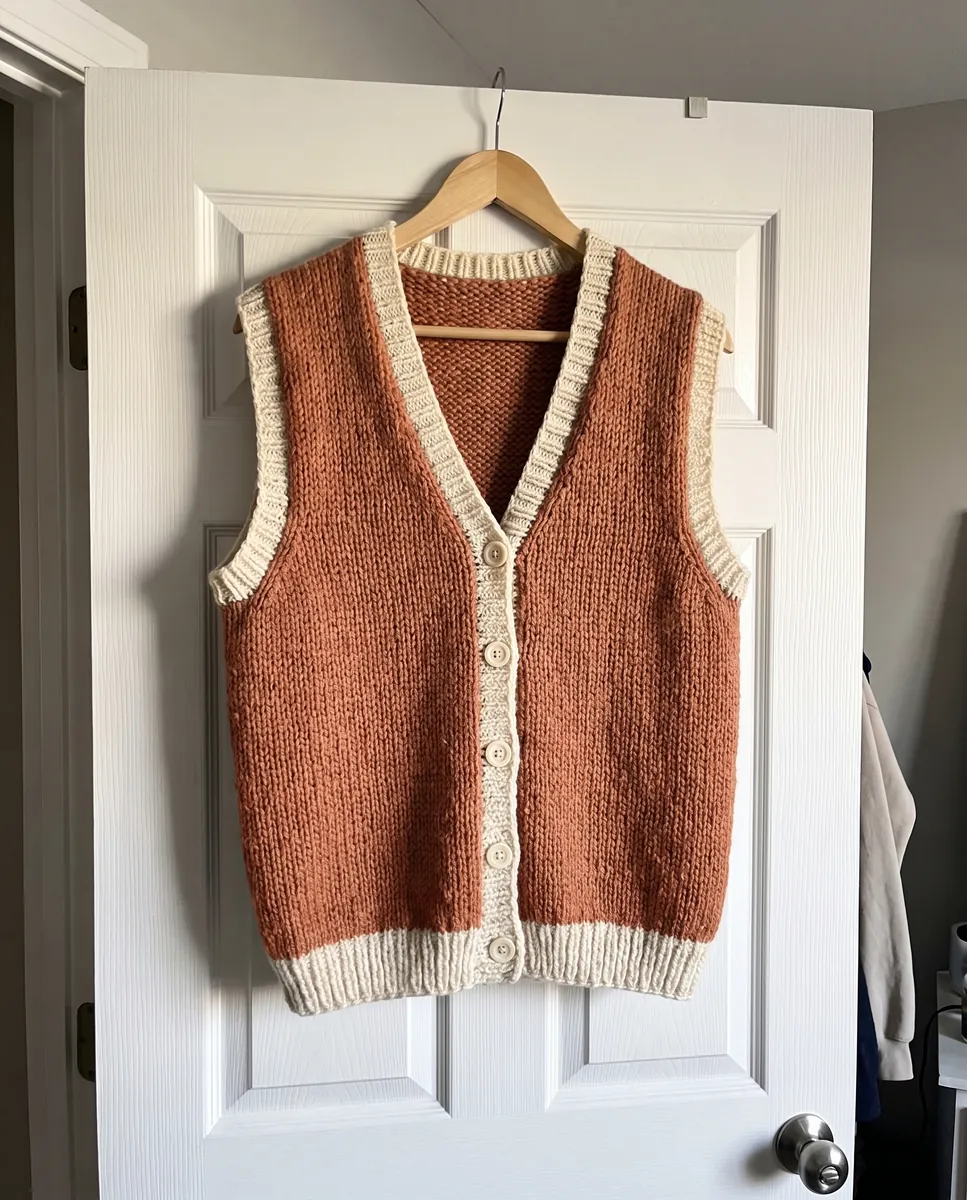
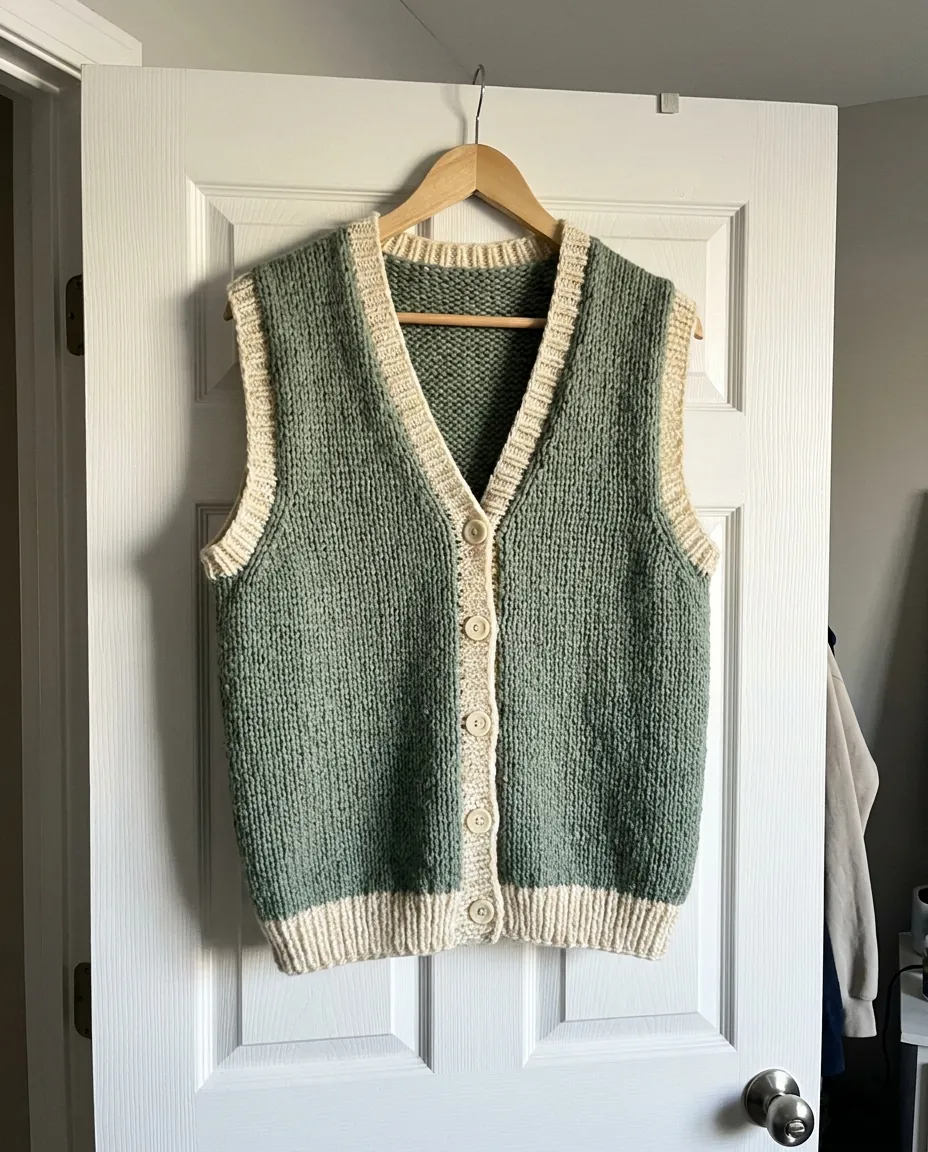
Simply enlarging an image makes it bigger, not sharper. The AI works differently: it restores fabric texture, edges and small elements by adding the missing detail. It suits phone photos, screenshots and old product pictures that have been sitting in an archive for years. Results are most visible in close-ups, where fabric weave, jewelry relief and packaging texture become clearly sharper.
Get started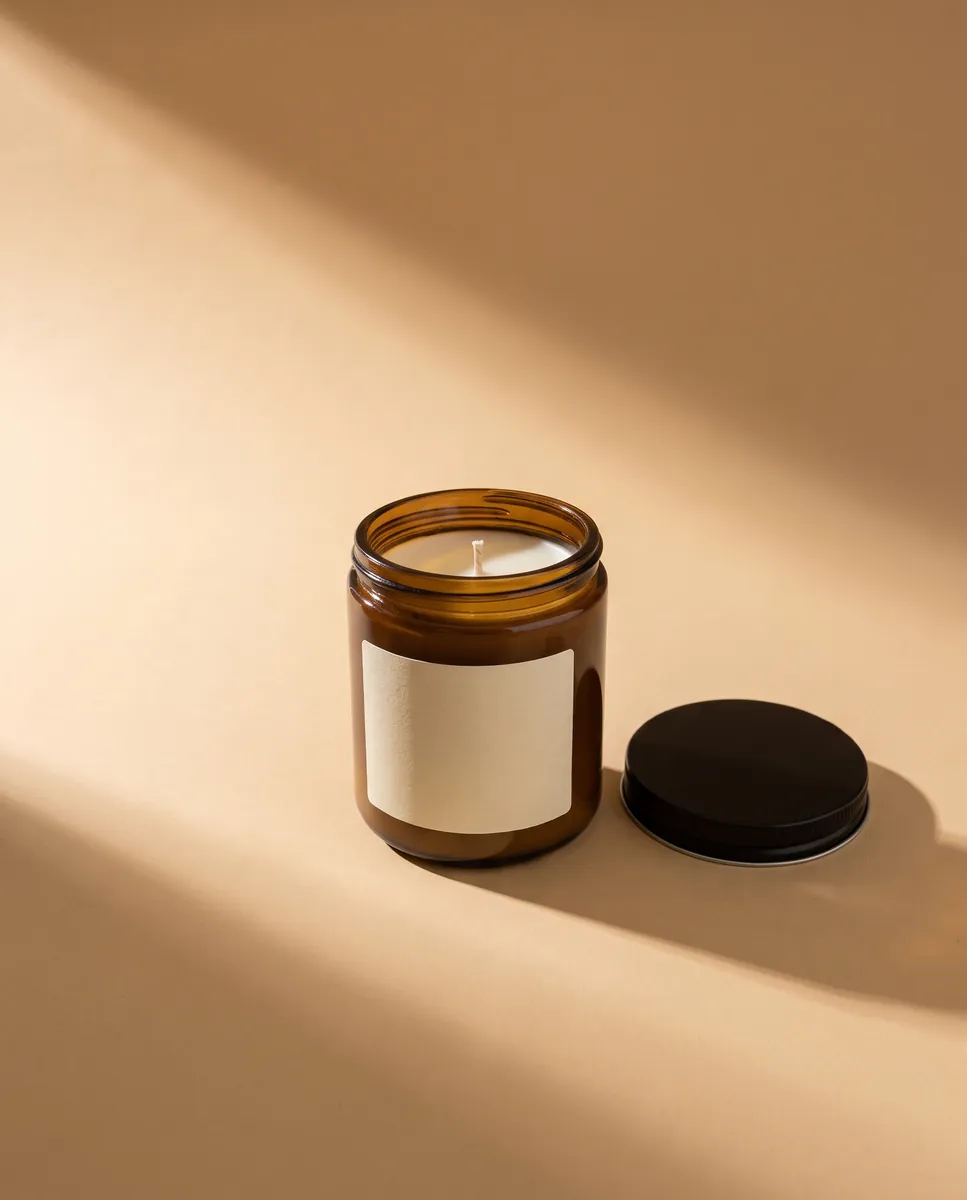
 BeforeAfter
Fix a dark photo and balance the color
Dim light and yellow bulbs spoil product color: red turns maroon and white looks grayish. Ask for more light and natural tones and the frame gets brighter without looking overdone. That matters for clothing and cosmetics, where buyers judge color by the photo. You do not have to fiddle with brightness and contrast sliders: describe the problem in plain words and the editor picks the values.
Get started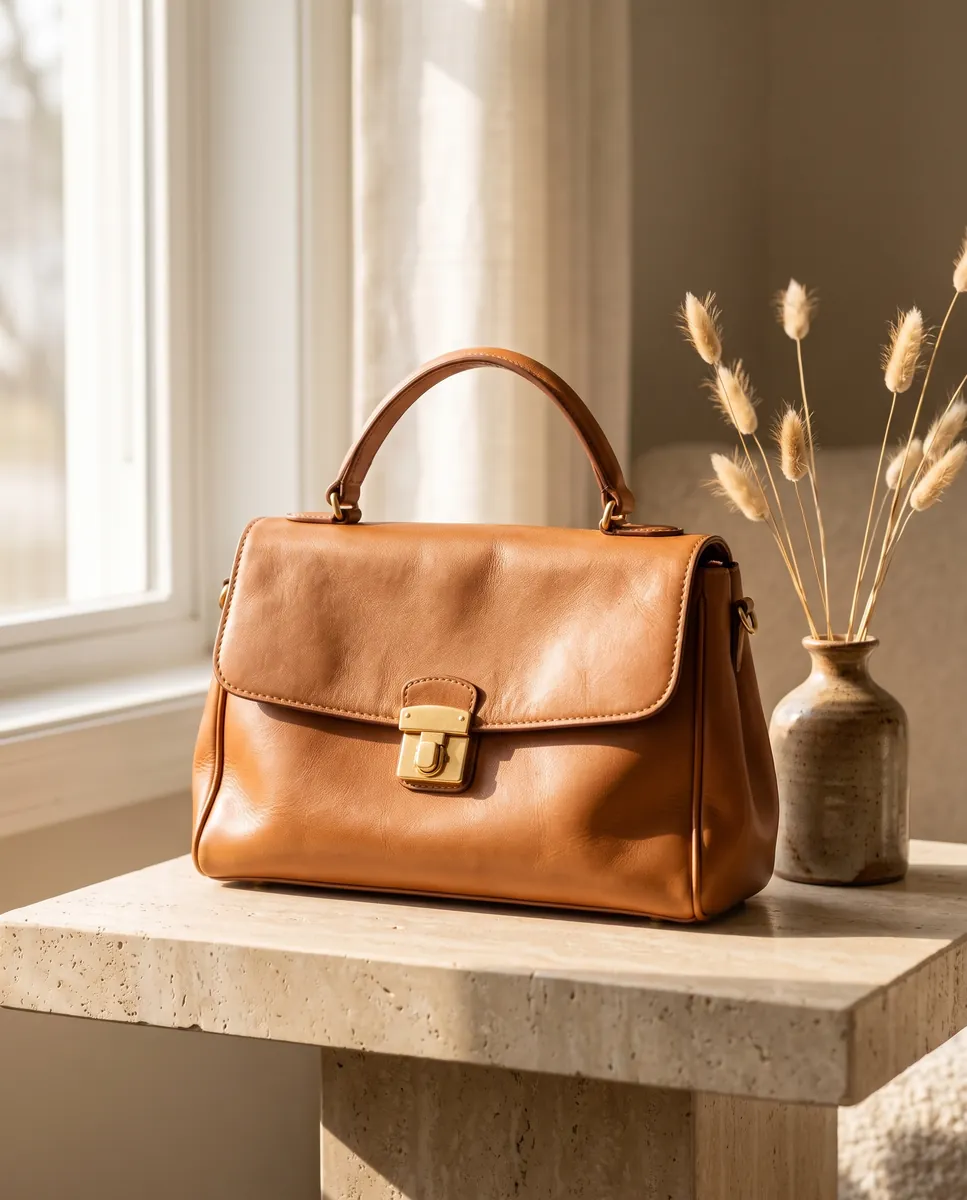
 BeforeAfter
Prepare the source image before a shoot
A sharp source is the base of any good generation. Enhance the image first, then run the photoshoot, and your angles and lifestyle shots come out cleaner. That way even an imperfect photo becomes material for a listing and a feed. The order matters: enhance first, then everything else, especially when the original photos were taken in a hurry. shoot from the enhanced photo
Get started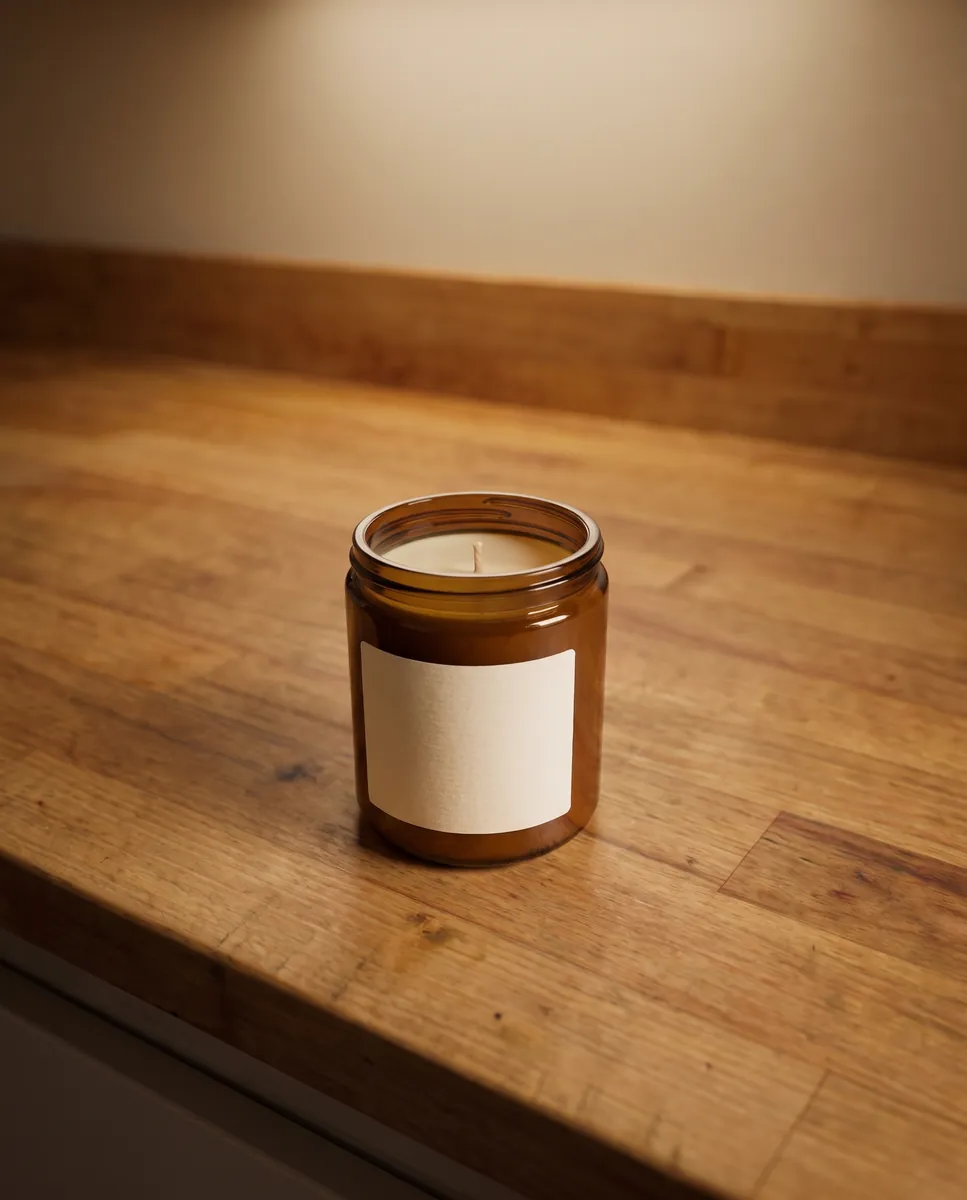
 BeforeAfter
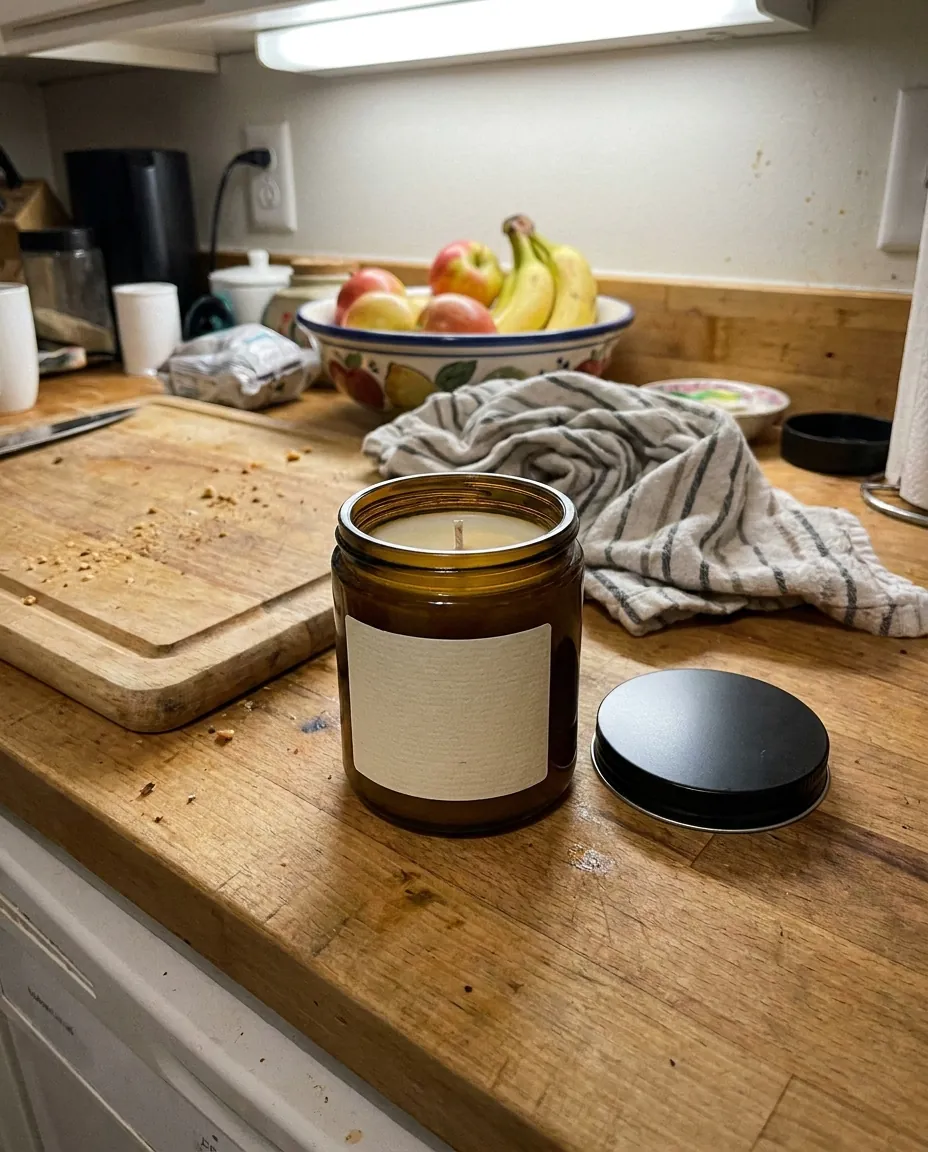
Remove flaws and finish the shot
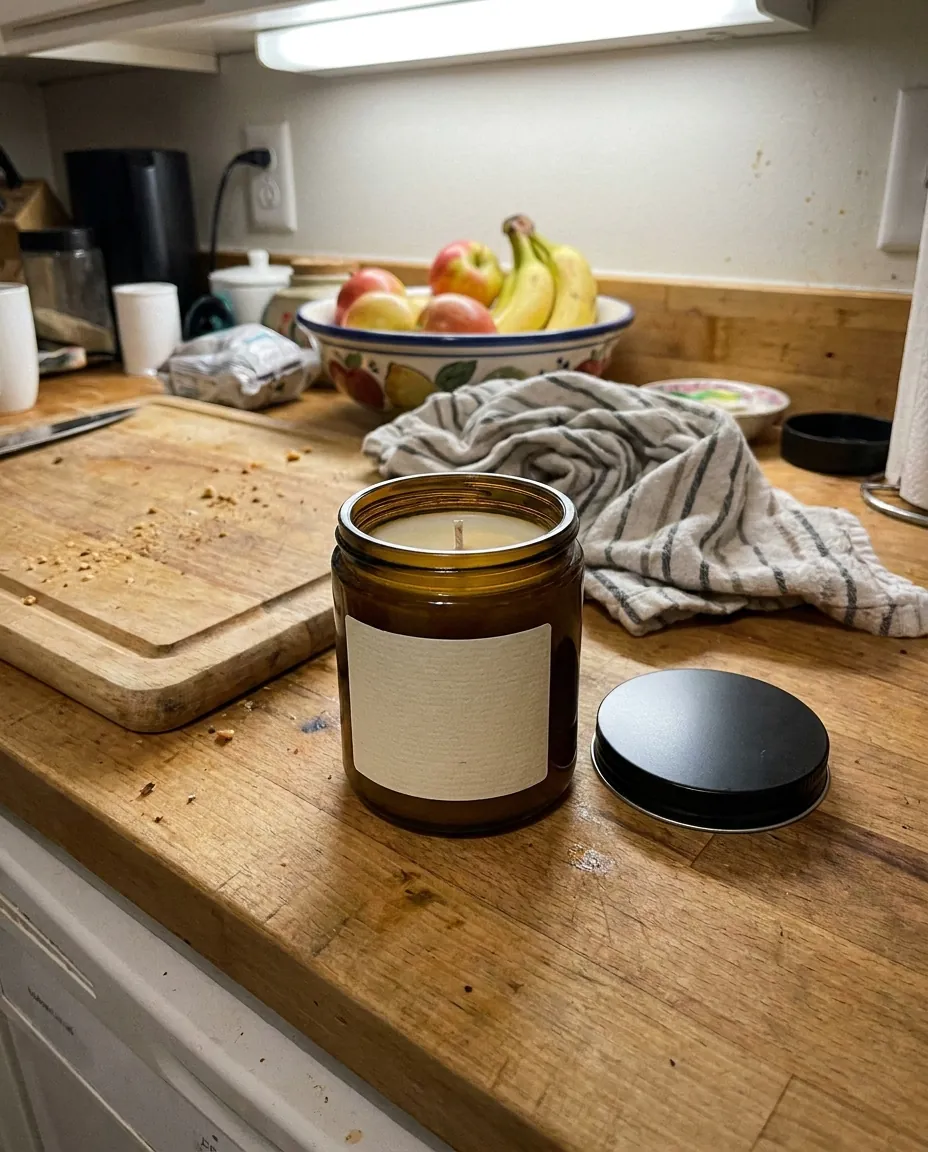
Sharpness is only part of the job. Stray objects, stains and dust also show, especially in close-ups. Remove them with a separate prompt and the photo is ready to publish. Every edit is kept in history, and rollback is free. That way one pass ends with a file you can use right away, not a rough draft you must finish in another program. remove stray objects from the frame
Get startedQuestions & answers
What is an image enhancer?
It is a neural network tool that raises sharpness, light and color in a photo and adds missing detail.
How do I enhance a photo in Wraxa?
1. Upload the photo.
2. Write what to improve: sharpness, light or color.
3. Compare the result with the original.
4. Download the best version.
Can I use the result on Amazon, Etsy and Shopify?
A sharp picture helps a listing look tidy. For size and background requirements, check the marketplace's rules.
How does it handle very poor photos?
The better the source, the better the output. A heavily blurred photo cannot be fully rescued, but it can usually be improved noticeably.
Will the product itself change?
Shape, color and pattern are preserved. If something looks off, go back to the previous version for free.
How is this different from a basic upscaler?
A basic upscaler only increases size. Here texture is rebuilt and light is improved, so the image looks cleaner, not just larger.
How much does Wraxa Visuals cost?
One-time access is $7 for 25 tokens: a single payment, no subscription or auto-renewal, and the tokens never expire. The Visuals subscription is $20 a month for 100 tokens every month, and you can cancel anytime. There is no free trial.
What is the difference between one-time access and the subscription?
One-time access is for trying it out: your 25 tokens stay with you until you use them. The subscription is for regular content: 100 tokens arrive every month, and the unused monthly allowance resets on renewal. Purchased tokens add up with the subscription.
Upload your first photo and see how your product can look. One-time access from $7, no subscription required.
Get started