
Photo to Video AI: Animate Your Product Photo in Minutes
Video grabs more attention than a still image, but filming clips takes time and skill. In Wraxa one frame is enough: the AI adds camera movement, light and atmosphere, and can even add a voice-over. You get a vertical video of 5 to 10 seconds, ready for Reels, stories and product pages.
Animate a photoHow it works
Pick a frame
Upload a photo or use a shot from your own photoshoot.
Set the length
Choose 5 to 10 seconds and optionally switch on a voice-over.
Download the clip
A vertical video, ready for Reels, TikTok and stories.
Turn a photo into a video for Reels and stories
A good clip does not have to be complicated. The camera slowly pushes in on the product, light moves across the surface and a live detail appears in the background. You get a vertical video of 5 to 10 seconds that holds attention and fits Reels, stories and ads. You can start from any photo, including one shot on a phone.
Animate a photoAdd a voice-over with one click
If you want the video to speak, not just move, switch on a voice-over. Decide what the voice should say: the product name, the main benefit, an invitation to visit your profile. That helps in ads and quick explainers where a caption is easy to skip. A voice is optional, and a silent clip still looks complete.
Animate a photo
Start from a finished photoshoot
Animation works best when the source frame already looks great. Run a product photoshoot first, choose the best lifestyle shot and animate that. You end up with a clip that matches your photos, not a random set of effects. One shoot yields both stills and video for different platforms, and the clip keeps the look of the photo. shoot your product with AI
Animate a photo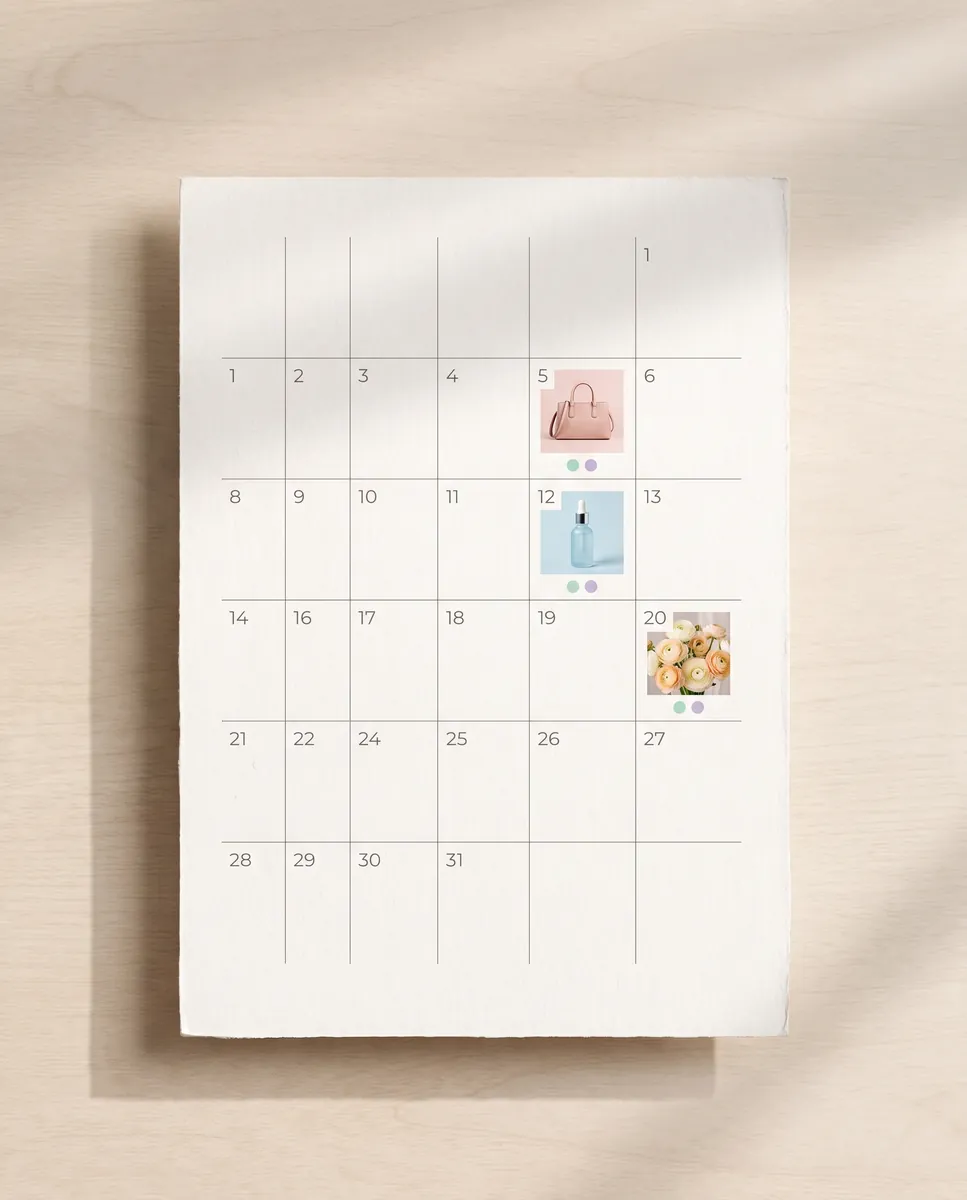
Fill your content plan with short clips
Short clips are an easy way to mix up regular posts and carousels so your feed does not feel repetitive. Build a weekly content plan, then cover the video slots without opening an editing app. Each clip can go out with a ready-made caption. Plan a few clips in one sitting and you will not have to think about video again for a while. build a social media content plan
Animate a photoQuestions & answers
What does it mean to animate a photo?
The AI takes a still image and turns it into a short video by adding camera movement, light and small details. The content of your frame stays yours.
How do I turn a photo into a video in Wraxa?
1. Upload a photo or choose a frame from a shoot.
2. Pick a length from 5 to 10 seconds.
3. Optionally add a voice-over and write its text.
4. Download the finished video.
How long are the videos?
Between 5 and 10 seconds. That is enough for Reels, stories and product pages, and you can post several clips in turn.
Will the video work on Amazon, Etsy and Shopify?
If the platform allows video on a listing, the clip will fit. Length and format rules differ between marketplaces and categories, so check them first.
How realistic is the motion?
Smooth, gentle movement works best: a camera push-in, swaying fabric, shifting light. A sharp source photo gives a visibly cleaner result.
Why not just film it myself?
Filming needs a camera, light and editing. Here one frame becomes a clip in a few minutes, and you can make several versions back to back.
How much does Wraxa Visuals cost?
One-time access is $7 for 25 tokens: a single payment, no subscription or auto-renewal, and the tokens never expire. The Visuals subscription is $20 a month for 100 tokens every month, and you can cancel anytime. There is no free trial.
What is the difference between one-time access and the subscription?
One-time access is for trying it out: your 25 tokens stay with you until you use them. The subscription is for regular content: 100 tokens arrive every month, and the unused monthly allowance resets on renewal. Purchased tokens add up with the subscription.

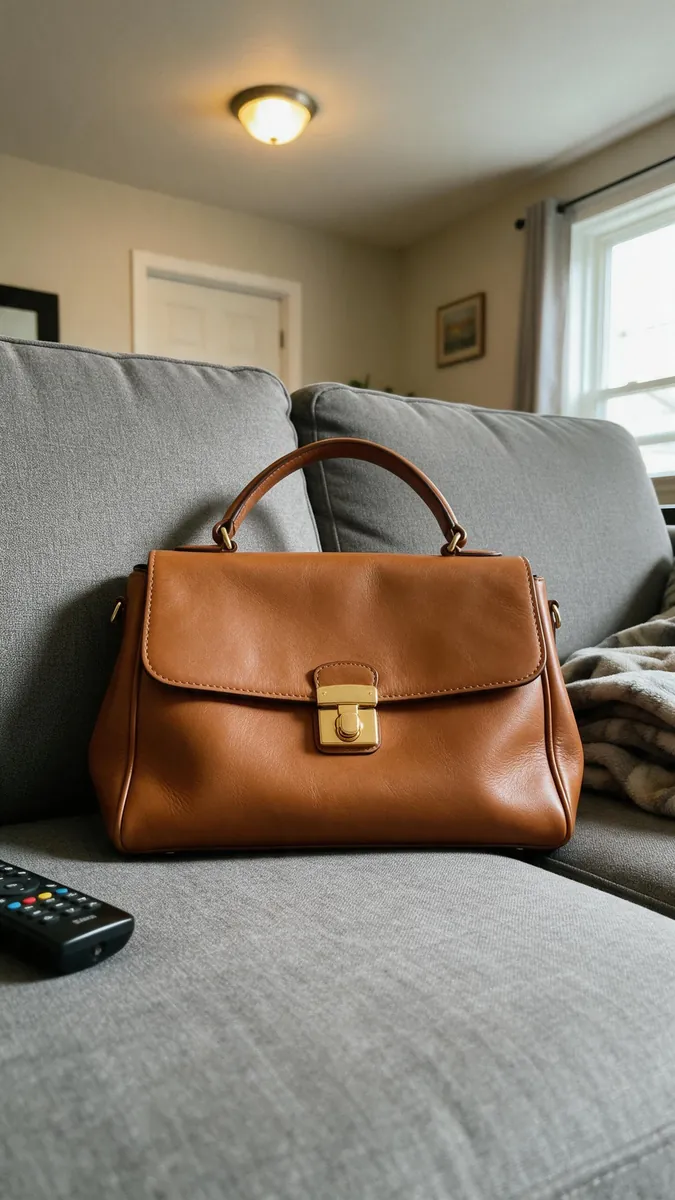



Upload your first photo and see how your product can look. One-time access from $7, no subscription required.
Animate a photo