
Instagram Post Generator: Posts and Carousels From Your Photos
No need to hire a designer or fight with a layout. Choose a product and a topic, and Wraxa assembles a post or a carousel: images, styling and a caption. Everything stays editable, and you can adjust any slide. Built for shops, makers and anyone who runs social media alone.
Get started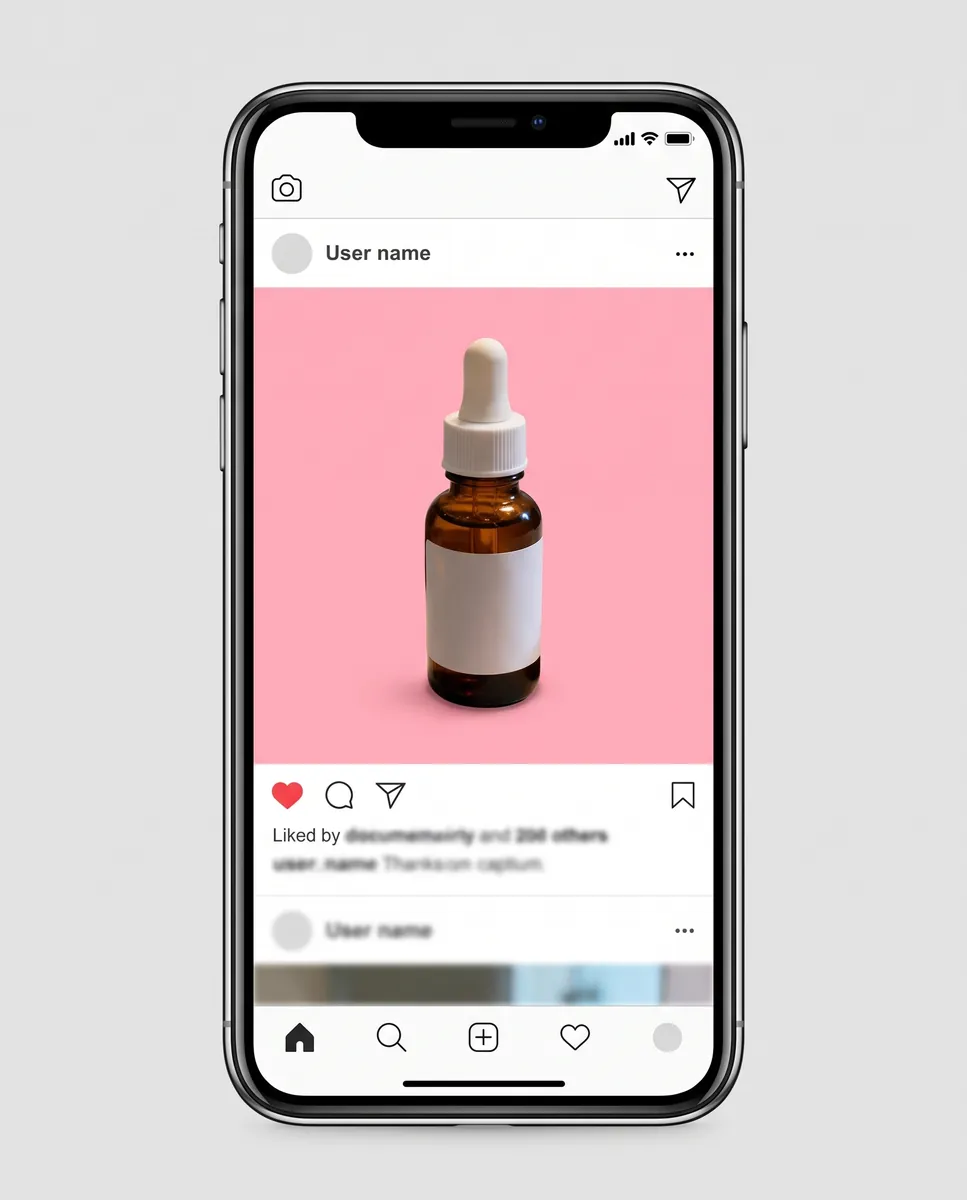
How it works
Pick a product and topic
Say what you are showing and what you want to talk about.
Get the layout
The AI builds the carousel slides and a caption to go with them.
Adjust and publish
Edit any frame with text and download the finished images.

Instagram carousel maker for product photos
A carousel holds attention longer than a single image: people swipe and learn more. Wraxa assembles slides from your photos: overview, details, use, call to action. You only need to review the result and tweak a slide if needed. It solves the main small business problem, which is not having time for layouts. The generator spares you from drawing layouts in a graphics editor: styling is built automatically and looks tidy.
Get startedCreate a social media post with a ready caption
A blank page is scary even for people who know their product well. The generator suggests caption text for each post: short, clear and with a point. Keep it as is or rewrite it in your own voice. That way posts go out regularly, not once a month when inspiration strikes. A good caption explains the benefit, answers a common question or tells a short story, and that is the manner in which it is suggested.
Get started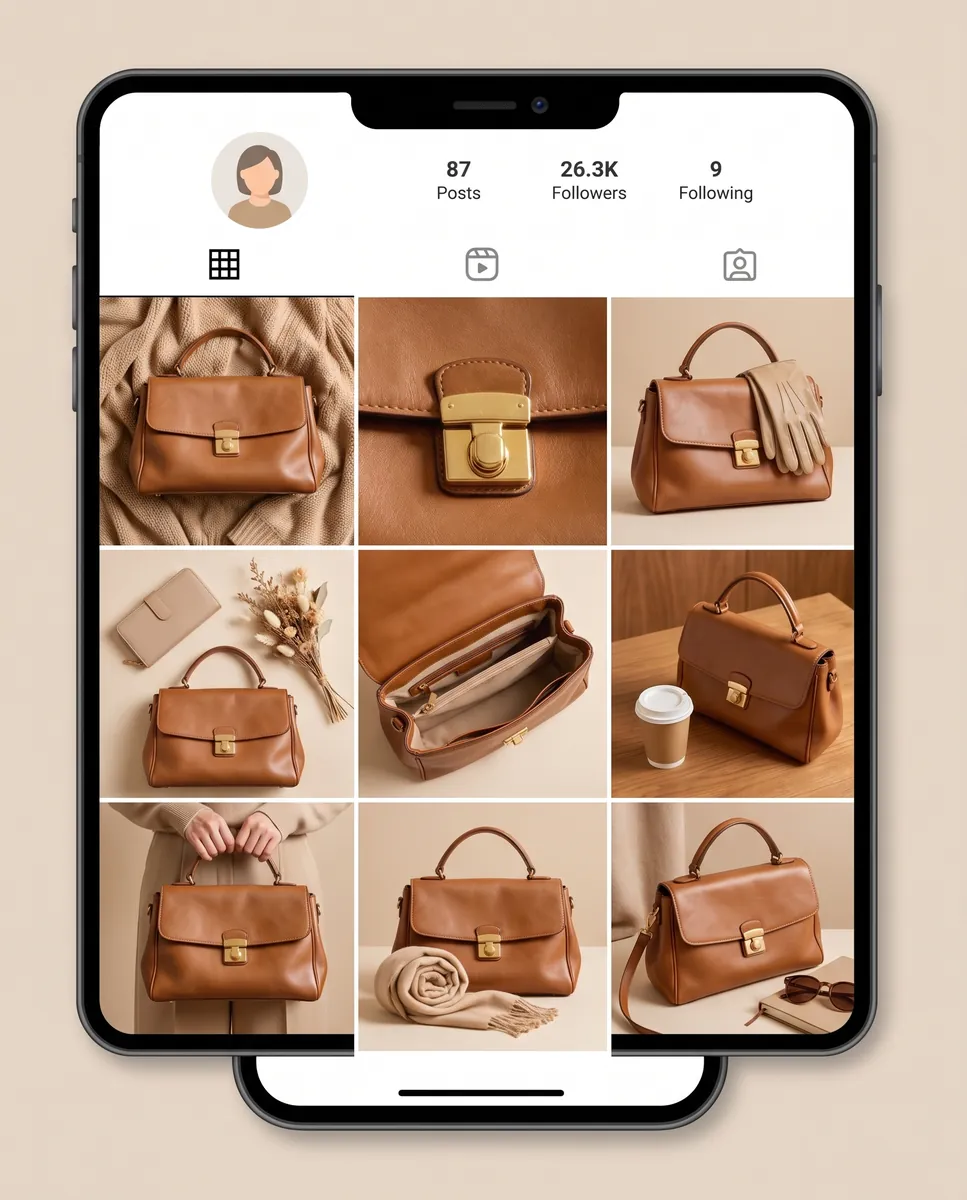
A consistent look across your feed
When every post comes from one series of frames, your feed feels put together. Run a product photoshoot, then use the lifestyle and studio shots across different publications. Shoppers see a recognizable account, not a random set of pictures. The same set of frames can feed both carousels and single posts, with different captions and accents. run a product photoshoot
Get started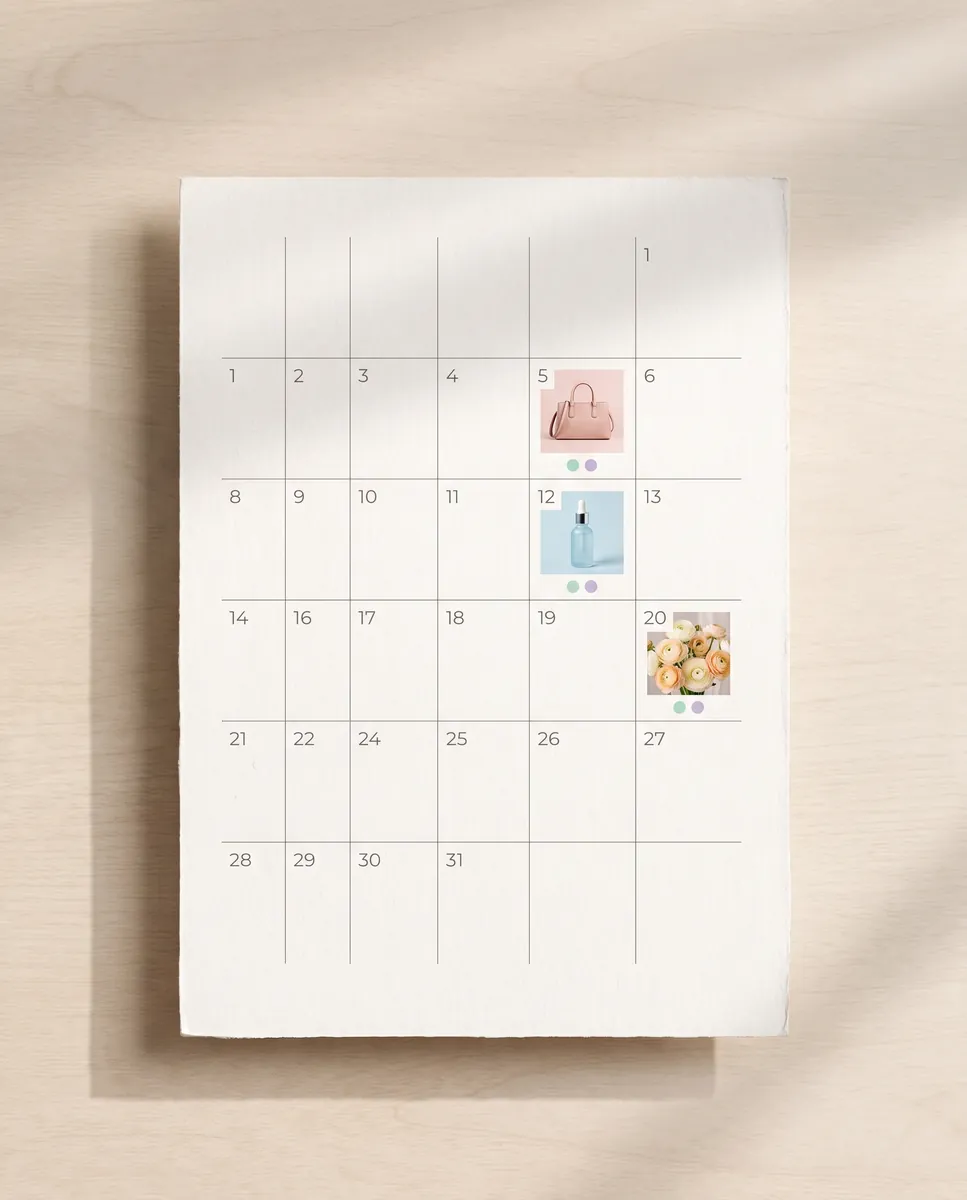
Posts that follow a content plan
To stop inventing a topic every day, build a plan for the month and fill it with posts in order. The plan already has topics and formats, so you only choose the product. Mix regular posts with short videos so the feed stays alive. That way you always have the next post in reserve and do not skip weeks for lack of ideas or time. build a content plan
Get startedCheck your profile and competitors first
Before you publish, look at what already works for you and for others in your niche. Profile and competitor analysis shows which formats and topics get a response. Those hints help you decide which post to make next. With these hints it is easier to decide what to tell followers so your posts do not get lost in the stream.
Get startedQuestions & answers
What is a post generator?
It is a tool that turns your photos and a topic into a finished post or carousel with styling and a caption.
How do I make an Instagram post in Wraxa?
1. Choose a product and a topic.
2. Get carousel slides and a caption.
3. Fix any frame with a text prompt.
4. Download the images and publish.
Can I publish directly to Instagram?
No. You download the finished images and text and publish them yourself.
Will the images work for Amazon, Etsy and Shopify?
Posts are designed for social media. For listings use the studio shots from a photoshoot, and check each marketplace's image rules.
Is the caption text unique?
It is written for your product and topic, but we recommend rereading it and adding personal details from your business.
How is this different from Canva?
In Canva you build the layout yourself. Here the layout and text are generated from your photos and you only review the result.
How much does Wraxa Visuals cost?
One-time access is $7 for 25 tokens: a single payment, no subscription or auto-renewal, and the tokens never expire. The Visuals subscription is $20 a month for 100 tokens every month, and you can cancel anytime. There is no free trial.
What is the difference between one-time access and the subscription?
One-time access is for trying it out: your 25 tokens stay with you until you use them. The subscription is for regular content: 100 tokens arrive every month, and the unused monthly allowance resets on renewal. Purchased tokens add up with the subscription.


Upload your first photo and see how your product can look. One-time access from $7, no subscription required.
Get started