
Product video from photo: animate a still into a Reel in minutes
Turn an ordinary product photo into a 5 to 10 second video for Reels, Stories and your listing. Upload an image to Wraxa, pick a length and the AI animates it. No camera crew, no editing: all you need is a phone or desktop browser.
Try for $7How it works
Pick a photo
Use a finished studio frame or a regular product picture.
Animate it
Choose a length of 5 to 10 seconds and the AI adds camera and scene motion.
Download the video
Post it as a Reel or Story, or add it to your product page.
Animate a product photo in one step
Upload a picture, choose a length of 5 to 10 seconds and the AI adds smooth motion: the camera pushes in, light glides across the surface and the scene comes alive. The result is a short video that holds attention longer than a still image. No filming, lighting or editing involved. animate a photo into a video
Try for $7
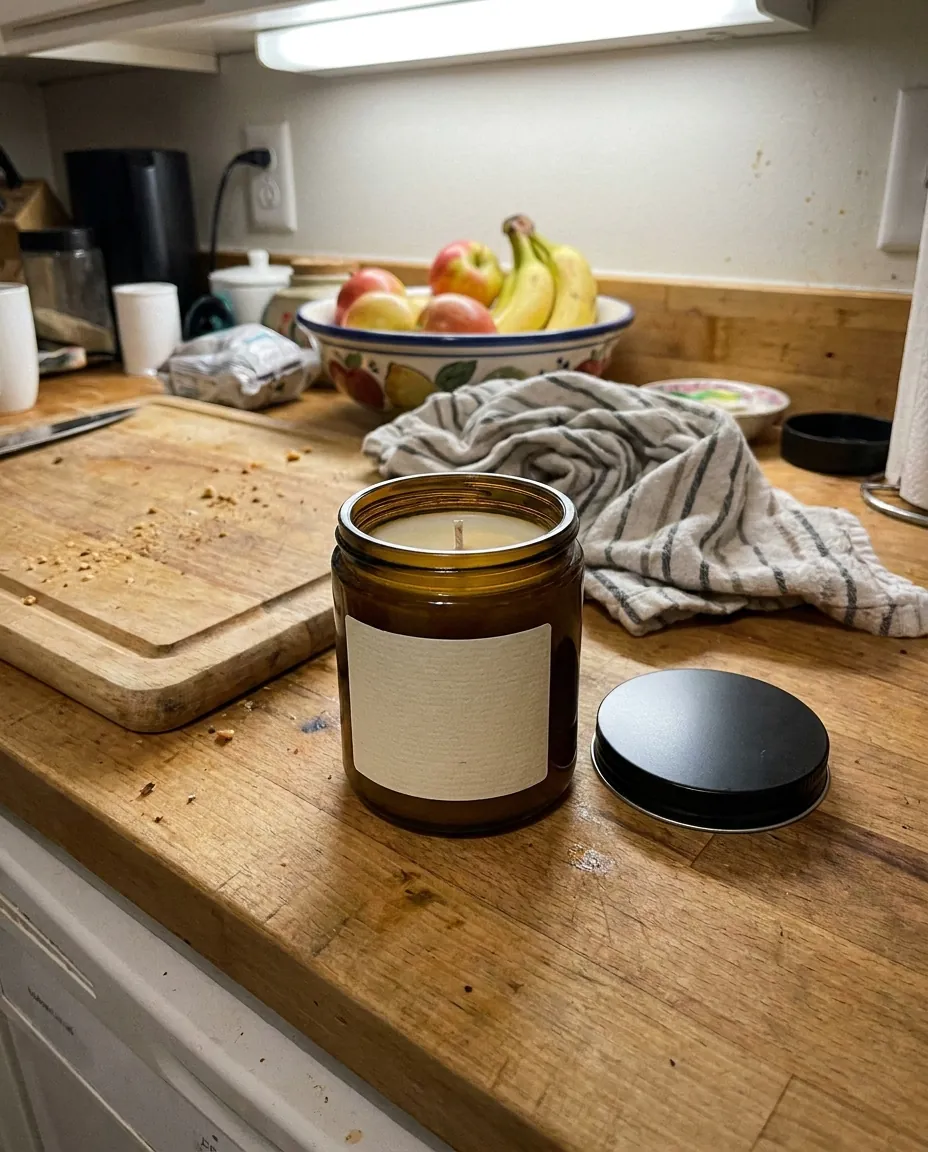 BeforeAfter
Start with a strong frame
A video looks best when the starting image is clean. Use the AI photoshoot to get studio and lifestyle frames from one photo, then animate the best one. Your clip opens with a polished picture rather than a rushed snapshot. AI product photoshoot
Try for $7Vertical format for Reels
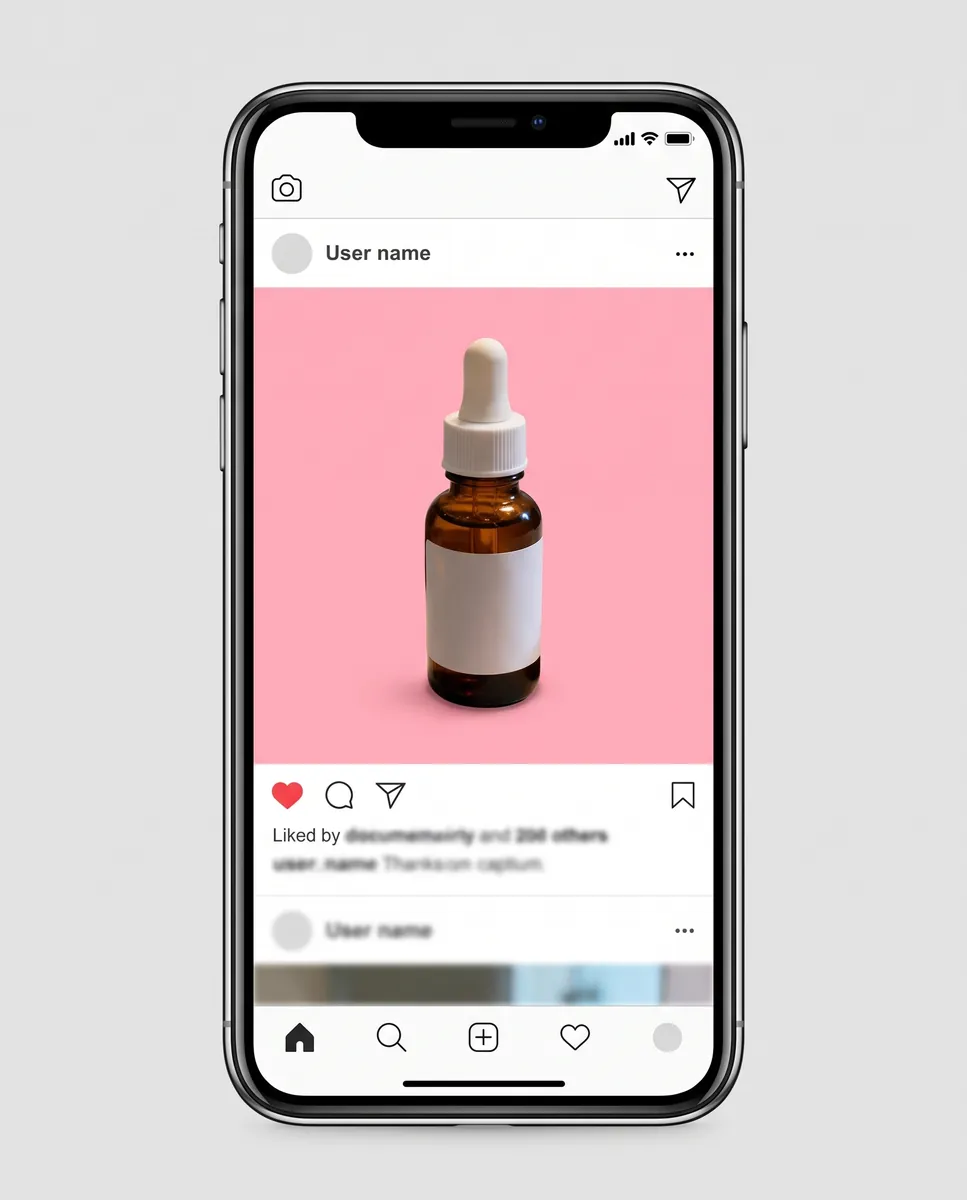
Reels and Stories live in 9:16. Wraxa creates frames in that format, so your clip fits a phone screen without cropping. You can build several videos from different angles and rotate them through your feed. That saves you from re-editing the same clip for every platform. Instagram posts and carousels
Try for $7
Ideas for what to post
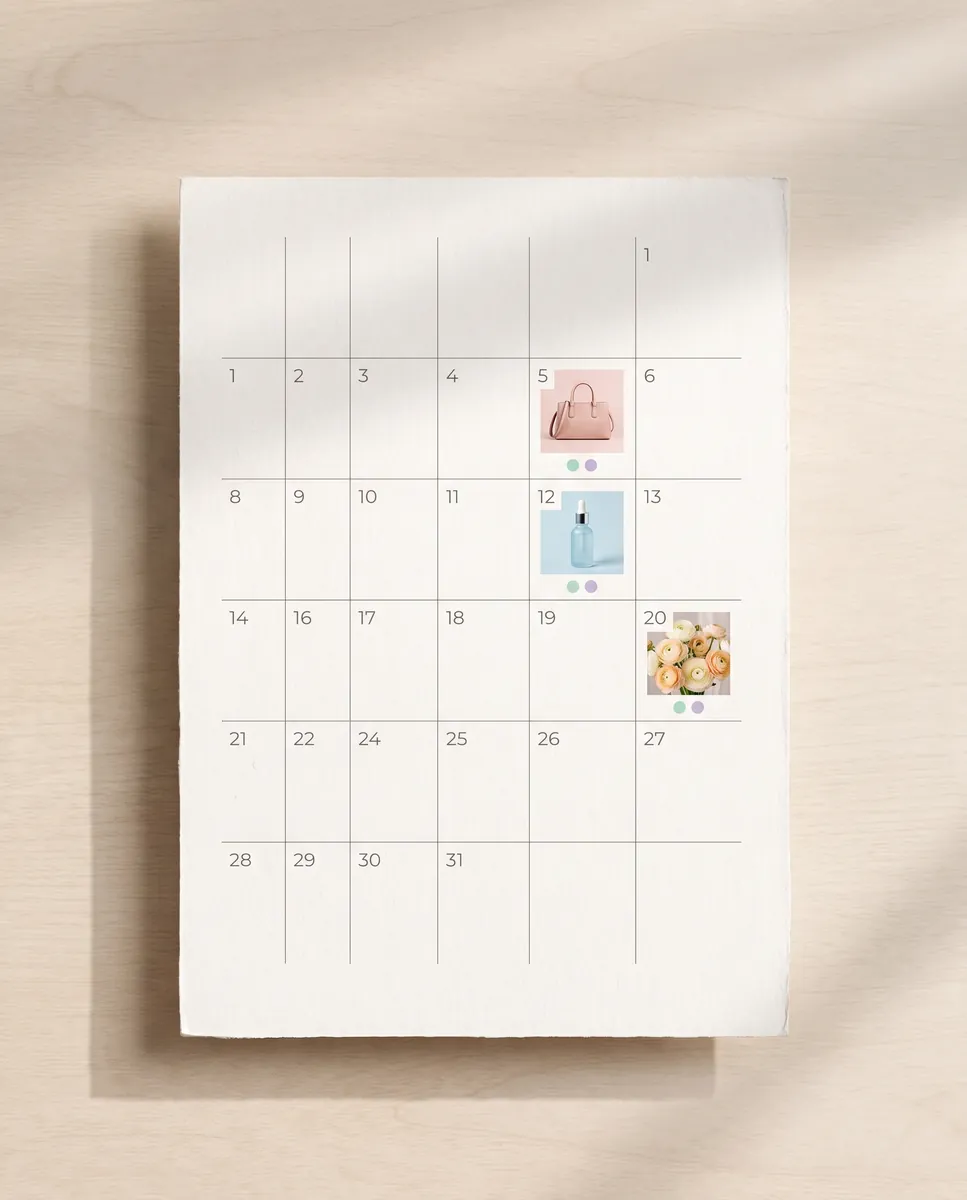
Not sure what videos your shop needs? The content plan suggests themes and series, and competitor analysis shows what works in your niche. Videos then fit into a schedule instead of piling up unused. You always know what to film and post next week. content plan for your shop
Try for $7Questions & answers
What is a product video from a photo?
It is a short clip an AI generates from a still image by adding smooth camera and scene motion. In Wraxa, clips run 5 to 10 seconds.
How realistic is the video?
Short clips with gentle motion look convincing, especially from a sharp source frame. Fine details and small text on packaging can shift, so review the result before you publish.
Can I use the video on Amazon, Etsy or Shopify?
Many platforms accept product video, but length, format and file-size rules differ by platform and change over time. Check the current guidelines before you upload.
Do I need a camera crew or a studio?
No. You need a product photo and a browser. A crew is only useful for complex staged scenes with people.
How much does Wraxa Visuals cost?
One-time access is $7 for 25 tokens: a single payment, no subscription or auto-renewal, and the tokens never expire. The Visuals subscription is $20 a month for 100 tokens every month, and you can cancel anytime. There is no free trial.
What is the difference between one-time access and the subscription?
One-time access is for trying it out: your 25 tokens stay with you until you use them. The subscription is for regular content: 100 tokens arrive every month, and the unused monthly allowance resets on renewal. Purchased tokens add up with the subscription.
How many tokens does one photo or video use?
One photo uses about 1 token and one video about 12, so 25 tokens cover roughly 25 photos or 2 videos. You see the exact cost before you start, and failed generations are never charged.
Tools for this job


Upload your first photo and see how your product can look. One-time access from $7, no subscription required.
Try for $7