AI Fashion Models: Show Your Clothes on a Model, Without a Shoot
Models, studios and photographers add up fast, yet a product shown on a real person sells better than one on a hanger. In Wraxa you upload a photo of your clothing or accessory, then pick a person from our model library or add your own model photo. The AI does the rest.
Get started
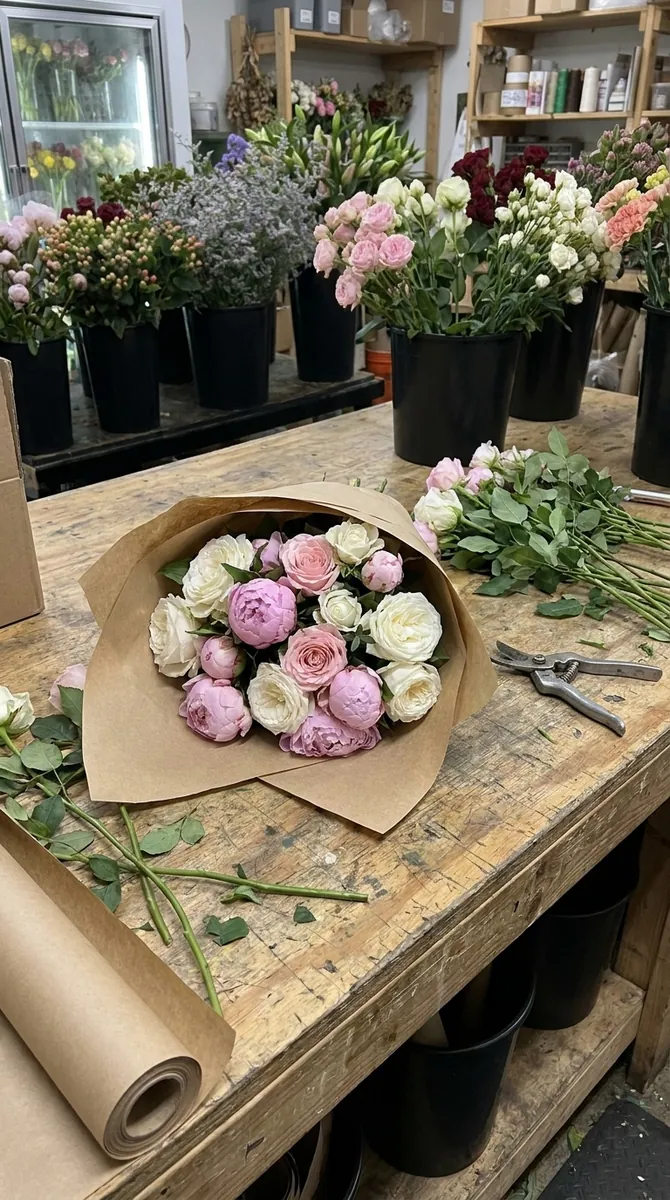 BeforeAfter
How it works
Upload your product
A photo of a garment or accessory, ideally on a plain background so cut, color and fabric are visible.
Choose a model
Pick someone from the Wraxa library or upload a photo of your own model.
Get the shot
The AI dresses the model in your item and renders a finished photo in your chosen format.
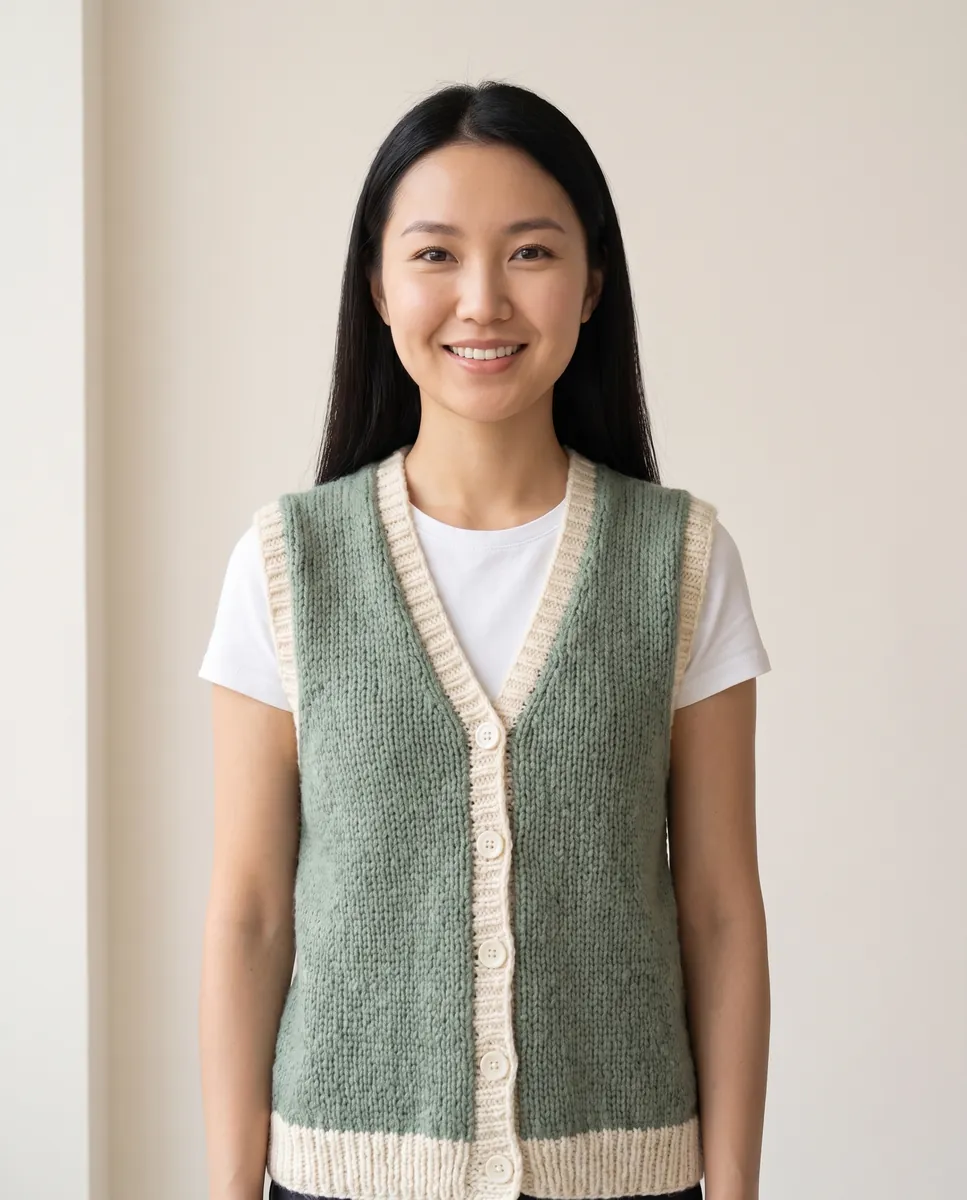
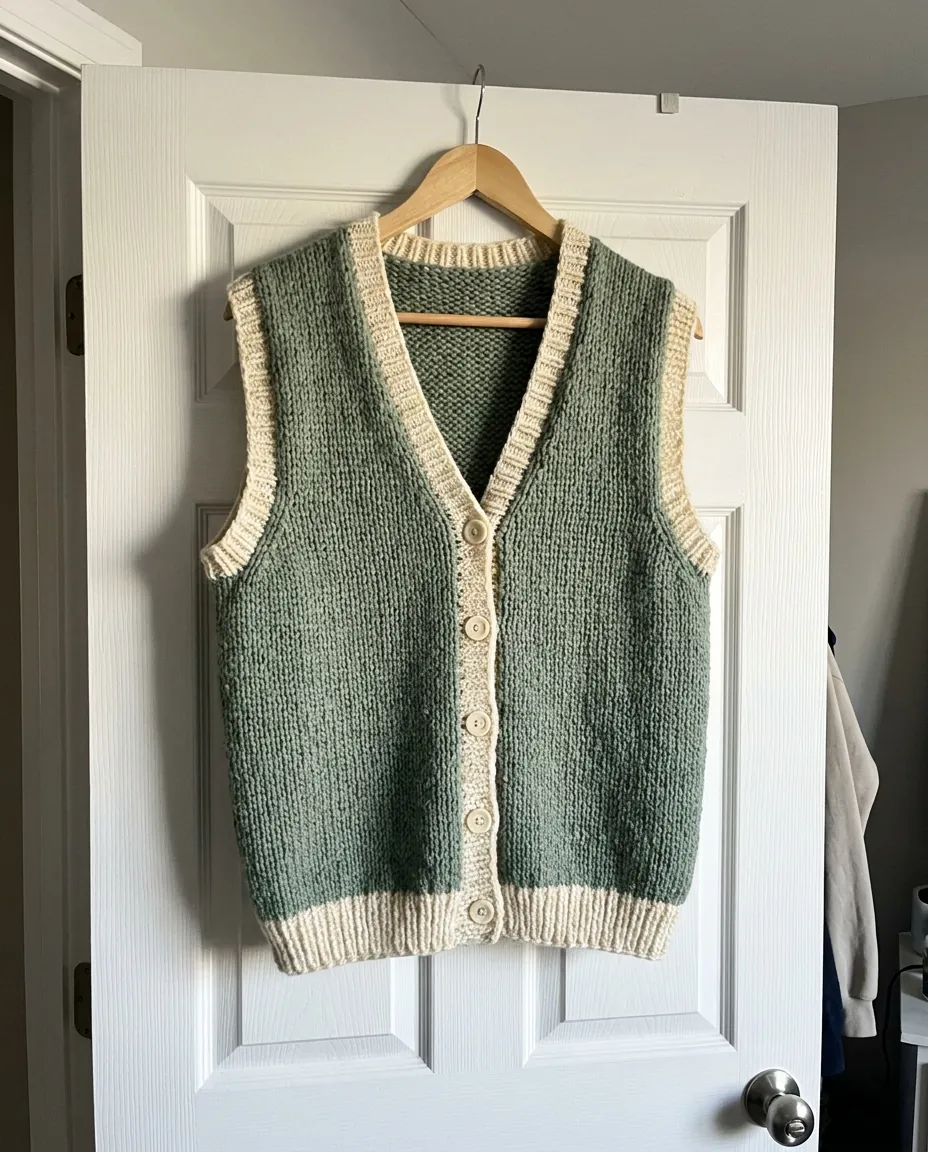 BeforeAfter
Clothes on model with AI instead of a shoot day
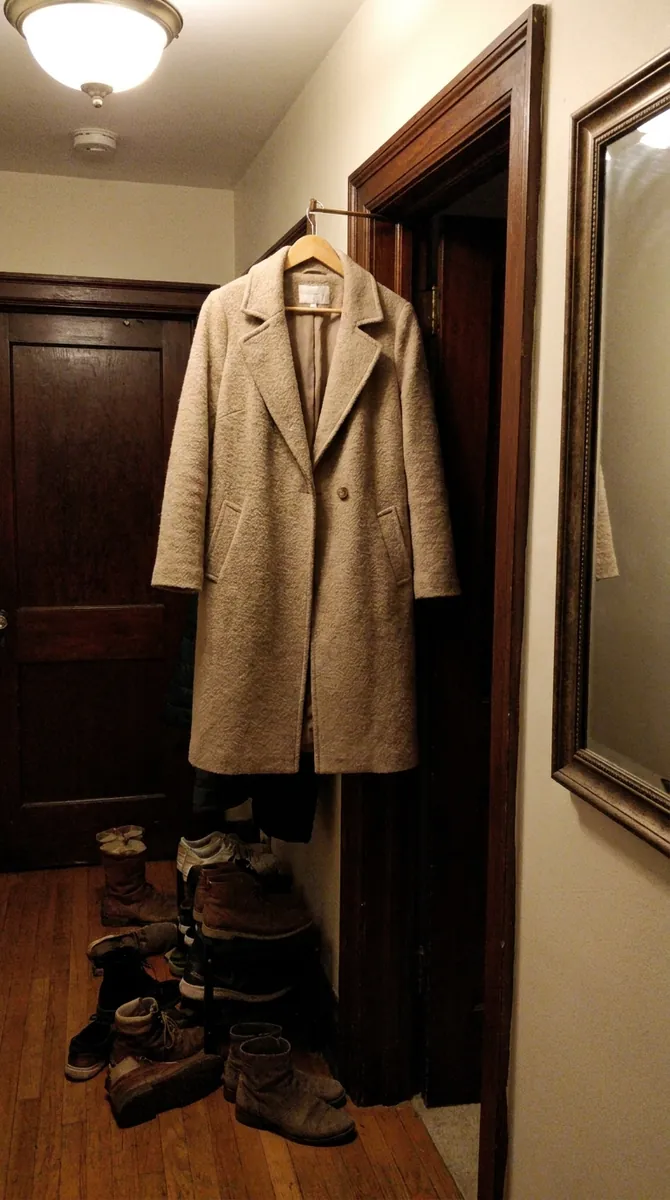
A regular fashion shoot needs a model, a makeup artist, a studio and hours of sorting through frames. Here the process is short: upload the garment, choose a person and let the AI assemble the look. Dresses, hoodies, scarves and bags fit the body naturally, while fabric, print and color stay recognizable. Swap models and test different looks without inviting anyone.
Get startedBeforeAfterYour own model or one from the library
The library offers different looks, so you can pick the one that fits your audience. If you already work with a regular model, or you are the face of your brand, upload that photo and every new item will be shown on the same person. Your brand keeps one consistent look from listing to listing, like in a big campaign, only without the schedule or the budget.
Get started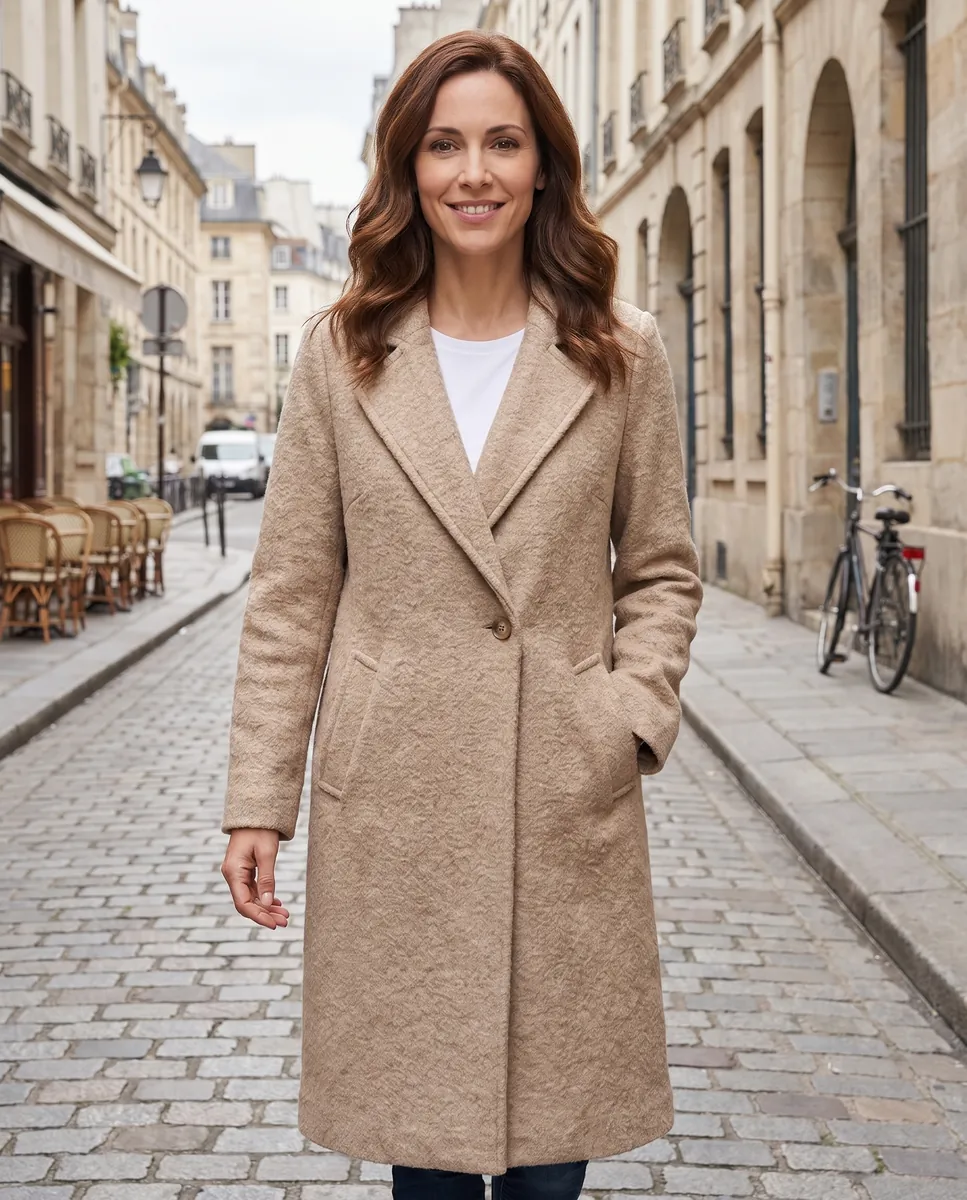
 BeforeAfter
Model photos sized for listings and feeds
The same shot comes out as 3:4 for a product page, 4:5 for the feed and 9:16 for stories. If you want a livelier setting, change the scene: a city street, a bright interior or a neutral studio. That way the image is built for the platform, not the other way around, and you spend no time resizing. change the background to any scene
Get startedFrom a still look to a moving clip
A static look is easy to turn into a short video. The model turns slightly, fabric sways and light glides across the surface. Clips like this work well in Reels and in listings that allow video. Pick a finished frame and start the animation for 5 to 10 seconds. Use it to test which items deserve a full campaign before you spend anything on a shoot. animate your model photo
Get startedQuestions & answers
What is an AI fashion model?
It is a generated person on whom the AI places your product. You get a photo of the item worn by a model without hiring, shooting or retouching anyone.
How do I put clothes on an AI model?
1. Upload a photo of your garment or accessory.
2. Choose a model from the library or add your own photo.
3. Pick the image format.
4. Download the result or fix a detail with a text prompt.
Can I use my own model photo?
Yes. Upload the photo and your products will be shown on that person. Make sure you have the right to use the image in advertising.
Will the images work for Amazon, Etsy and Shopify?
The 3:4 and 1:1 formats cover the usual listing needs. Rules differ by category and marketplace, so check the requirements before you upload.
How realistic is the fit?
Fabric, color and print are preserved, and the item follows the body. For layered outfits, review the result and, if a detail looks off, describe it in text or generate the shot again.
How is this different from a regular photo editor?
A standard editor cannot put a garment on a person. Here you get a finished photo of the item worn by a model, not a collage with a pasted cutout.
How much does Wraxa Visuals cost?
One-time access is $7 for 25 tokens: a single payment, no subscription or auto-renewal, and the tokens never expire. The Visuals subscription is $20 a month for 100 tokens every month, and you can cancel anytime. There is no free trial.
What is the difference between one-time access and the subscription?
One-time access is for trying it out: your 25 tokens stay with you until you use them. The subscription is for regular content: 100 tokens arrive every month, and the unused monthly allowance resets on renewal. Purchased tokens add up with the subscription.
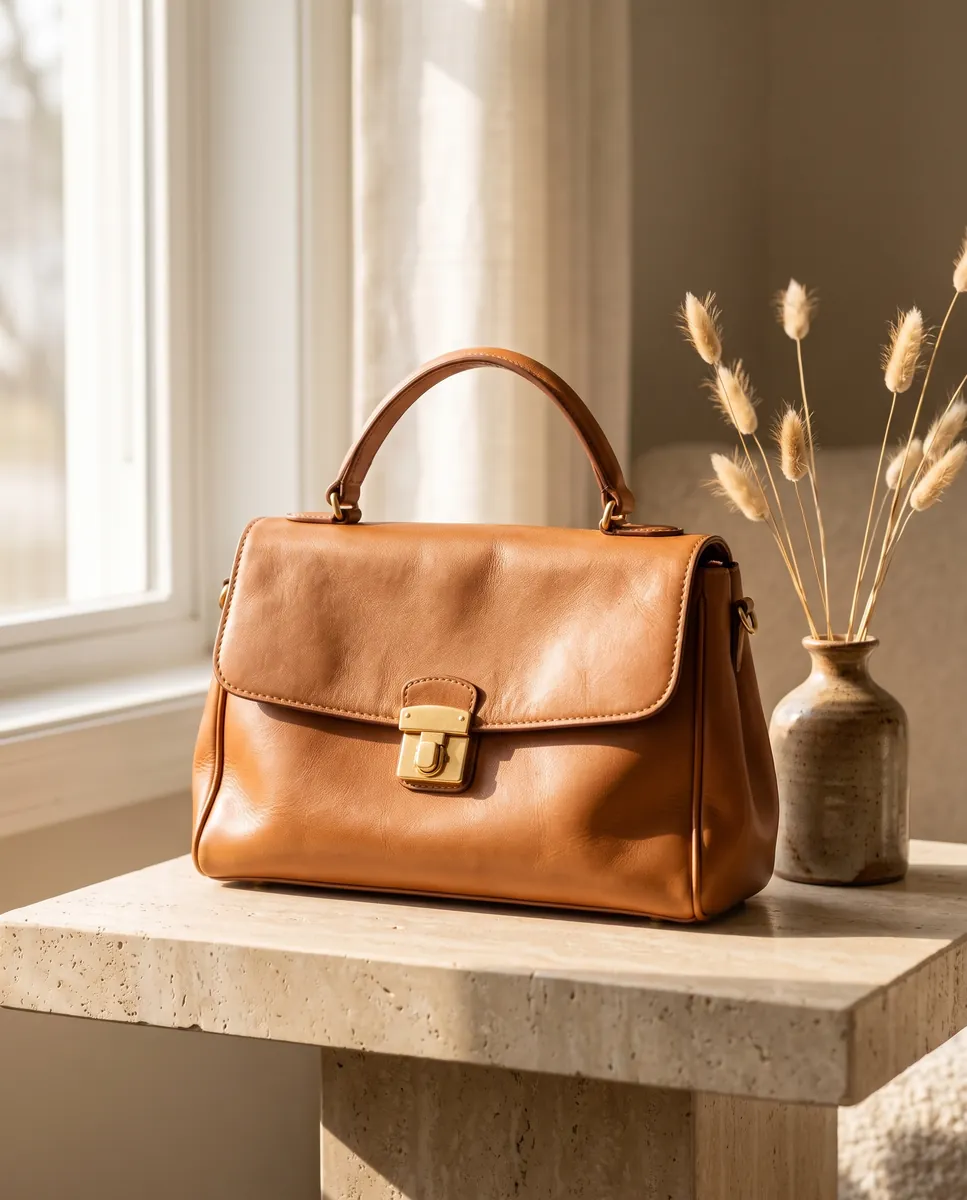
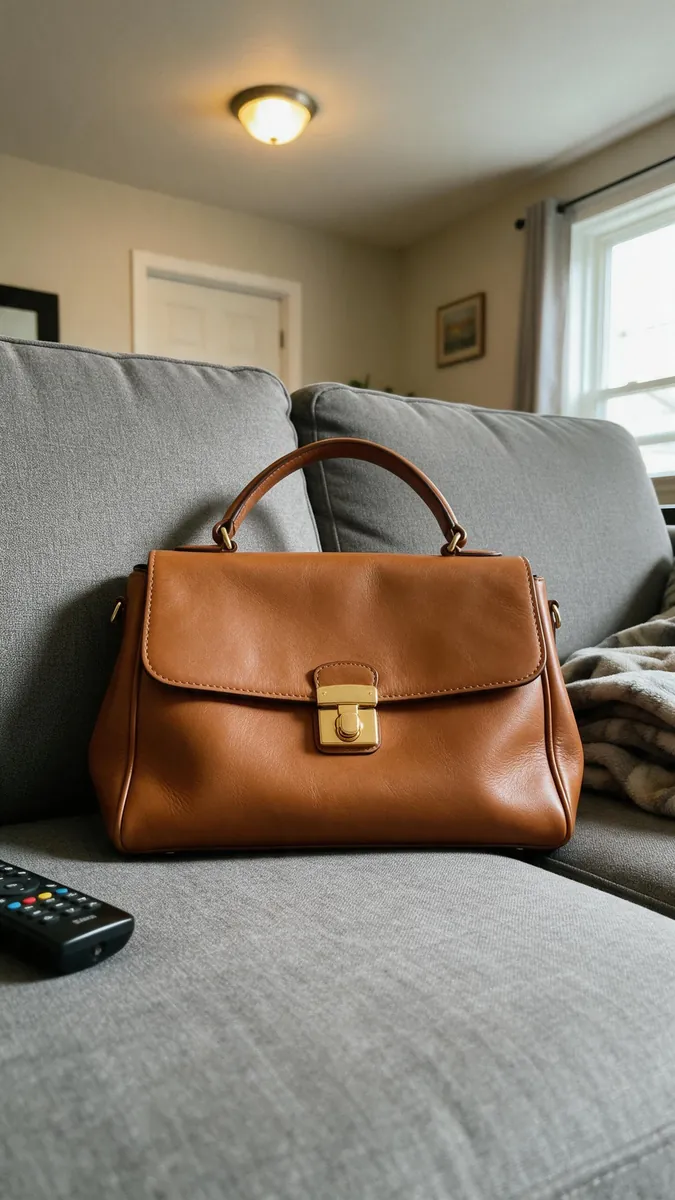
Upload your first photo and see how your product can look. One-time access from $7, no subscription required.
Get started