Jewelry product photography AI: sparkle and detail without a studio
Rings, earrings and chains are hard to shoot: glare, reflections, tiny details. Upload one photo of your piece to Wraxa and get clean studio frames and lifestyle scenes. It runs in your browser on phone and desktop, with no studio or costly gear.
Try for $7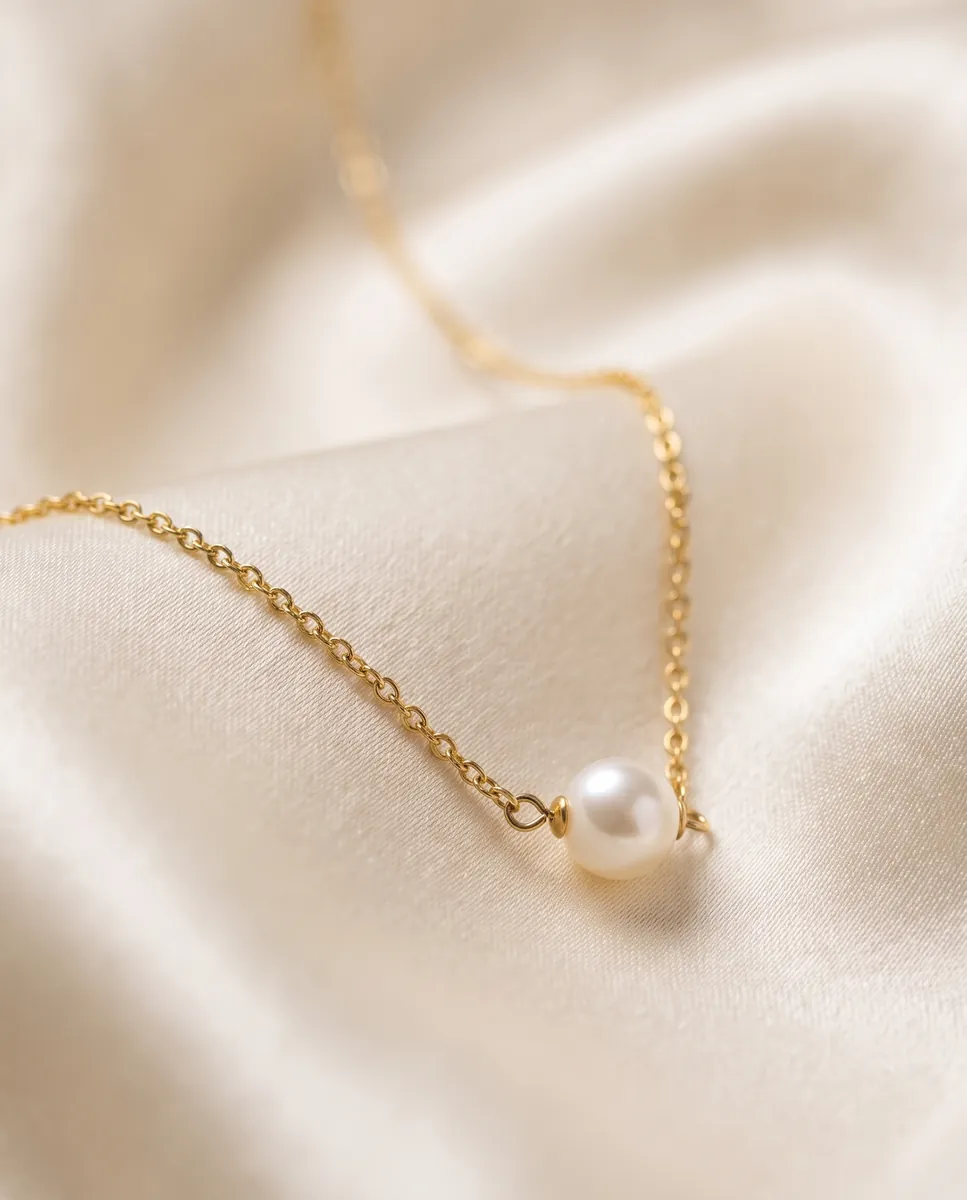
 BeforeAfter
How it works
Shoot your piece
Place it on a light flat surface and take a sharp phone photo.
Run the photoshoot
The AI creates studio angles and two lifestyle shots that keep the shape and stones.
Refine and download
Remove distractions, add light or swap the background by text, then download.
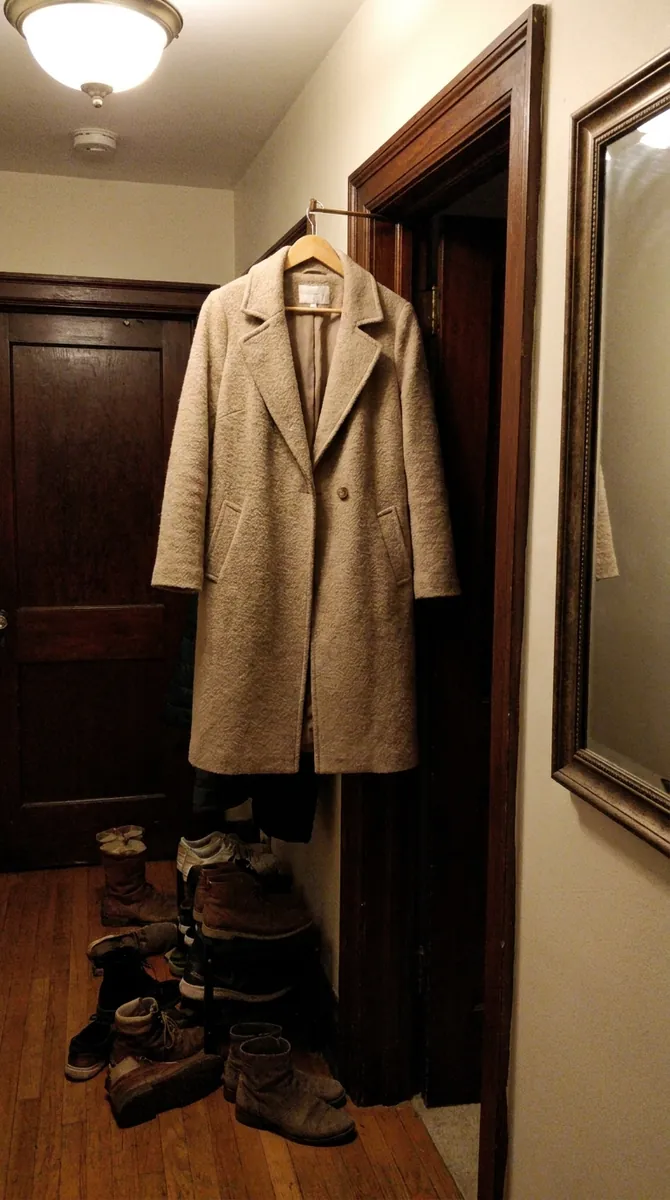
BeforeAfterStudio frames without the glare
Metal and gems catch reflections, and on an amateur shot they hide the piece. The AI photoshoot builds a series of clean frames on a neutral backdrop from one photo: wide, angled and close. The shape and settings stay recognizable and the background stays tidy. AI photoshoot for jewelry
Try for $7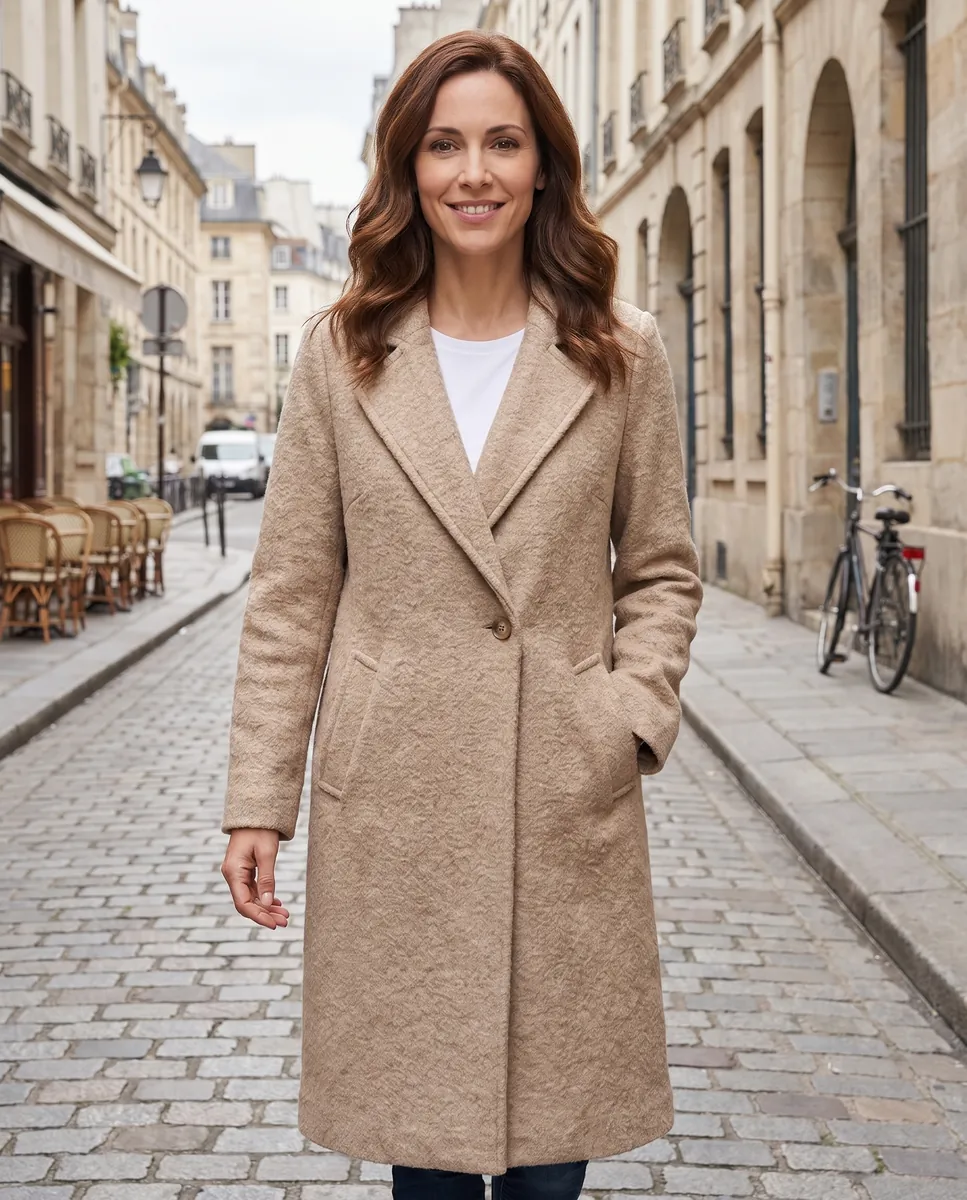
 BeforeAfter
Jewelry on a model
Shoppers want a sense of scale: how a ring sits on a hand or how earrings look worn. Choose a model from the library or upload your own model photo and Wraxa shows the piece worn. It helps close the sale and replaces a separate shoot. jewelry on an AI model
Try for $7
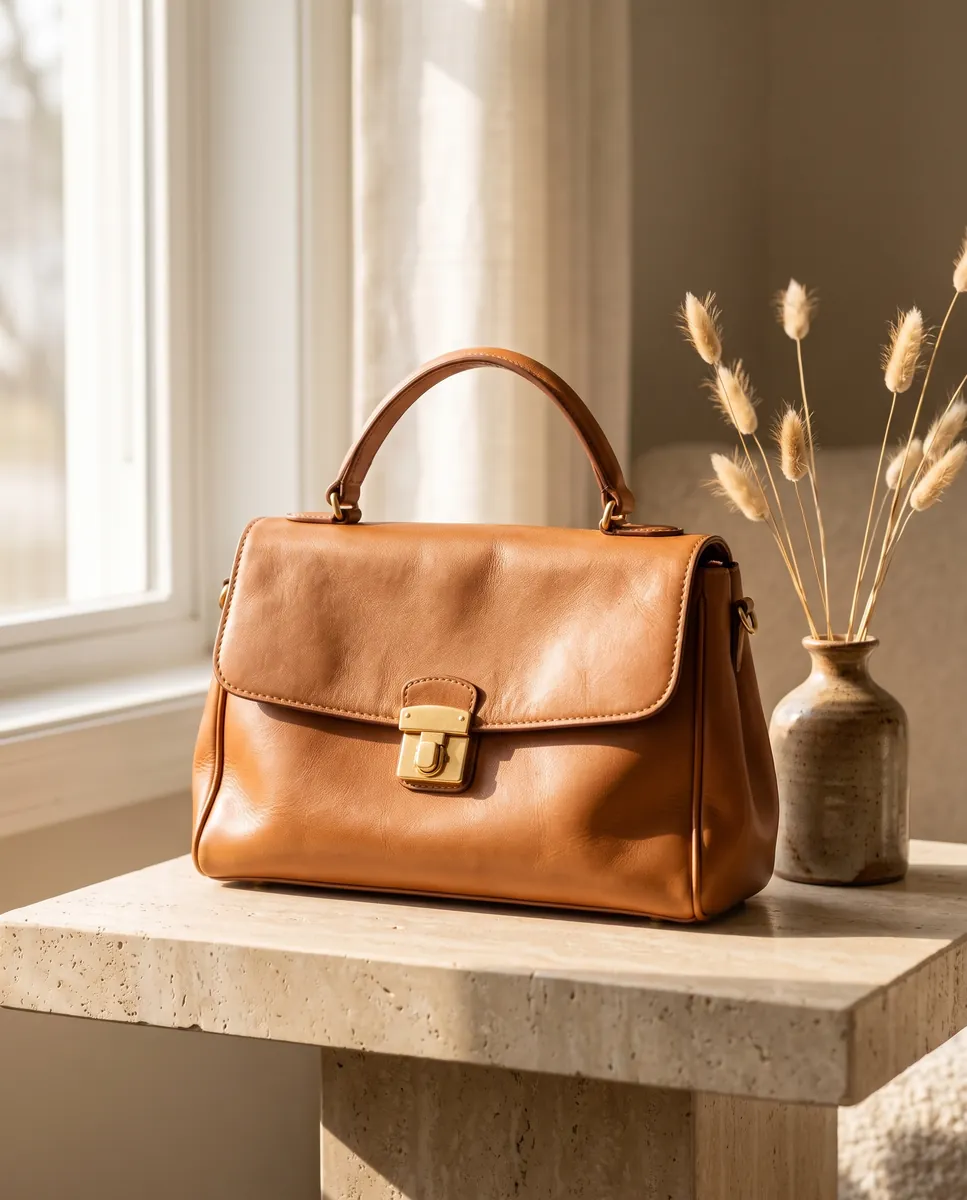
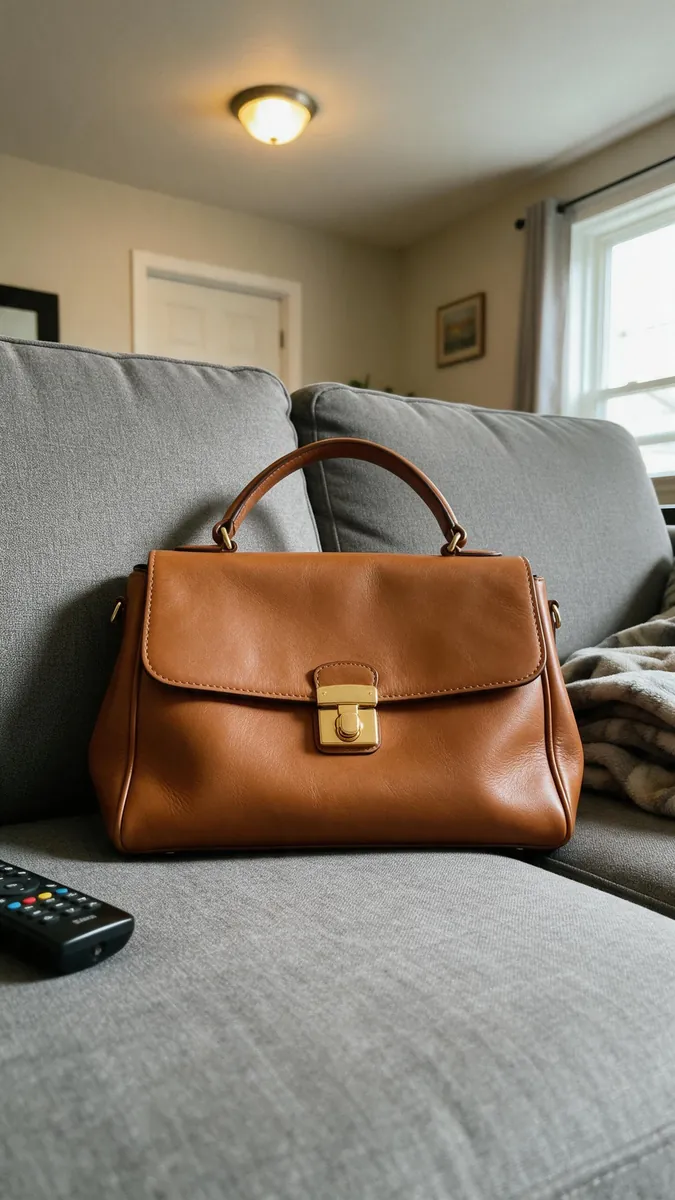
A backdrop that fits the collection
A minimalist bracelet suits pale stone while evening earrings look right on dark velvet. Describe the scene in text and the AI places your piece in that mood. Swap scenes for seasons and sales without reshooting. Each scene is saved as its own version, so you can go back to the one you liked. change the background of a jewelry photo
Try for $7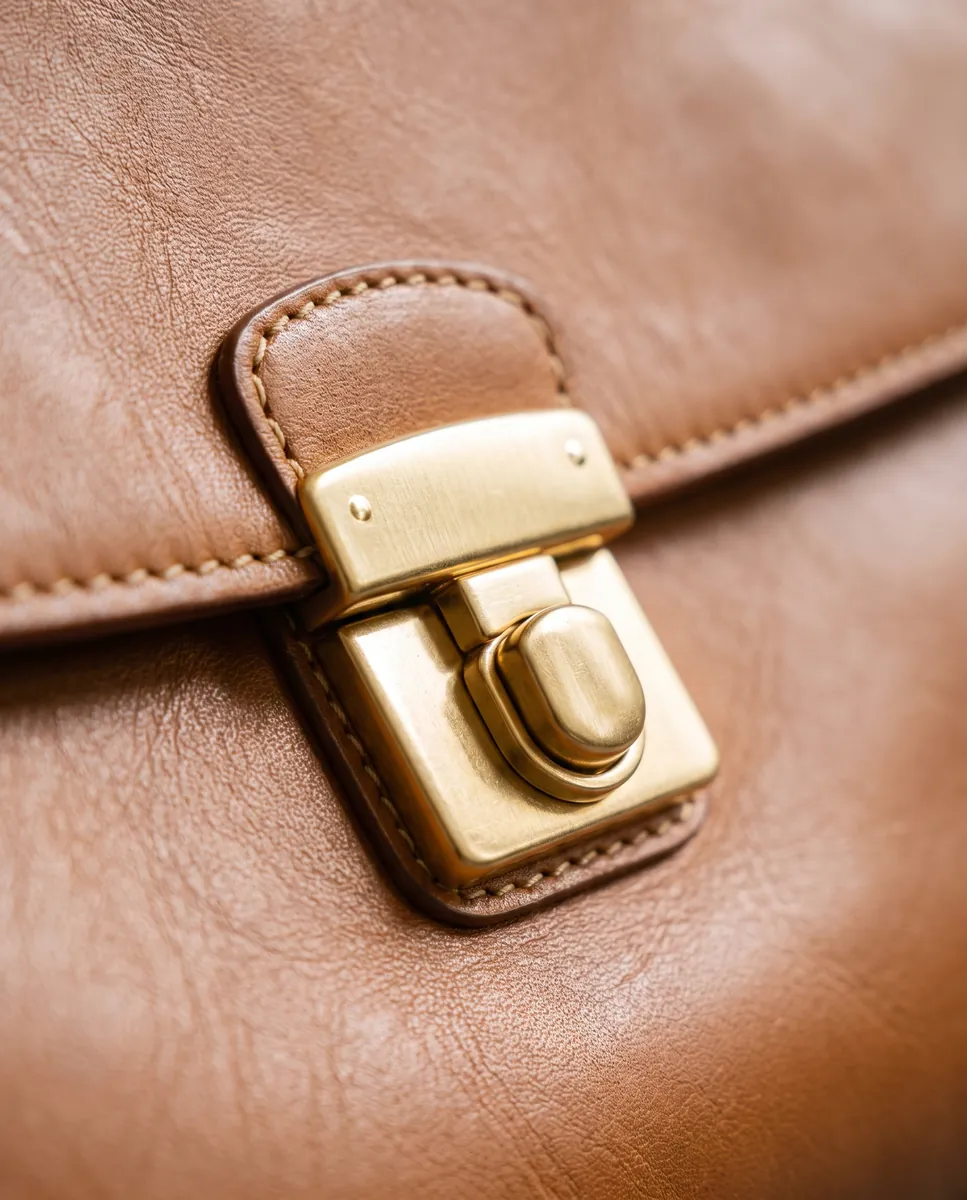
Sharper detail
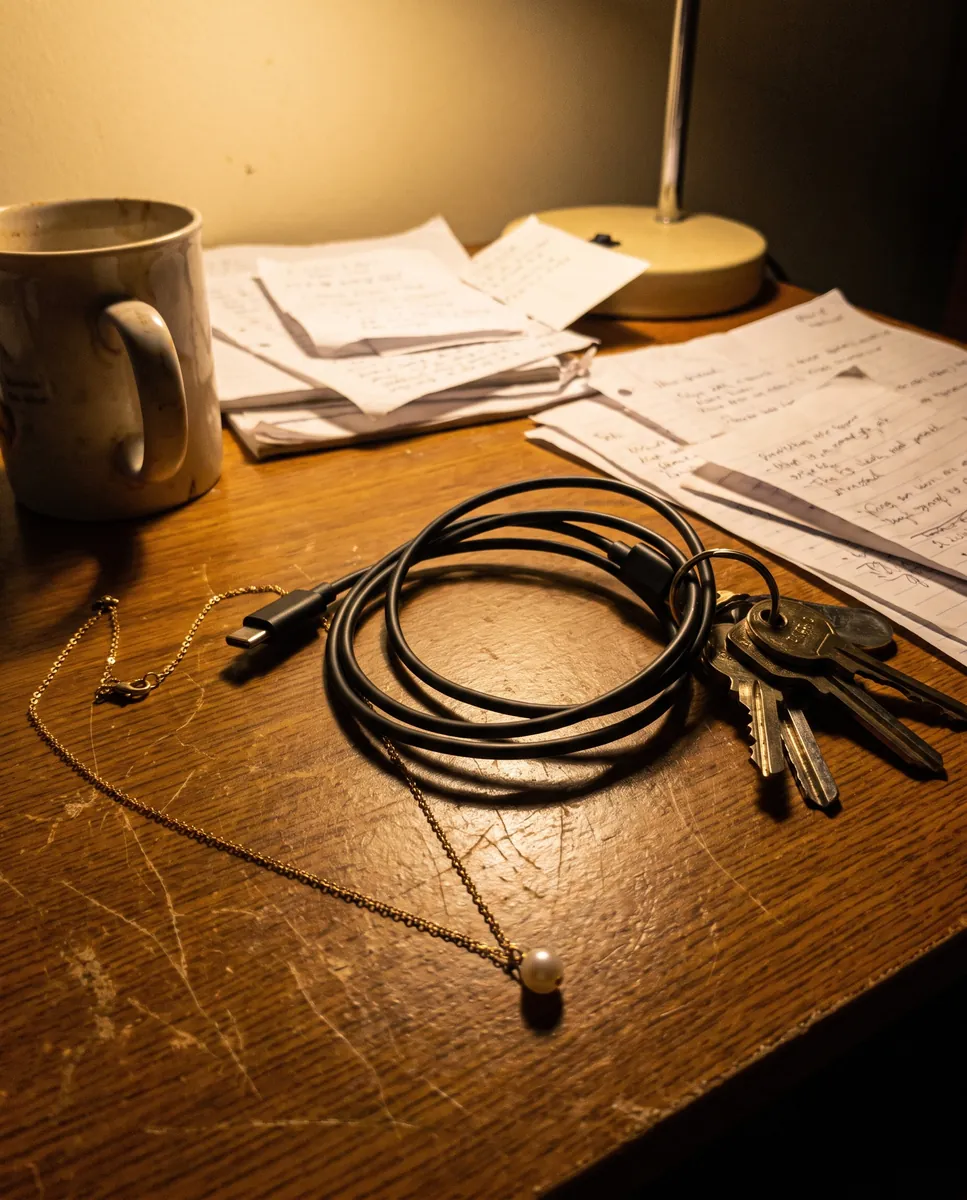
If your original is a bit soft, enhance the quality: edges, engraving and facets become clearer. The tool sharpens and reduces noise so small details stay readable even on a phone screen, with no manual retouching. It also works on frames after a background or scene change. The result is ready to download right away. enhance photo quality
Try for $7Questions & answers
What is jewelry photography with AI?
It is product photography without a studio. You upload a photo of a piece and the AI builds a set of frames on a clean background and in lifestyle scenes.
How realistic are sparkle and gemstones?
The AI works from your photo and tries to keep the shape and stones intact. Check fine cuts and engraving at full zoom. A sharper source picture gives a more accurate result, and any frame can be adjusted by text or rolled back.
Are the photos fine for Amazon, Etsy and Shopify?
White-background studio frames fit typical main-image rules, but each platform and category sets its own requirements for size, background and edits. Check the current guidelines before you upload.
Do I need a studio, lighting or a macro lens?
No. A phone and a light surface are enough. The AI adds angles, backgrounds and scenes.
How much does Wraxa Visuals cost?
One-time access is $7 for 25 tokens: a single payment, no subscription or auto-renewal, and the tokens never expire. The Visuals subscription is $20 a month for 100 tokens every month, and you can cancel anytime. There is no free trial.
What is the difference between one-time access and the subscription?
One-time access is for trying it out: your 25 tokens stay with you until you use them. The subscription is for regular content: 100 tokens arrive every month, and the unused monthly allowance resets on renewal. Purchased tokens add up with the subscription.
How many tokens does one photo or video use?
One photo uses about 1 token and one video about 12, so 25 tokens cover roughly 25 photos or 2 videos. You see the exact cost before you start, and failed generations are never charged.
Tools for this job
 BeforeAfter
AI Photoshoot
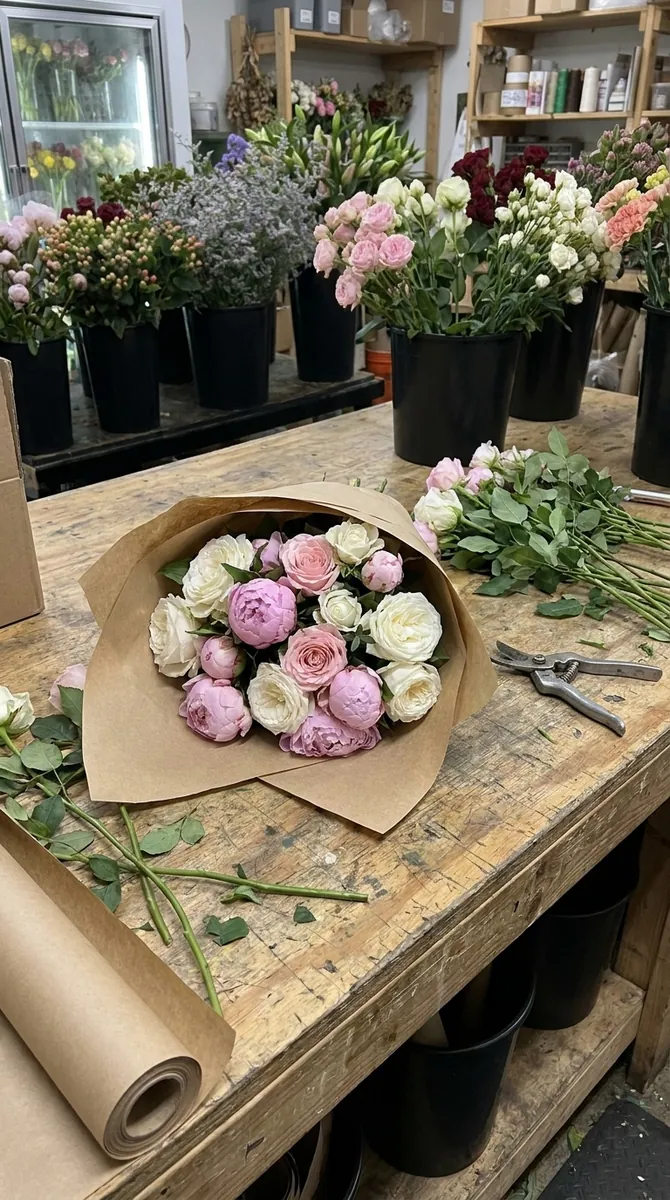
One product photo becomes a set of 6 ready-to-use shots.
 BeforeAfter
AI Models
Put products on a library model or on your own model photo.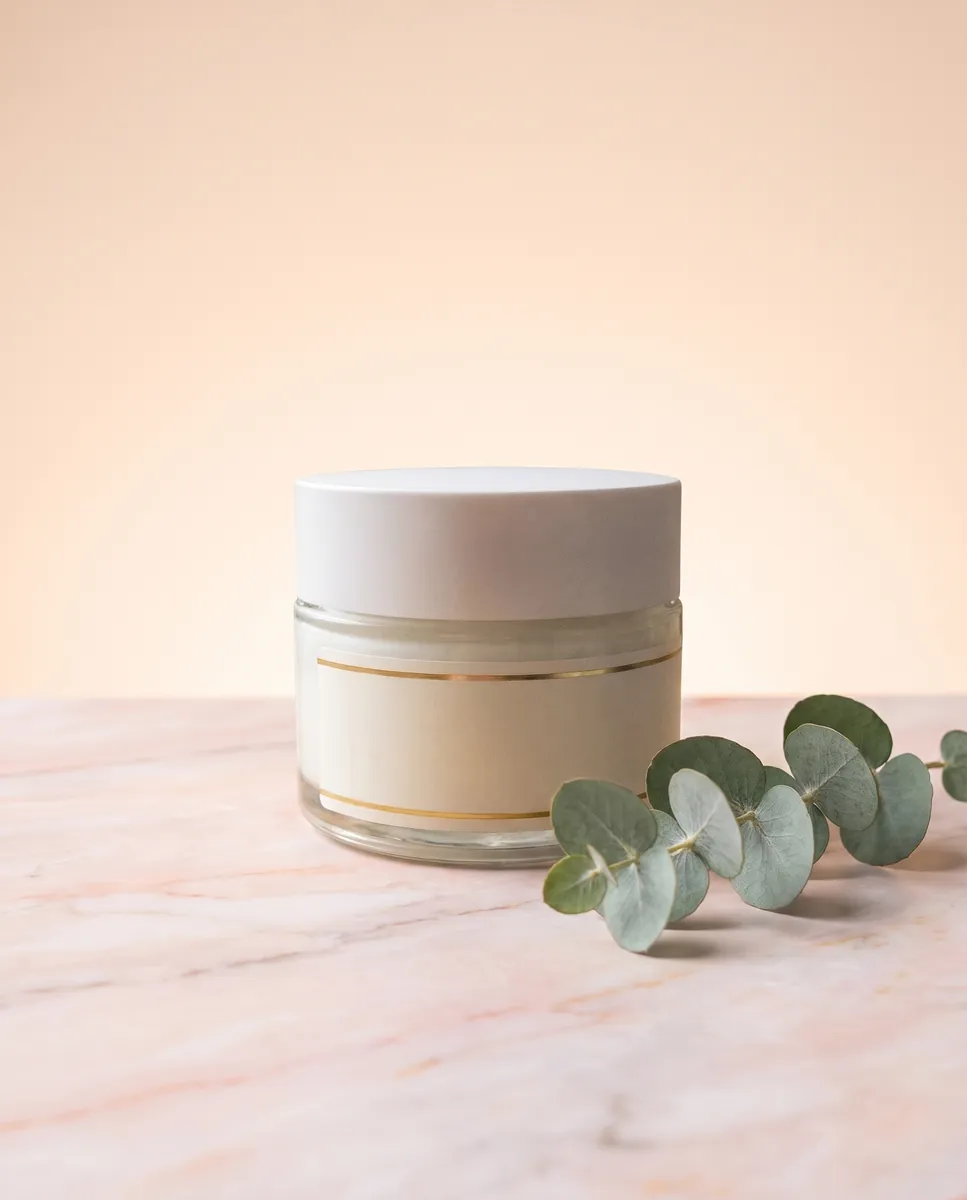
 BeforeAfter
Background Generator
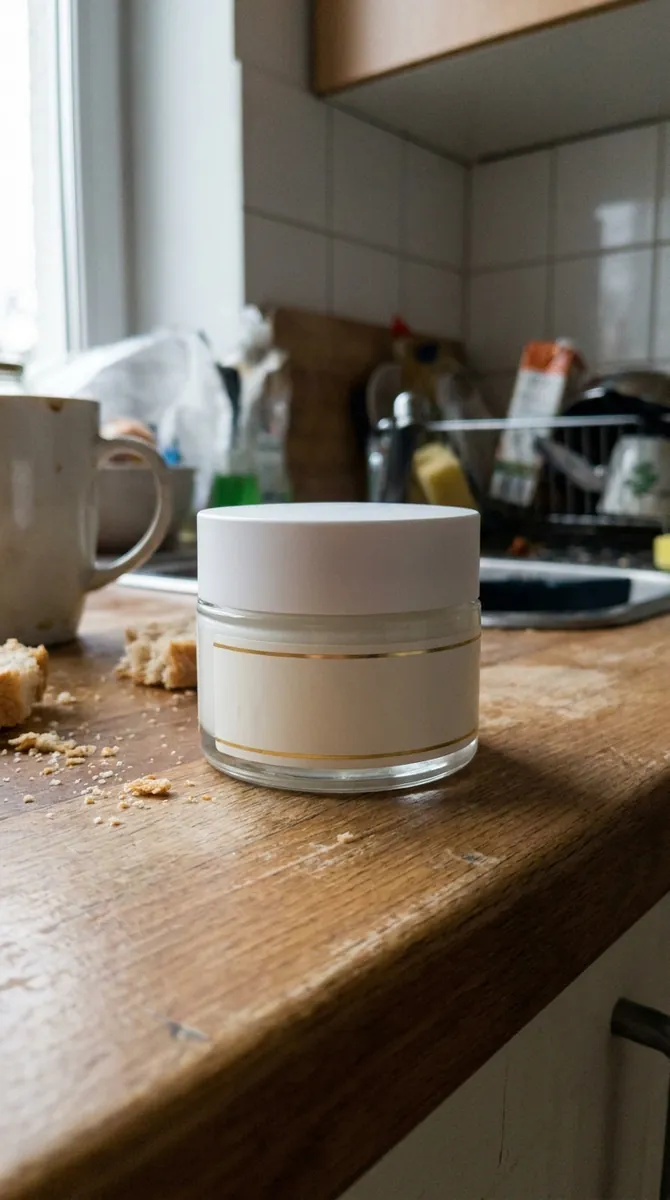
Describe a scene in words and your product appears in it.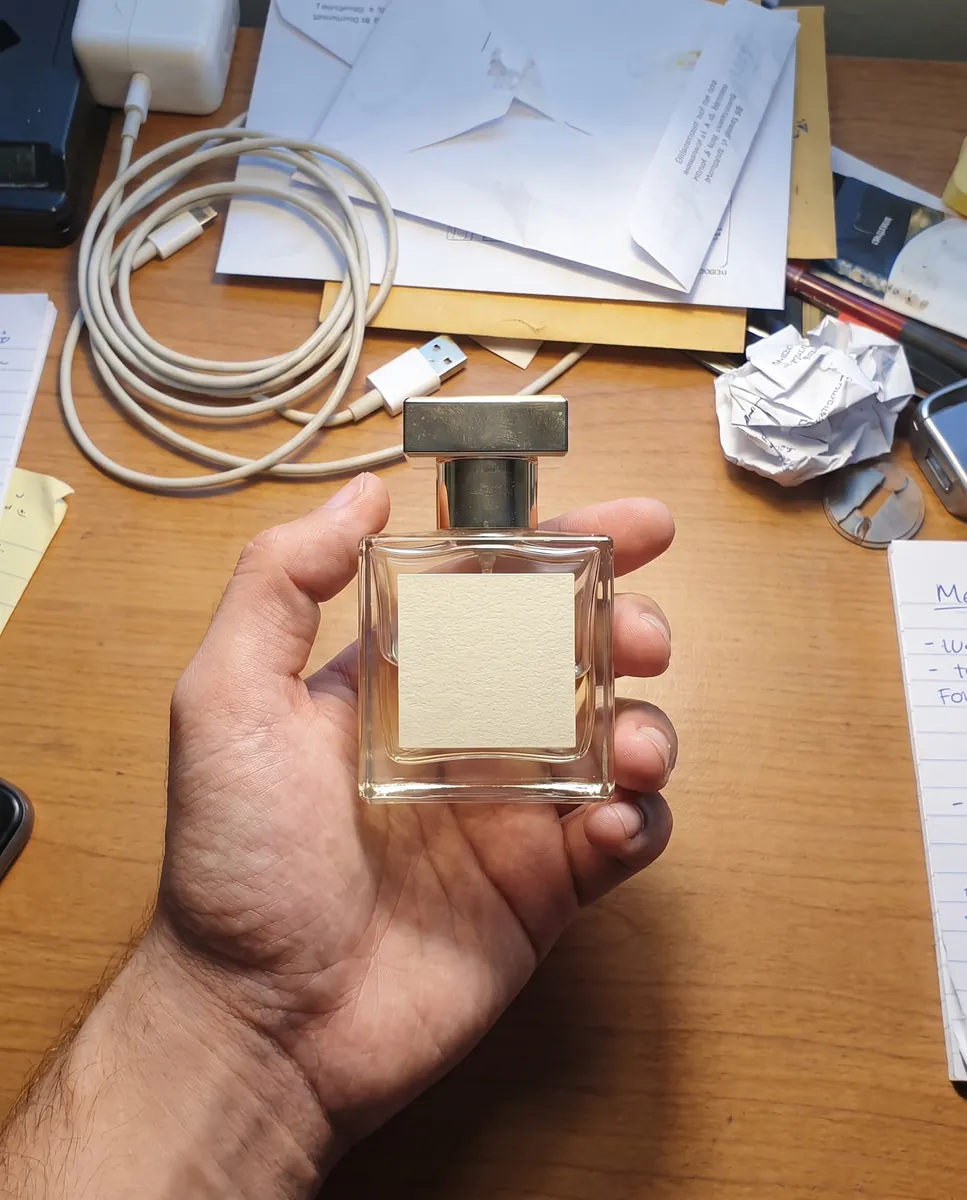
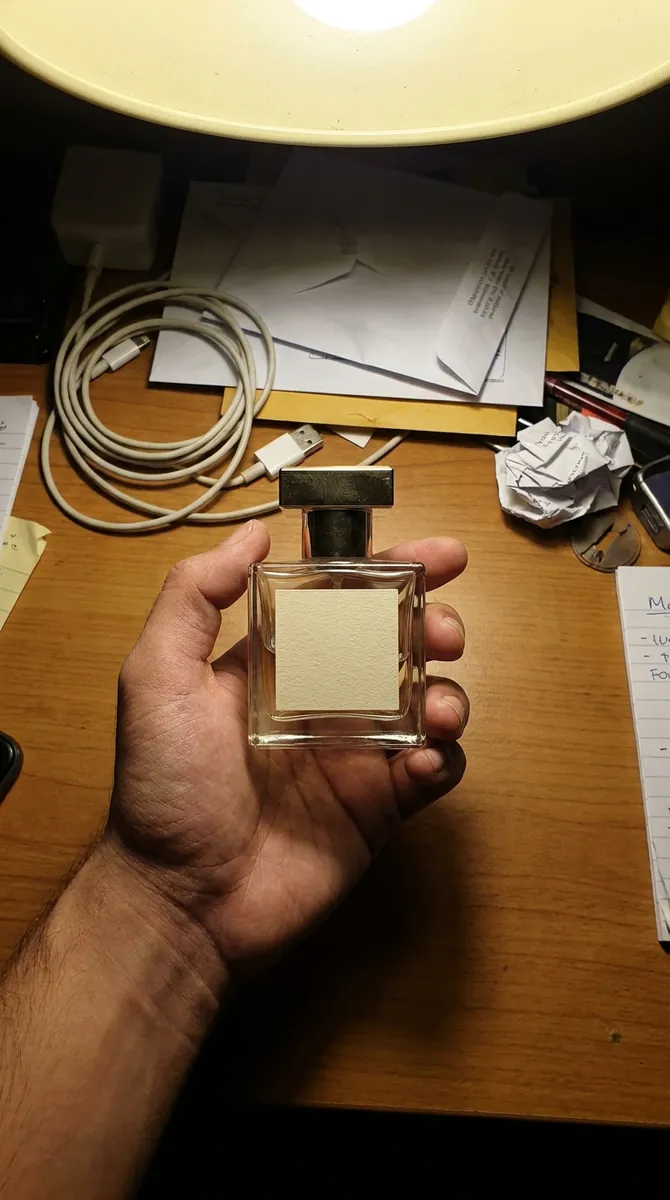 BeforeAfter
Image Enhancer
Make a blurry product photo crisp and bright.
Upload your first photo and see how your product can look. One-time access from $7, no subscription required.
Try for $7