
Remove Object From Photo Online: Clean Up Your Shot
A stray hand, a stain on the table, a price tag, a cable in the corner: small things can spoil a good shot. Write what to remove and the AI erases it and fills in the background behind it. No clone stamp, no manual retouching, and free rollback if you do not like the result.
Remove an object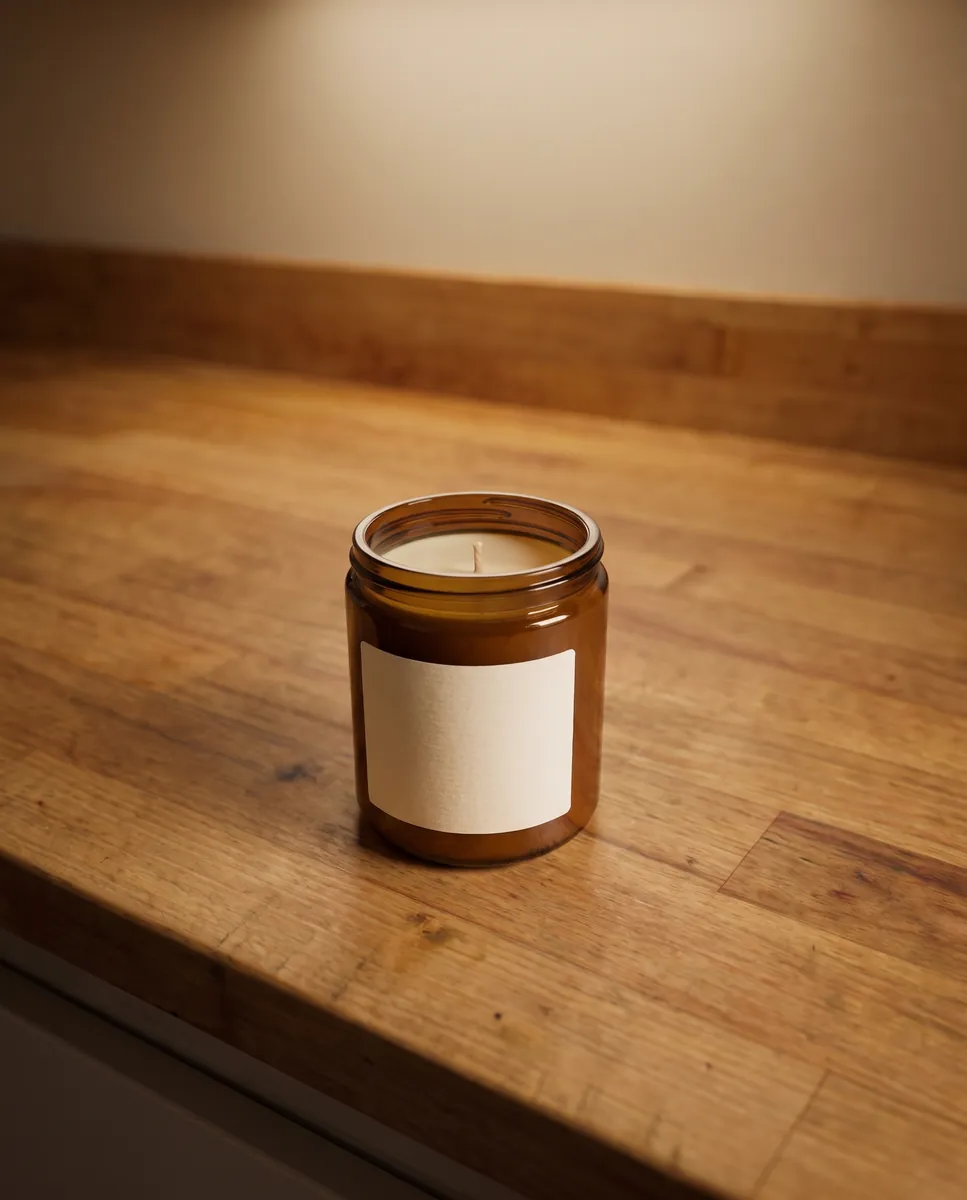
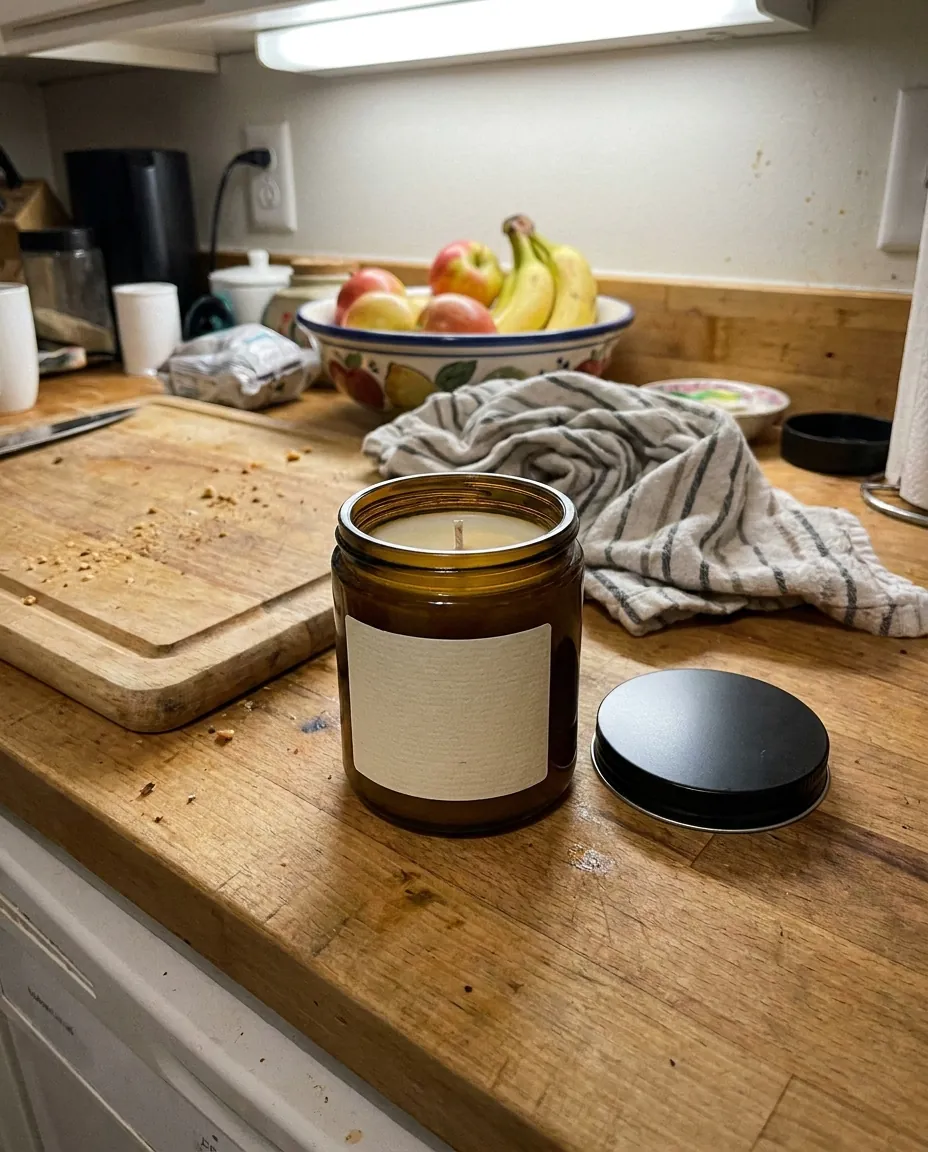 BeforeAfter
How it works
Upload a photo
Open the shot with something you want gone.
Describe the object
Write what to erase, such as the stain on the left or the price tag.
Check the result
Keep it or roll back to the previous version for free.
BeforeAfterRemove unwanted objects from photos without retouching
Classic retouching needs a clone stamp, patience and a steady hand. Here one sentence is enough. The AI finds the object, removes it and rebuilds what should be behind it: tabletop pattern, wall, grass. It works for stray items, glare, dust, cables and small flaws. It also helps when the edge of a table, a stranger's hand or a random shadow ended up in the frame.
Remove an object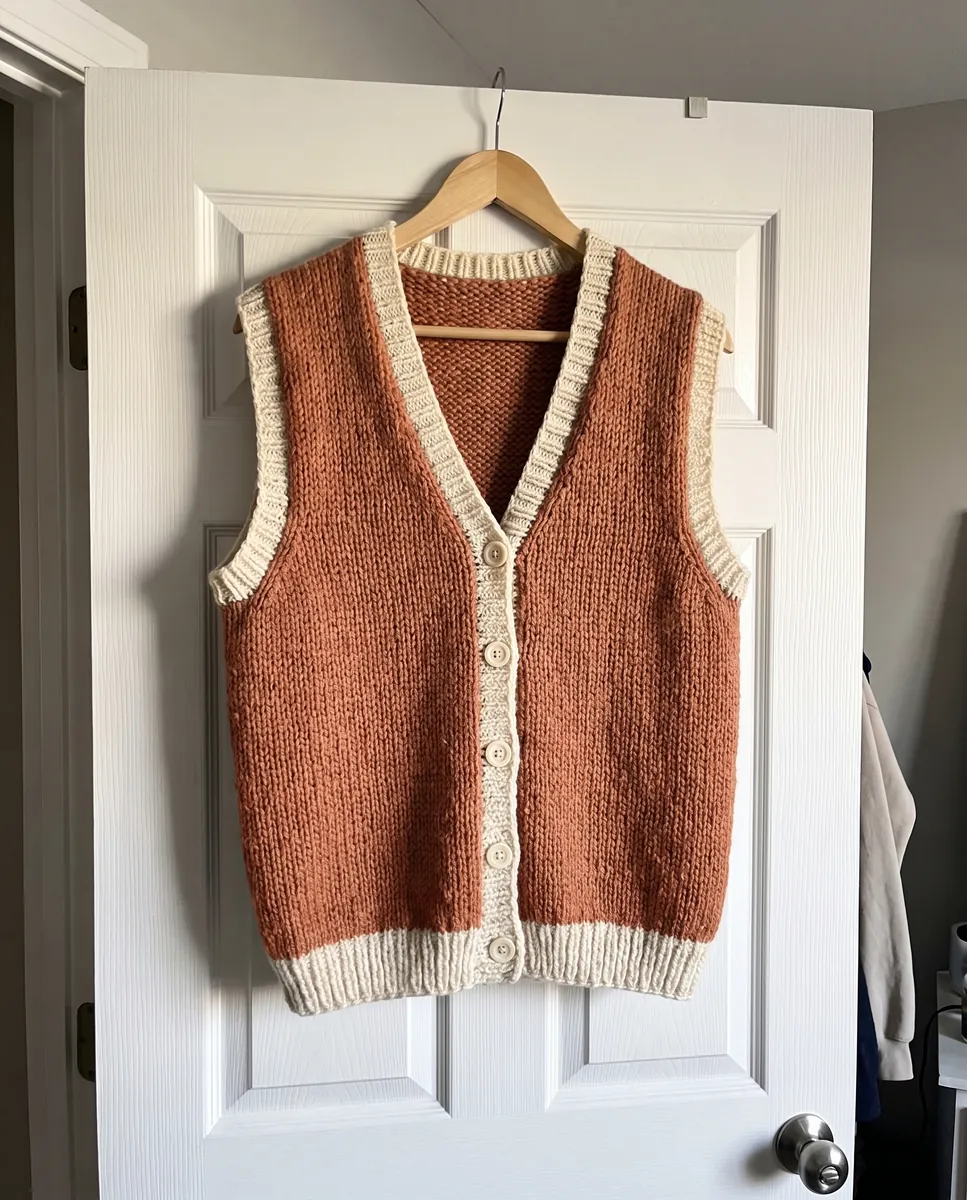
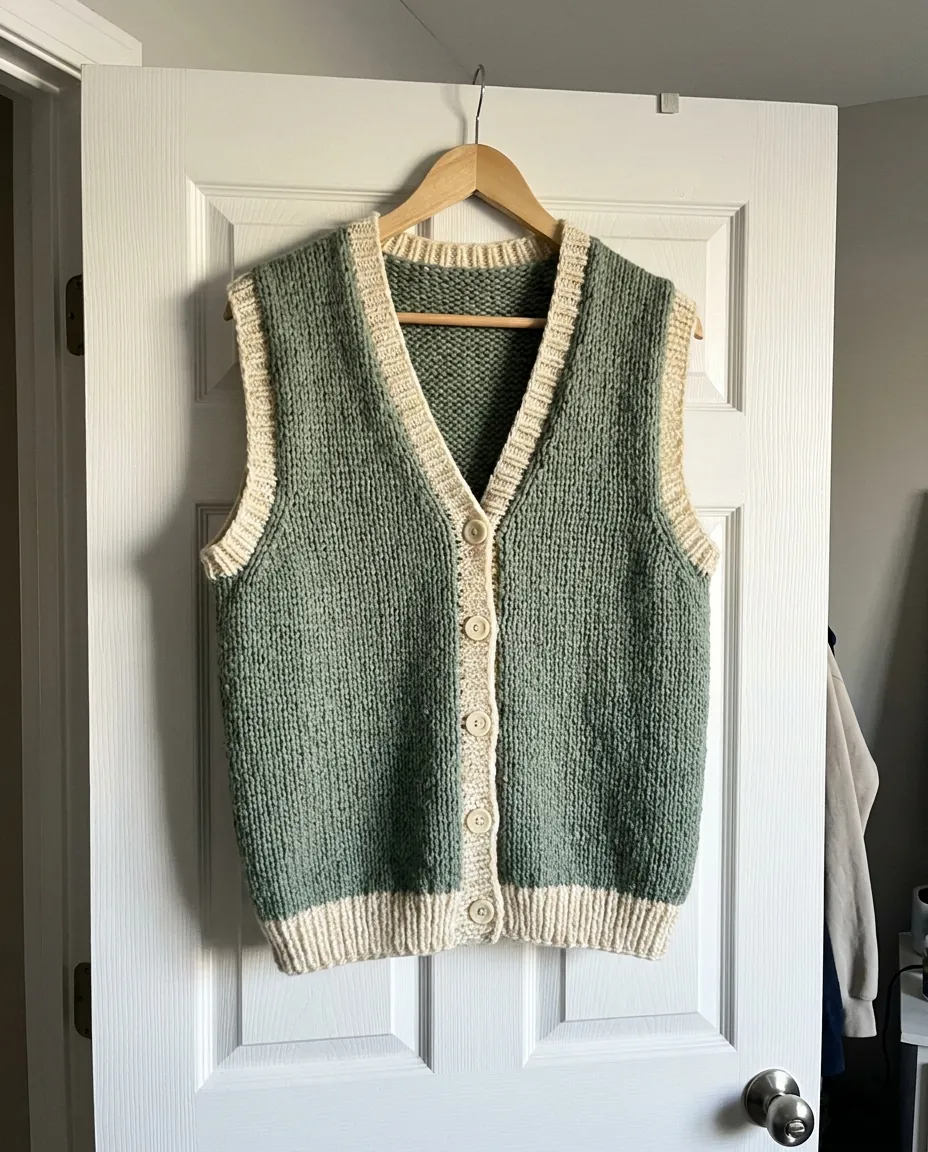 BeforeAfter
Remove a price tag or text from a product photo
Sometimes a shot still has stickers, price tags, other brands' logos or watermarks from your own drafts. Say what to erase and you get a clean version. One note: only remove what you have the rights to, and do not hide information you are legally required to show. The goal is an honest picture of what the customer will actually receive. make other edits with text
Remove an object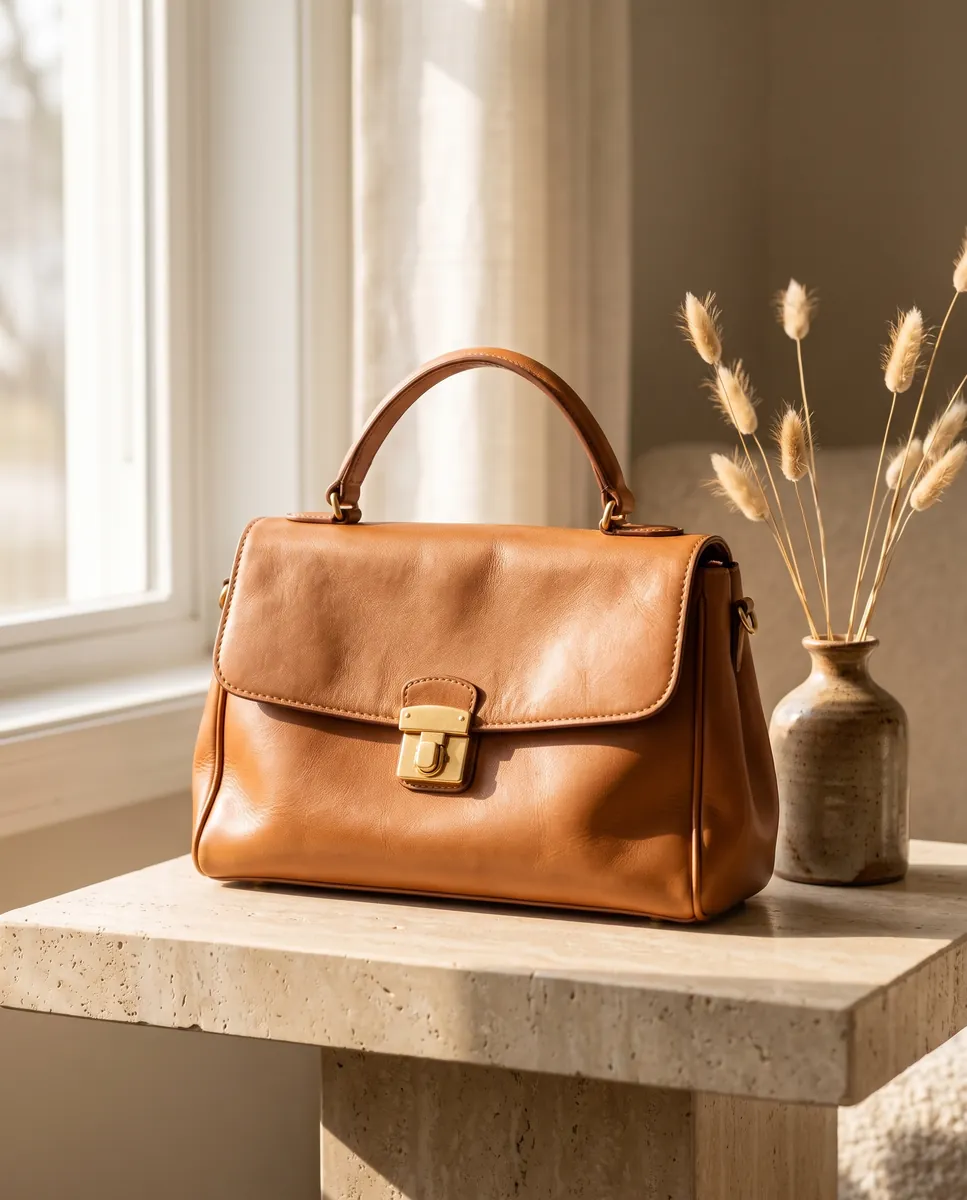
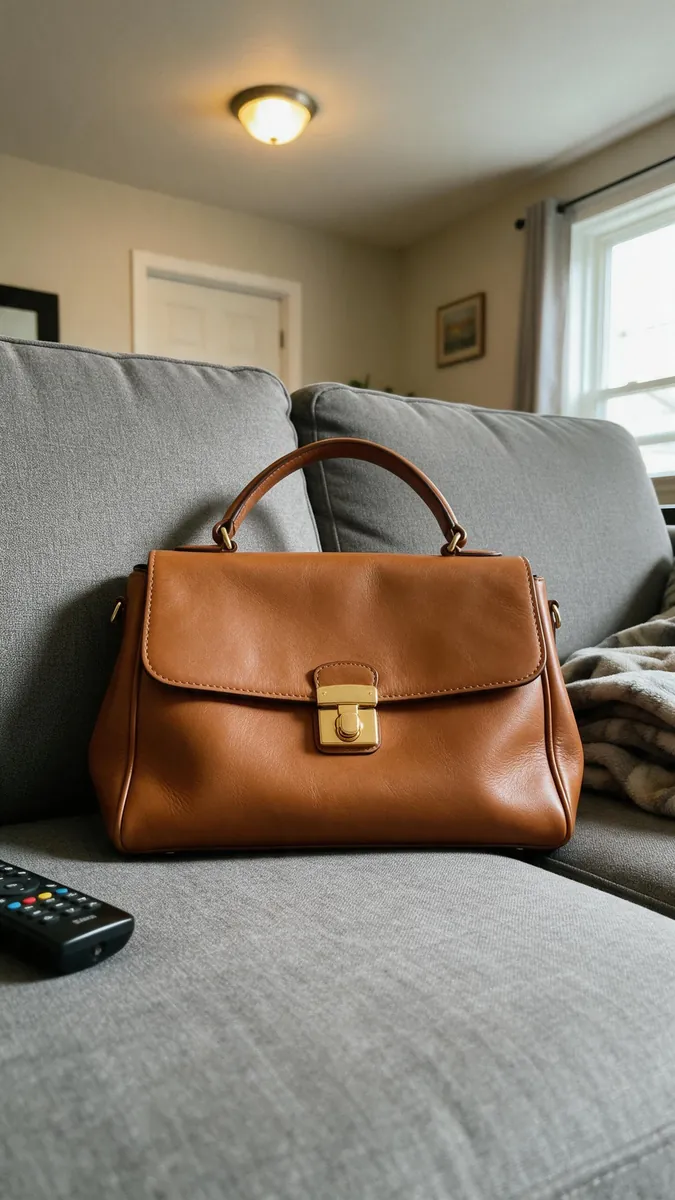 BeforeAfter
Clean the photo before the shoot and before posting
It works best to tidy the source image before you run a photoshoot, so every frame in the set comes out without flaws. If you also need a different background, you can do that with the next prompt without switching to another app. Doing this once at the start saves you from repeating the same fix on every frame of the series. shoot from a clean photo
Remove an object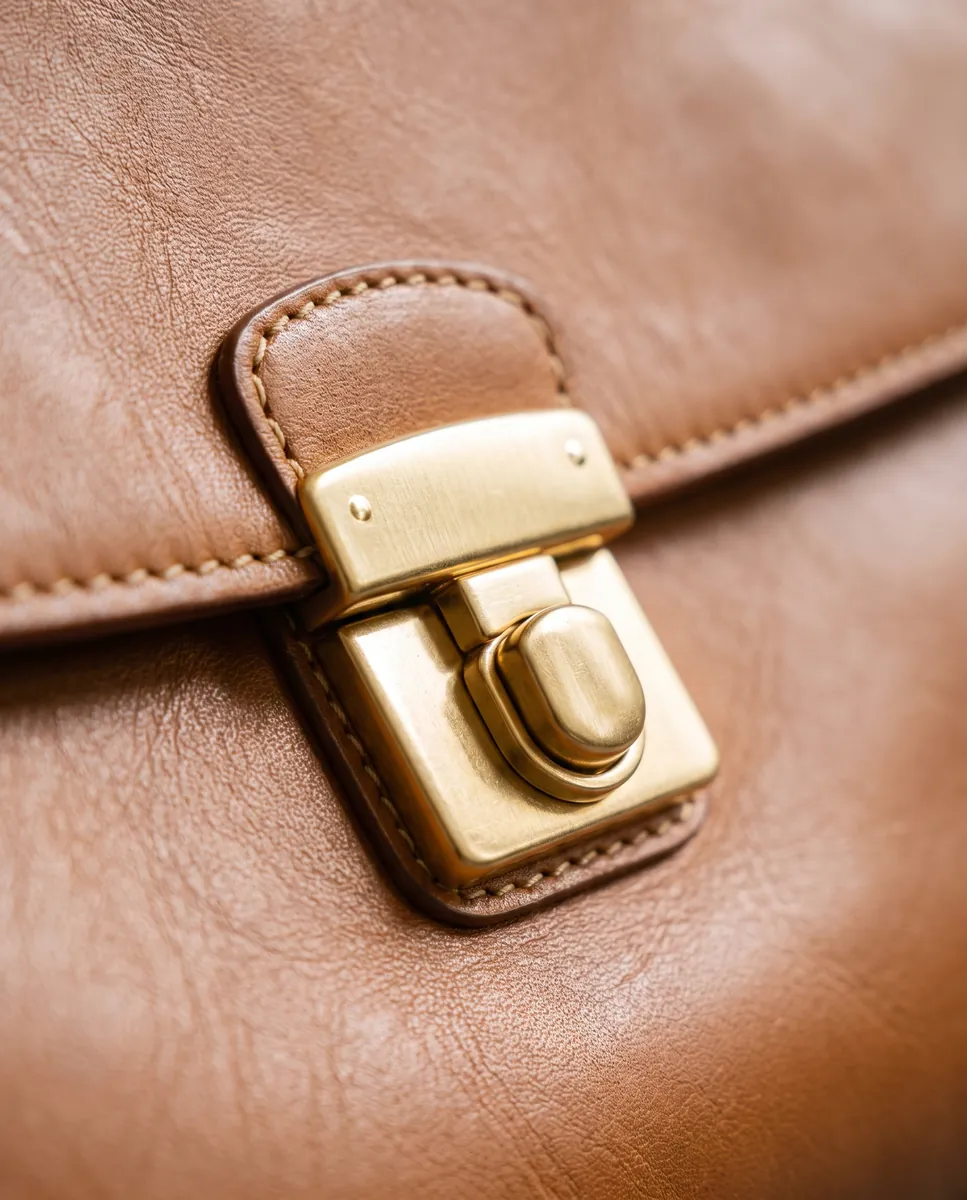
If the result is not what you wanted
Sometimes the AI removes the wrong thing or leaves traces. Describe more precisely where and what to erase, then try again. Each attempt is saved as its own version, so you can always return to any of them for free. That lets you refine your wording without risking the photo. The more precise your description, the better: mention position and color, such as the blue cable at the top right.
Remove an objectQuestions & answers
What is object removal?
It erases unwanted items from an image and automatically fills in the background. It works for stains, price tags, stray objects and small flaws.
How do I remove an object from a photo in Wraxa?
1. Upload the photo.
2. Write what to remove and where it is.
3. Check the result.
4. Save it or return to the previous version.
Does it help with Amazon, Etsy and Shopify images?
A clean frame with no stray objects makes a listing look tidier, but final requirements depend on the category. Check the marketplace rules.
How natural does the filled-in background look?
On simple surfaces it is very clean. Busy patterns may need another try with a more specific description.
Can I bring the removed object back?
Yes. The original version stays in history and rollback is free.
Is it better than hiring a retoucher?
It is faster, with no file exchange or waiting, and one sentence replaces manual retouching. For artistic, high-end retouching a human is still the better choice.
How much does Wraxa Visuals cost?
One-time access is $7 for 25 tokens: a single payment, no subscription or auto-renewal, and the tokens never expire. The Visuals subscription is $20 a month for 100 tokens every month, and you can cancel anytime. There is no free trial.
What is the difference between one-time access and the subscription?
One-time access is for trying it out: your 25 tokens stay with you until you use them. The subscription is for regular content: 100 tokens arrive every month, and the unused monthly allowance resets on renewal. Purchased tokens add up with the subscription.


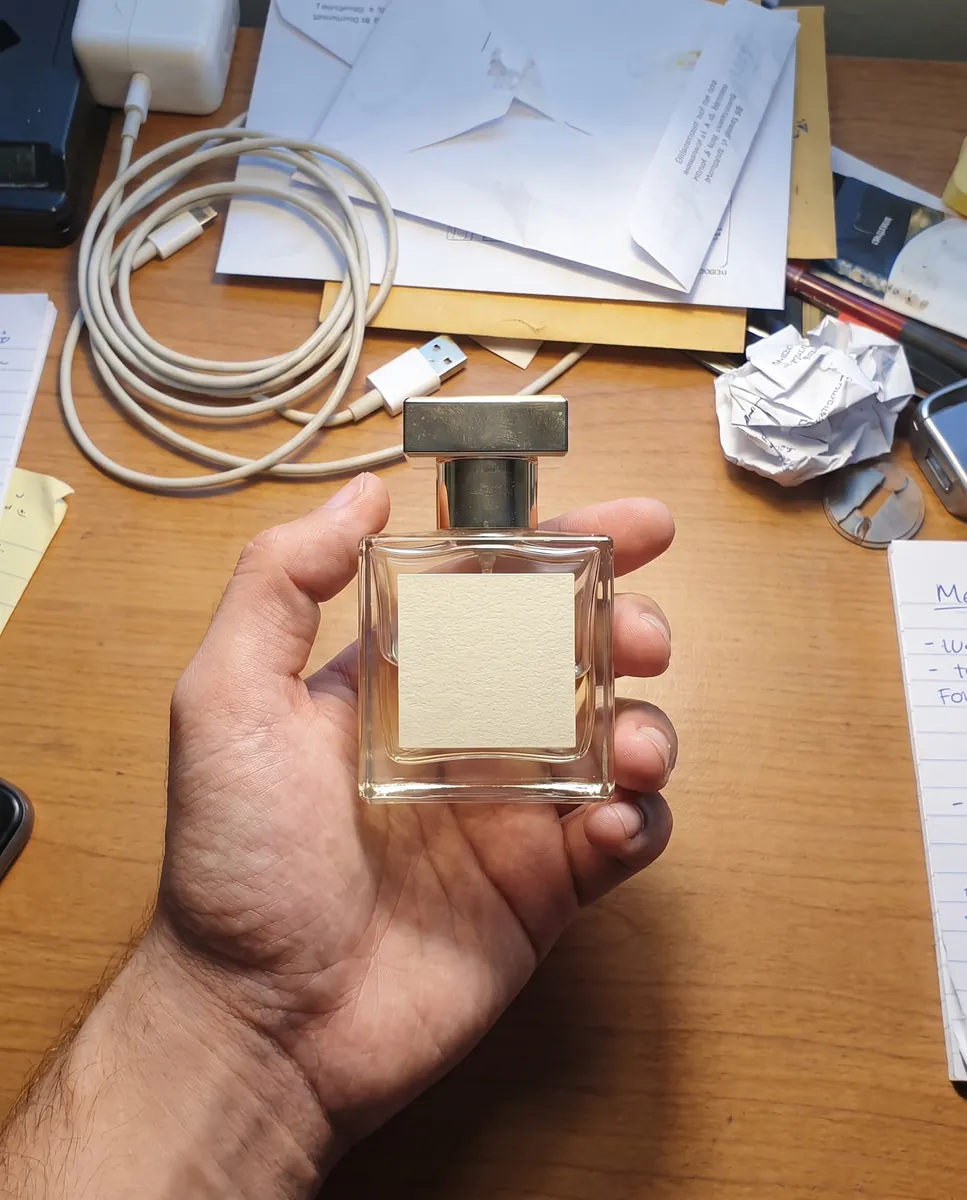
Upload your first photo and see how your product can look. One-time access from $7, no subscription required.
Remove an object