
AI clothing model: put your clothes on a model without a photoshoot
Show your garment worn without hiring a model or booking a studio. Upload a photo of the clothing, then choose a model from the Wraxa library or add a photo of your own model. Works in your browser on phone and desktop and suits small shops and solo sellers.
Try for $7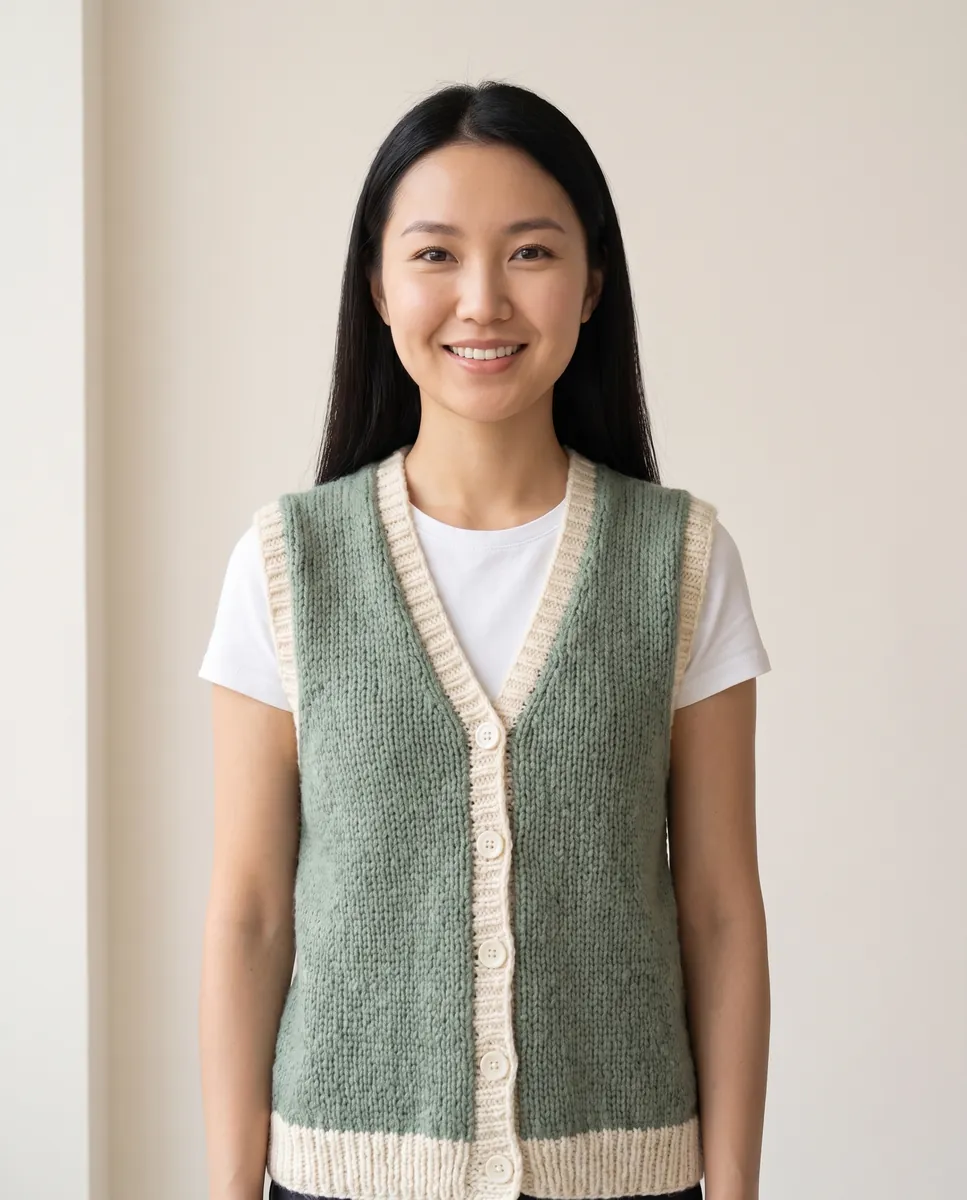
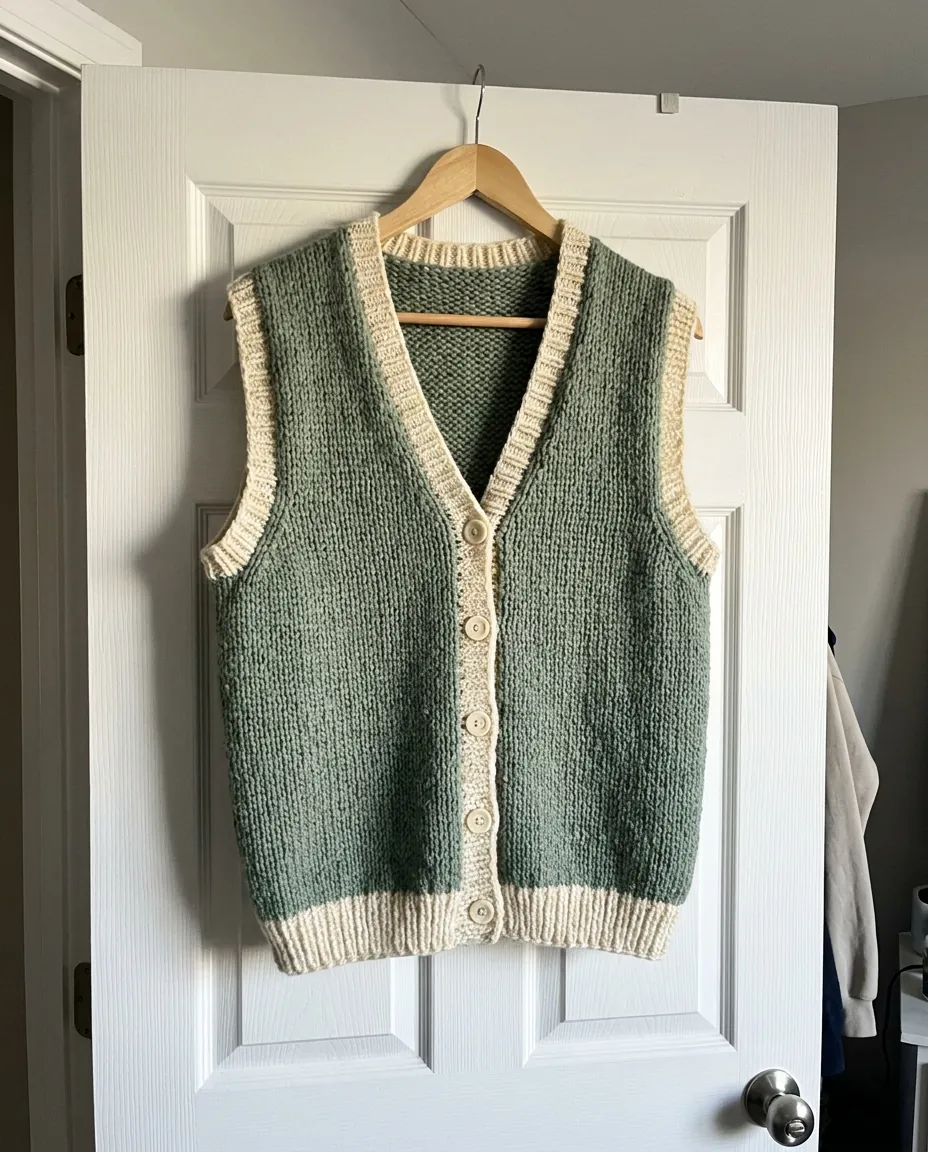 BeforeAfter
How it works
Upload a photo of the garment
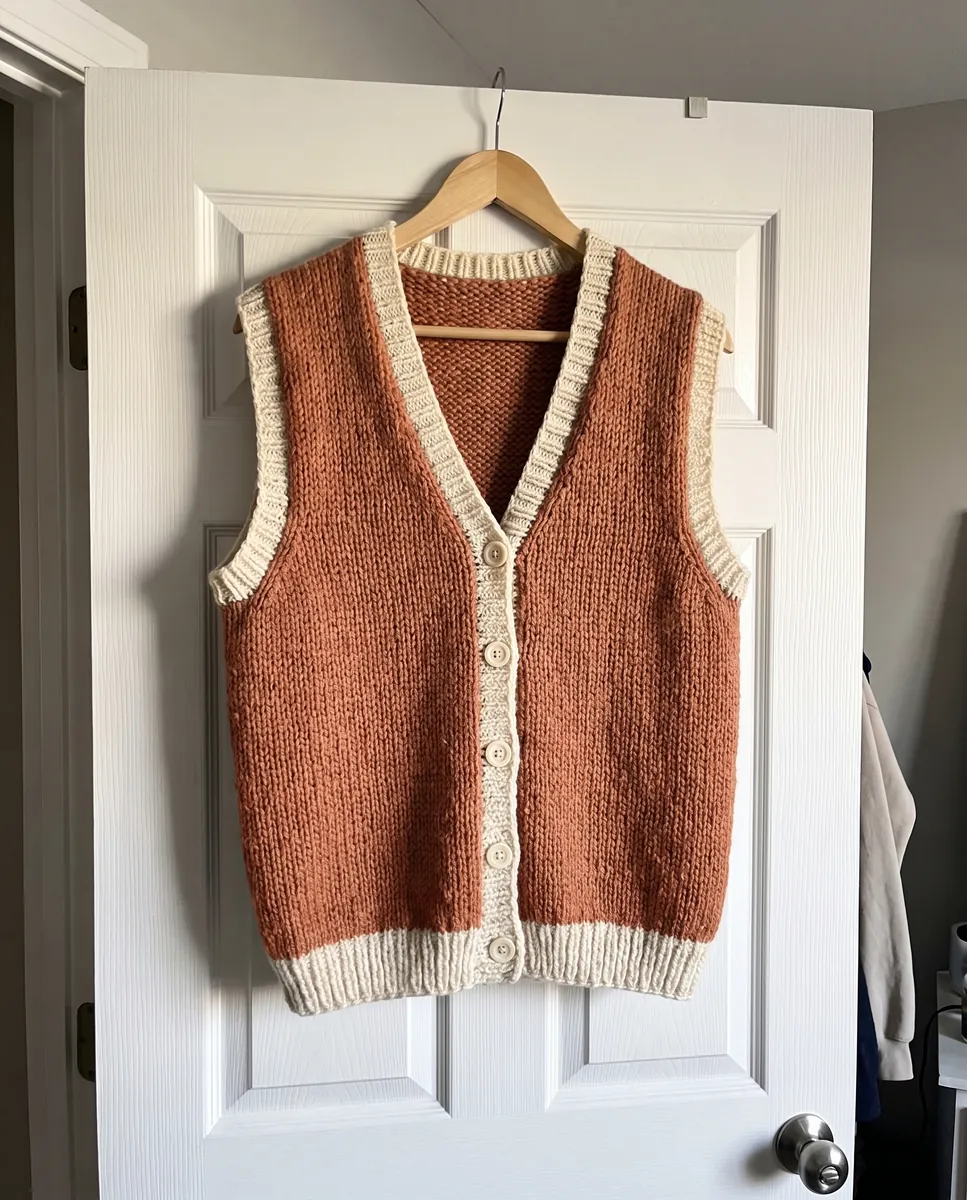
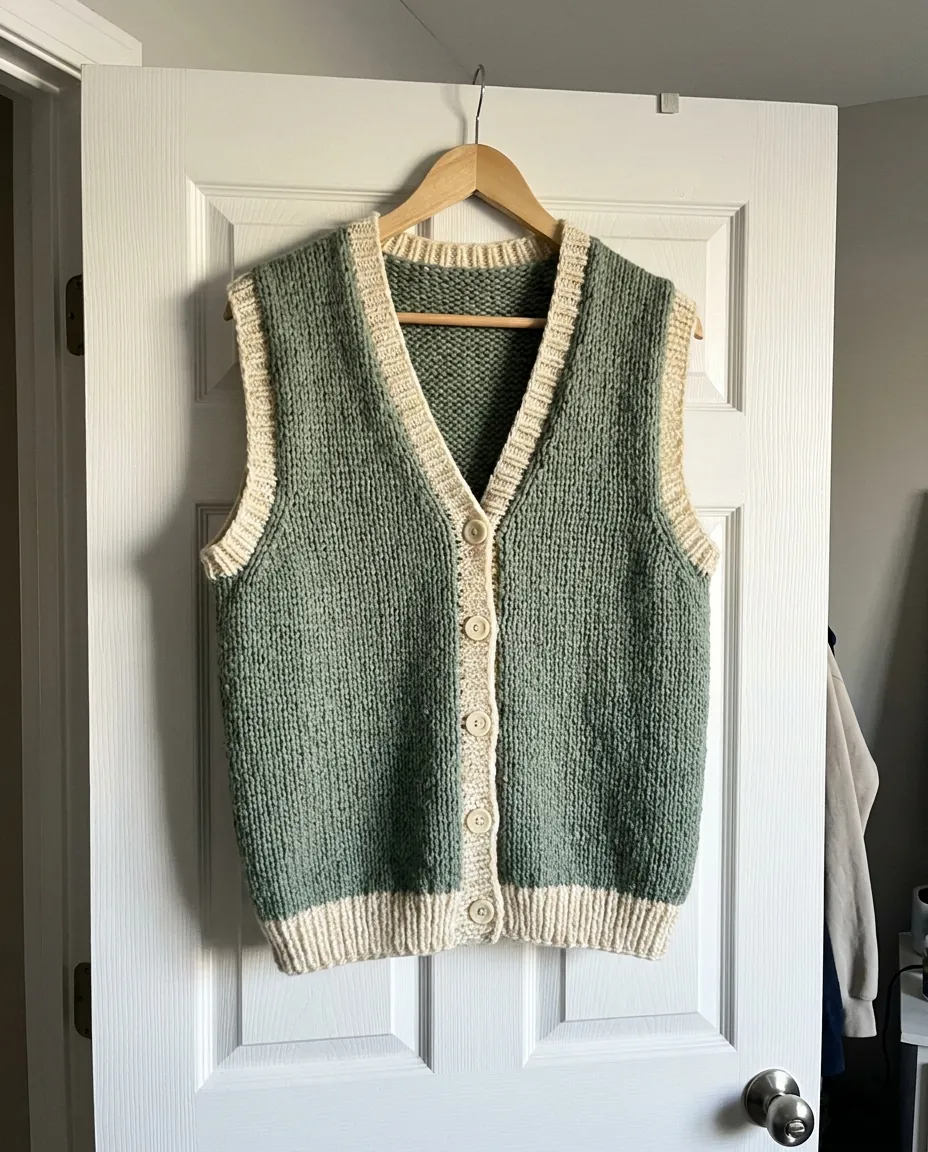
Shoot it on a hanger or lay it flat on a light surface.
Choose a model
Pick one from the Wraxa model library or upload your own model photo.
Get your frames
The AI shows your item on a person. Tweak the background and light with text, then download.
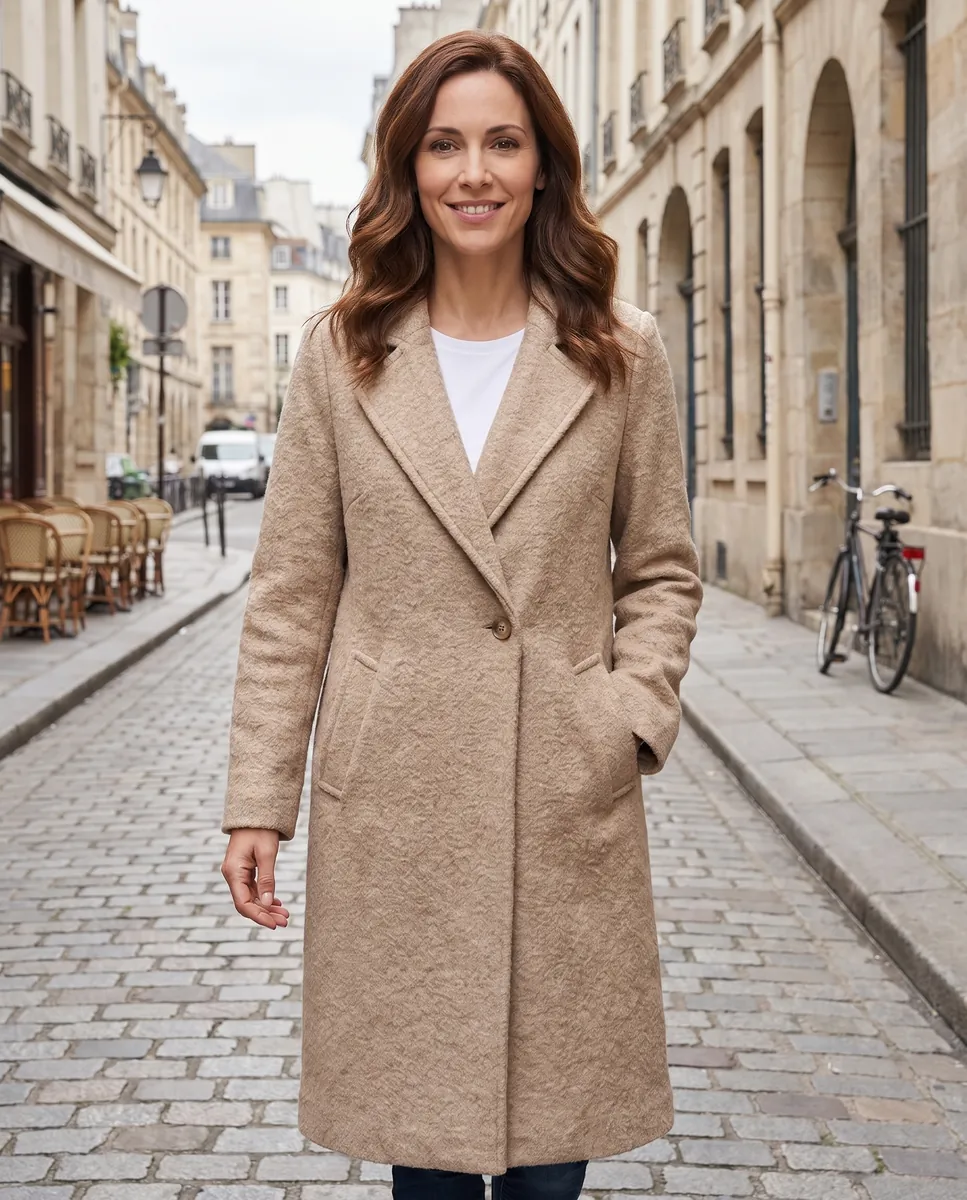
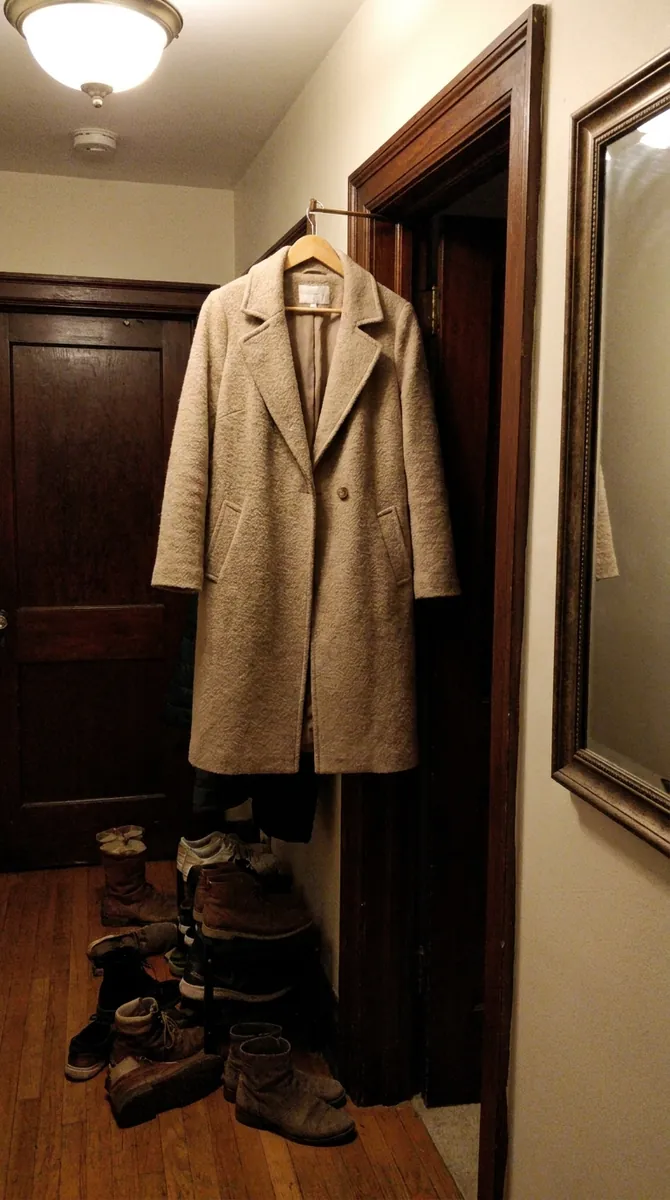 BeforeAfter
Clothes on a model from our library
The Wraxa library has models of different looks. Pick one and the AI dresses her or him in your garment, keeping the cut, color and print. No casting, no model release, no studio day. It is a quick way to show a new drop or a single item. AI models for clothing
Try for $7
Your own model for a consistent look
If you have a regular model, or you are the face of the brand, upload a photo. Every frame in your catalog then features the same person and the shop looks cohesive. Add the model once and reuse them for new items. use your own model photo
Try for $7
 BeforeAfter
Studio angles of the garment itself
Besides worn shots, shoppers want a clean picture of the item alone. From one photo, the AI photoshoot builds studio angles on white plus two lifestyle shots. You end up with a complete set for a listing: the garment on its own and in a full look. AI photoshoot for clothing
Try for $7
Fix backgrounds and details by text
A crease in the fabric, a poor background, flat light: fix it with a text prompt. Swap the interior for a street scene, add soft light or remove a stray object. Every edit becomes a new version, and rolling back is free. AI photo editor
Try for $7Questions & answers
What is an AI clothing model?
It is a way to show clothing worn by a person without a shoot. You upload a photo of the garment and the AI places it on a model from the Wraxa library or on your own model. No hiring, studio or shoot day needed.
How realistic does the clothing look on the model?
Cut, color and print carry over from your photo, and the fit looks natural in most cases. Check fine patterns and small details at full zoom. If a frame is off, adjust it with text or roll back.
Are these photos fine for Amazon, Etsy and Shopify?
On-model images are usually accepted for apparel, but rules vary by platform and category and change over time. Check the current requirements for main images, background and permitted editing.
Do I need a photographer or a studio?
No. A photo of the garment from your phone is enough. You only need a photographer and a model for a shoot where real movement and emotion matter.
Can I use my own model?
Yes. Upload a photo of a person who has agreed to this use, and Wraxa shows your clothing on them.
How much does Wraxa Visuals cost?
One-time access is $7 for 25 tokens: a single payment, no subscription or auto-renewal, and the tokens never expire. The Visuals subscription is $20 a month for 100 tokens every month, and you can cancel anytime. There is no free trial.
What is the difference between one-time access and the subscription?
One-time access is for trying it out: your 25 tokens stay with you until you use them. The subscription is for regular content: 100 tokens arrive every month, and the unused monthly allowance resets on renewal. Purchased tokens add up with the subscription.
How many tokens does one photo or video use?
One photo uses about 1 token and one video about 12, so 25 tokens cover roughly 25 photos or 2 videos. You see the exact cost before you start, and failed generations are never charged.
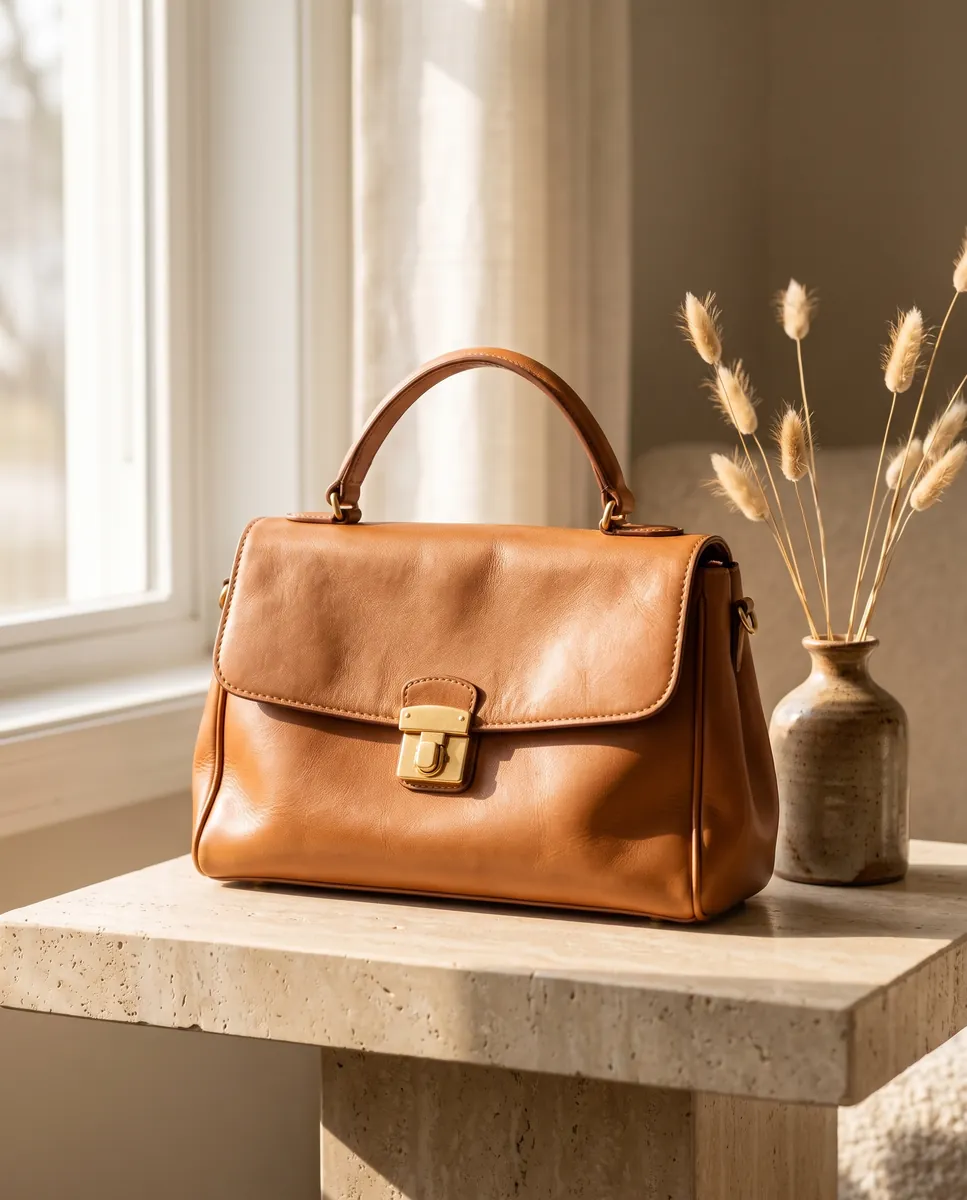

Upload your first photo and see how your product can look. One-time access from $7, no subscription required.
Try for $7