AI Photo Editor Online: Edit Product Photos by Typing
Forget layers and masks. Upload a photo, write what to change and the AI does it: remove the background, swap the scene, add studio light, enhance quality or change any other detail. Every edit is saved as its own version, so going back is always free.
Open the photo editor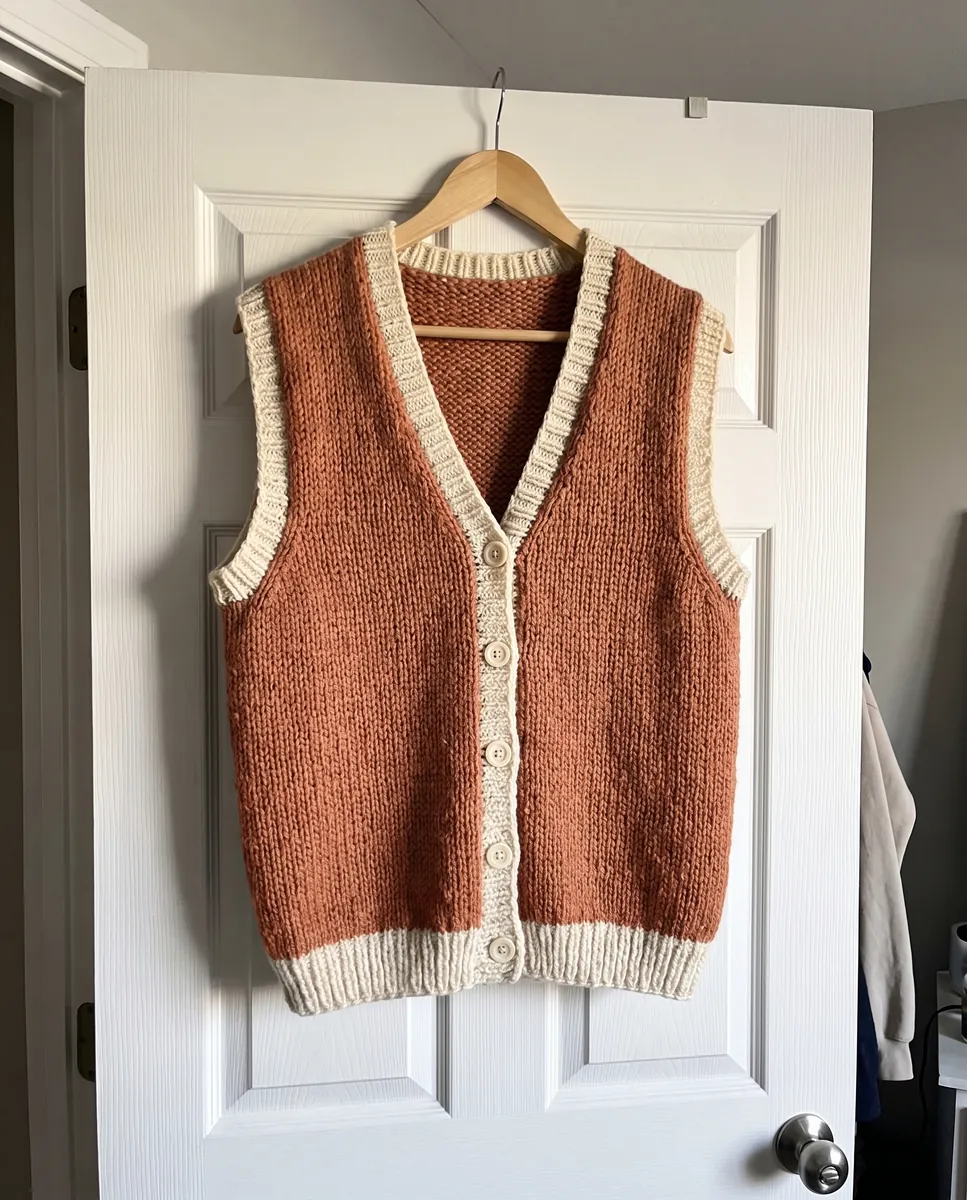
 BeforeAfter
How it works
Upload a photo
Open any product shot or a frame you created in Wraxa.
Type your edit
Describe the change in plain words, such as a light background or fewer reflections.
Compare and save
Every result is stored as a version. Keep the best one or go back to an earlier one.
BeforeAfterEdit photos with a text prompt, not complex tools
Traditional editors take time to learn: selections, layers, curves. Here you write one sentence and the AI changes only what you asked for, leaving the rest untouched. That suits store owners who need to fix dozens of images quickly and do not want to master heavy software. It also means you can fix a frame yourself in a minute instead of waiting for a designer.
Open the photo editor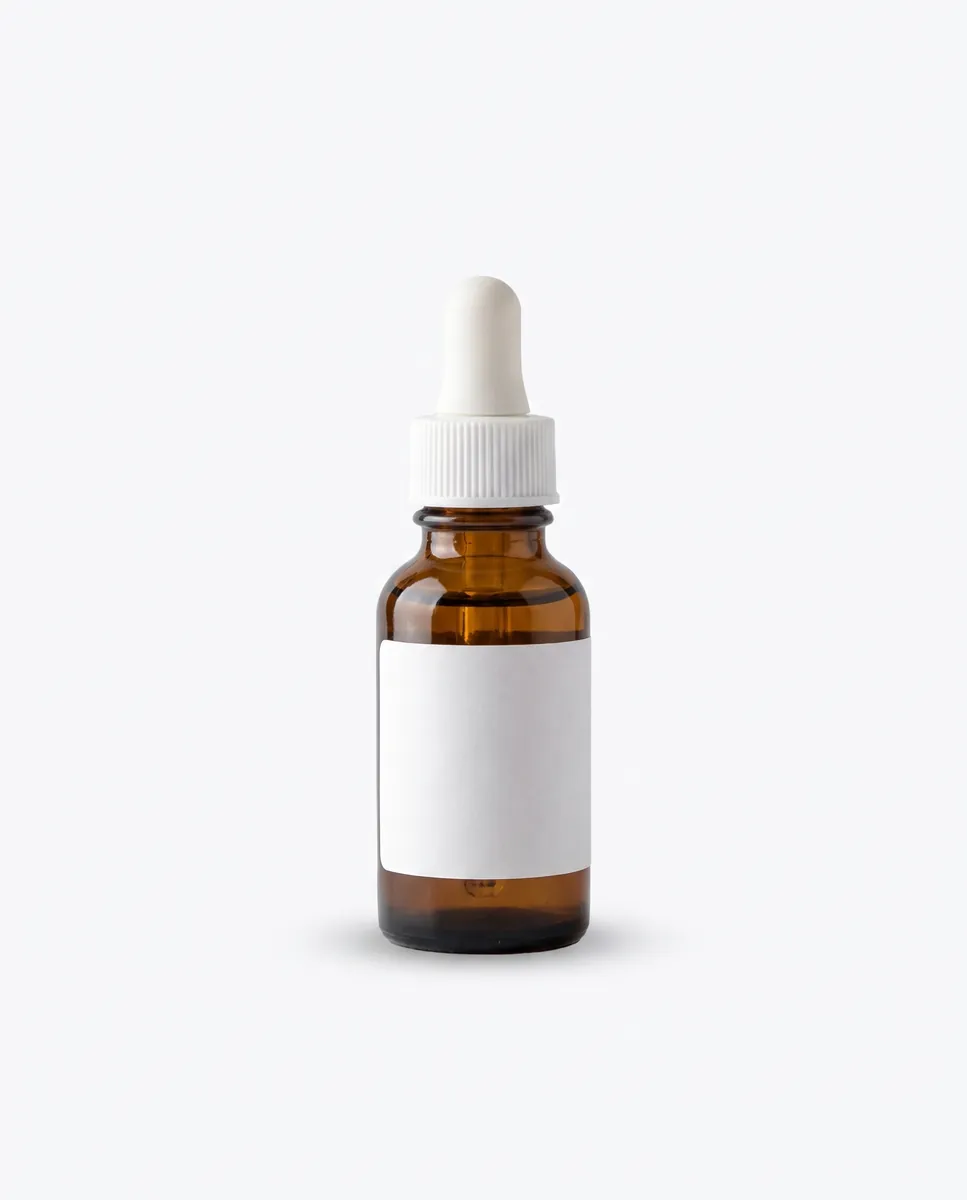
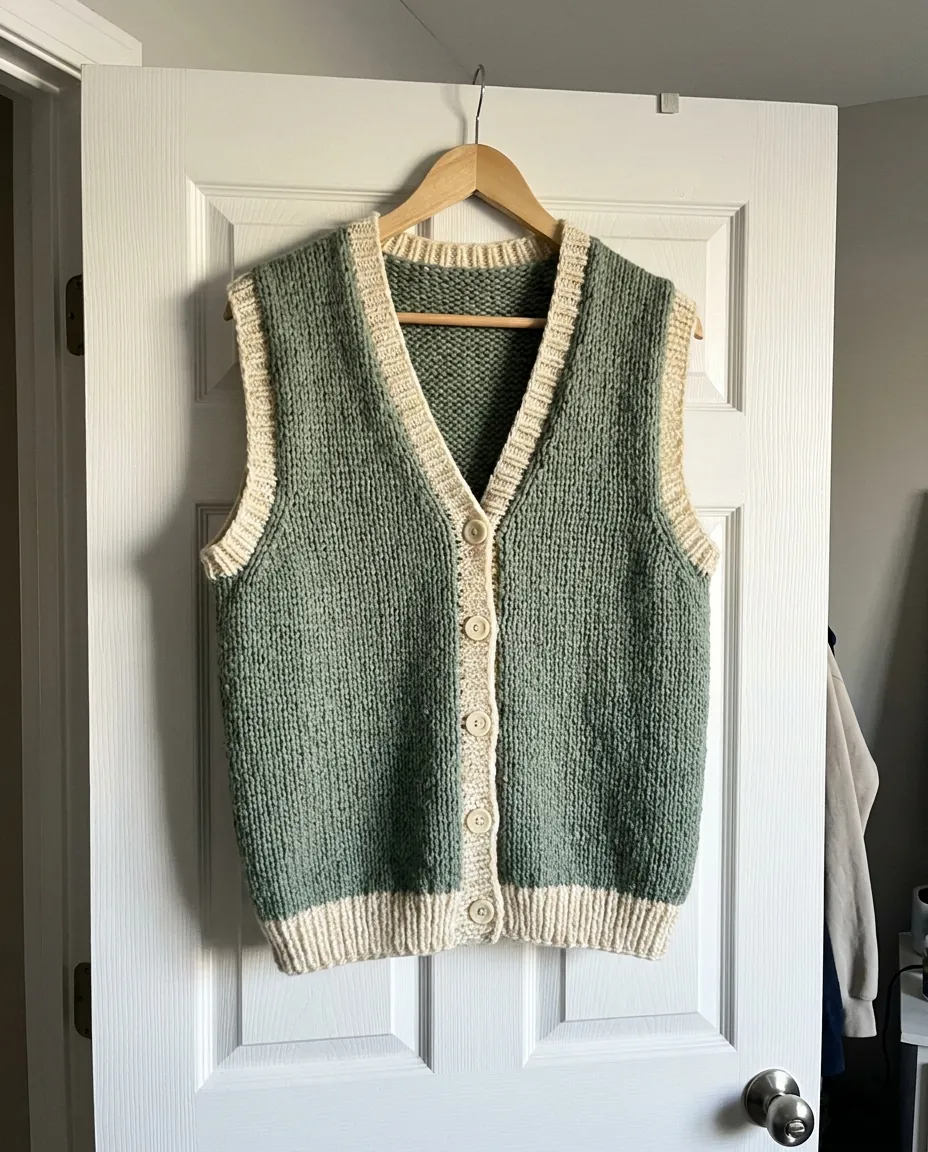
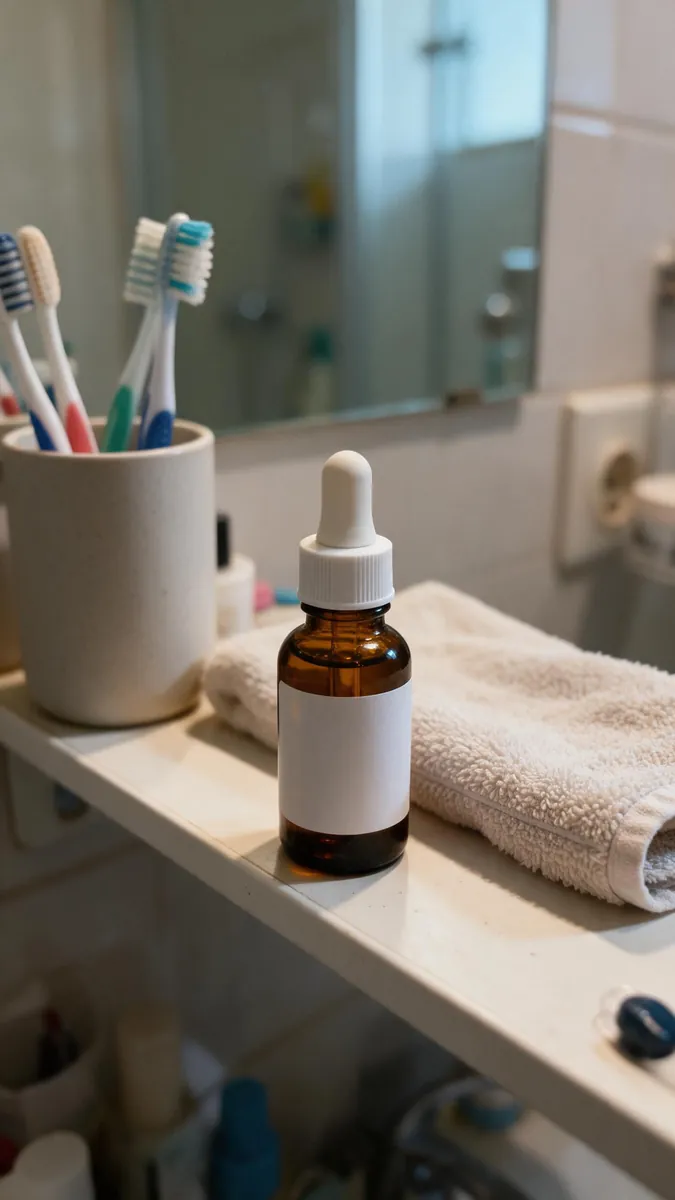 BeforeAfter
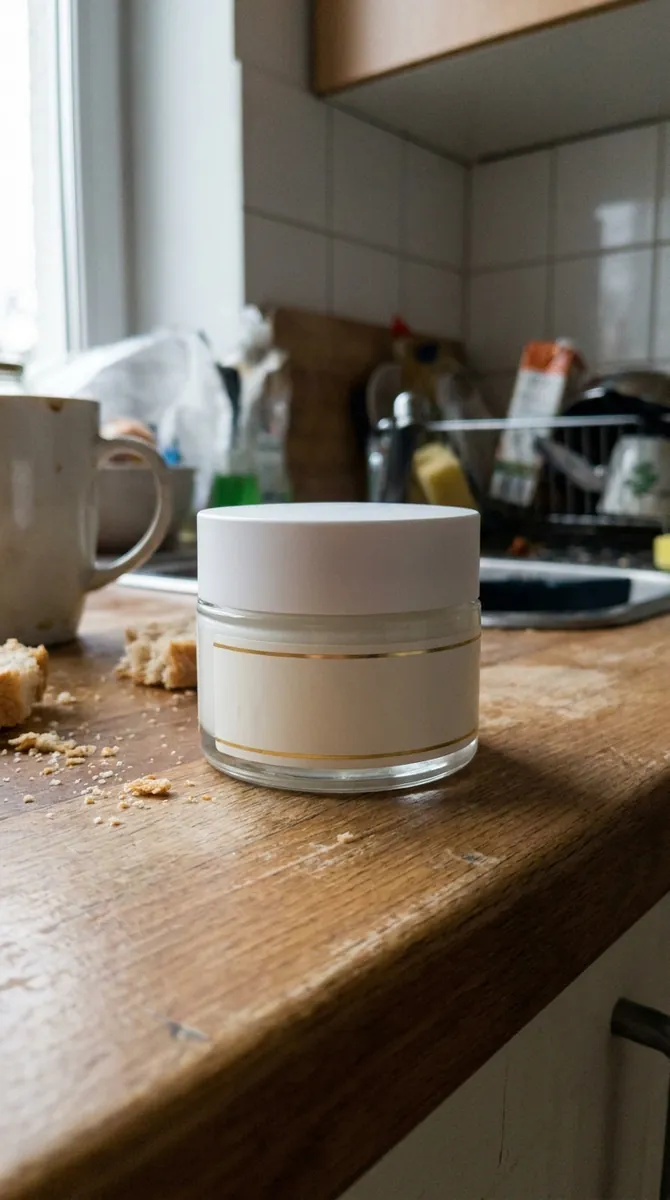
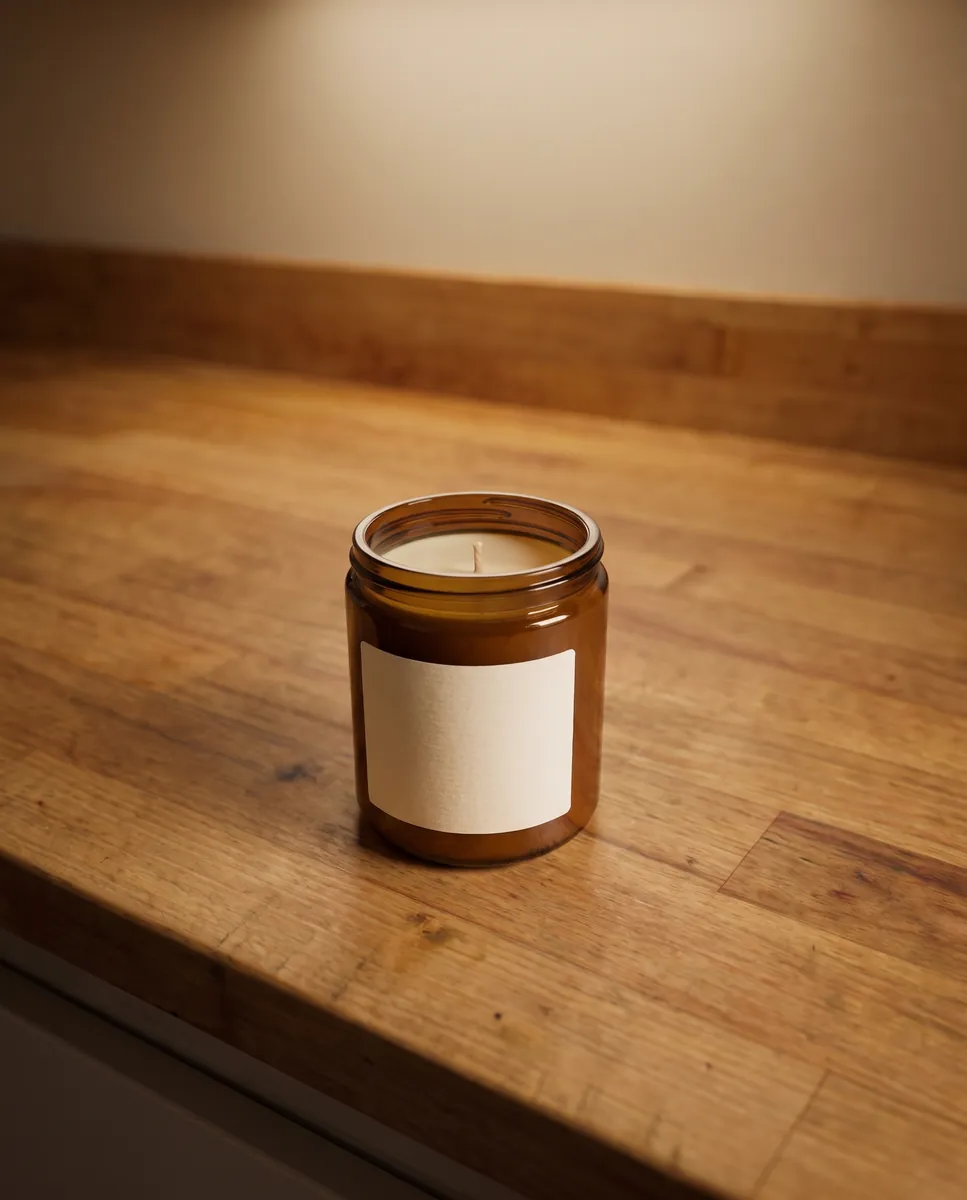
Remove and change the photo background
The most common task for a listing is a clean background. Write remove the background and the product stays on a white or transparent field. With the next prompt you can place it in an interior, on a marble table or in nature. You can save each attempt and compare them side by side. remove the background from a photo
Open the photo editor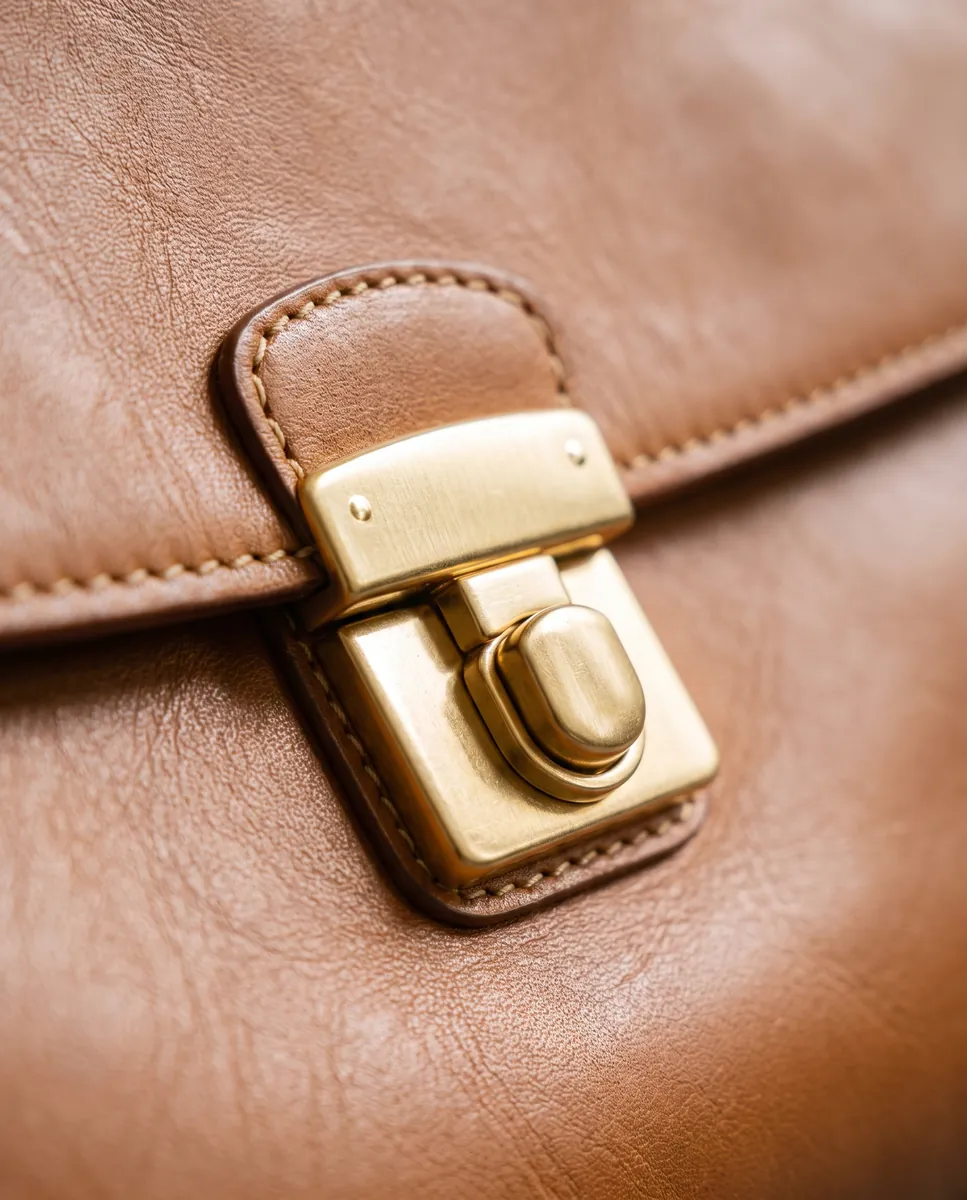
Version history and free rollback
Sometimes the AI changes more than you wanted. That is why Wraxa stores every result: open the version list, choose the one you like and return to it for free. You can experiment without fear because the earlier version is always one click away. It saves time and frustration when you work on a frame in several passes.
Open the photo editor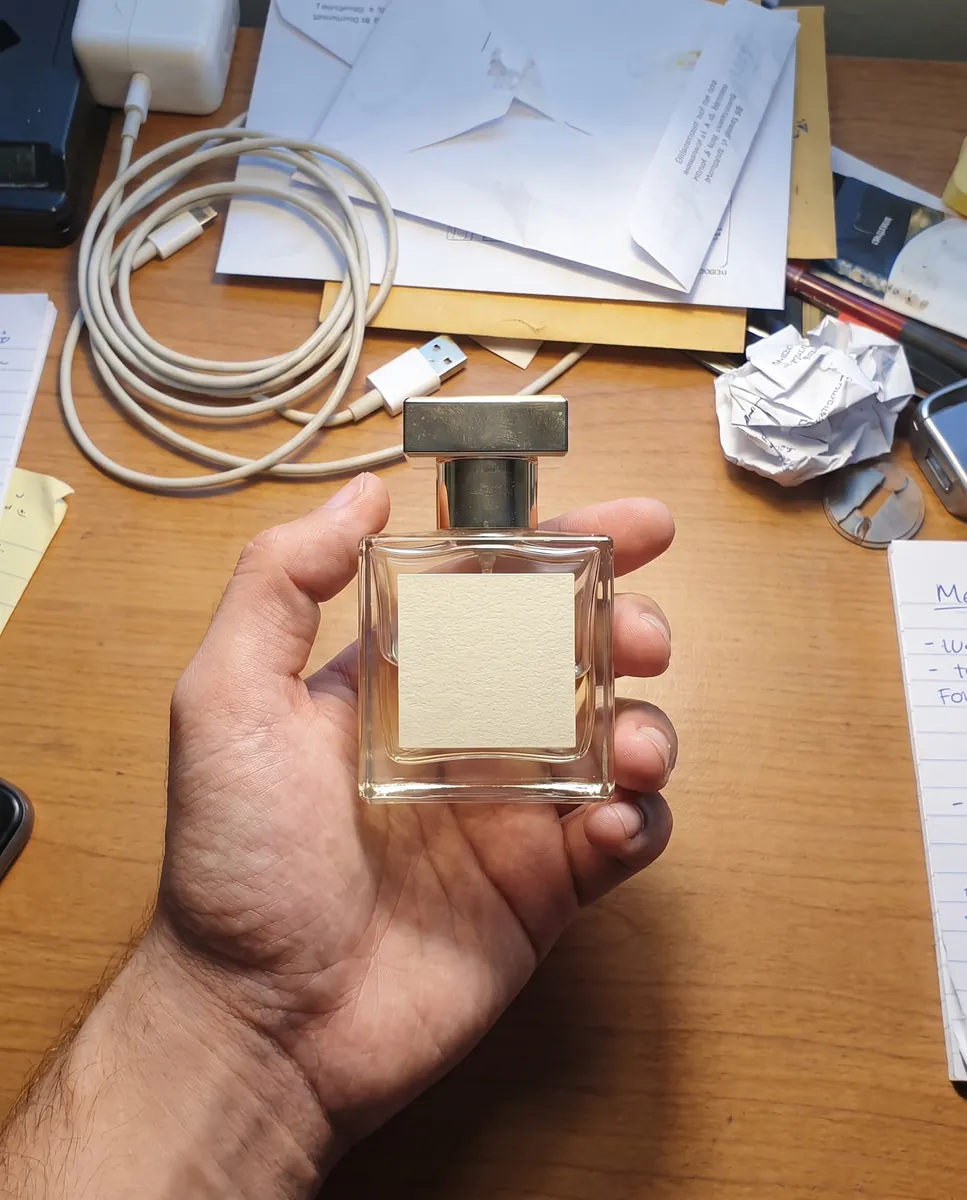
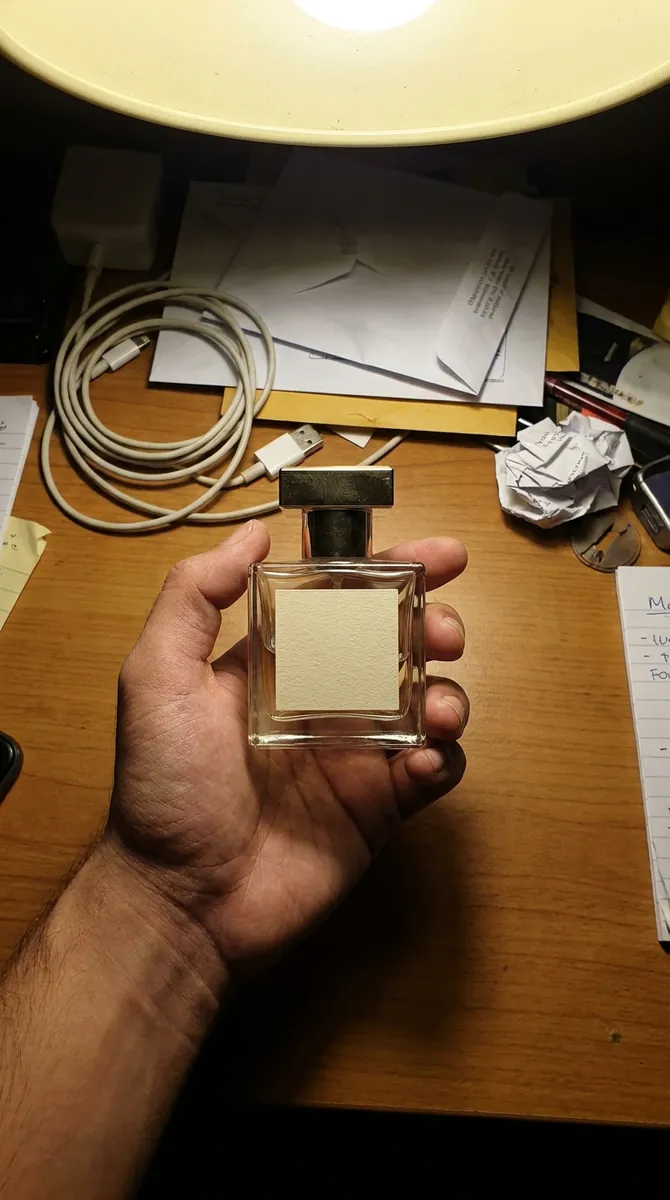 BeforeAfter
Fix light, sharpness and stray objects
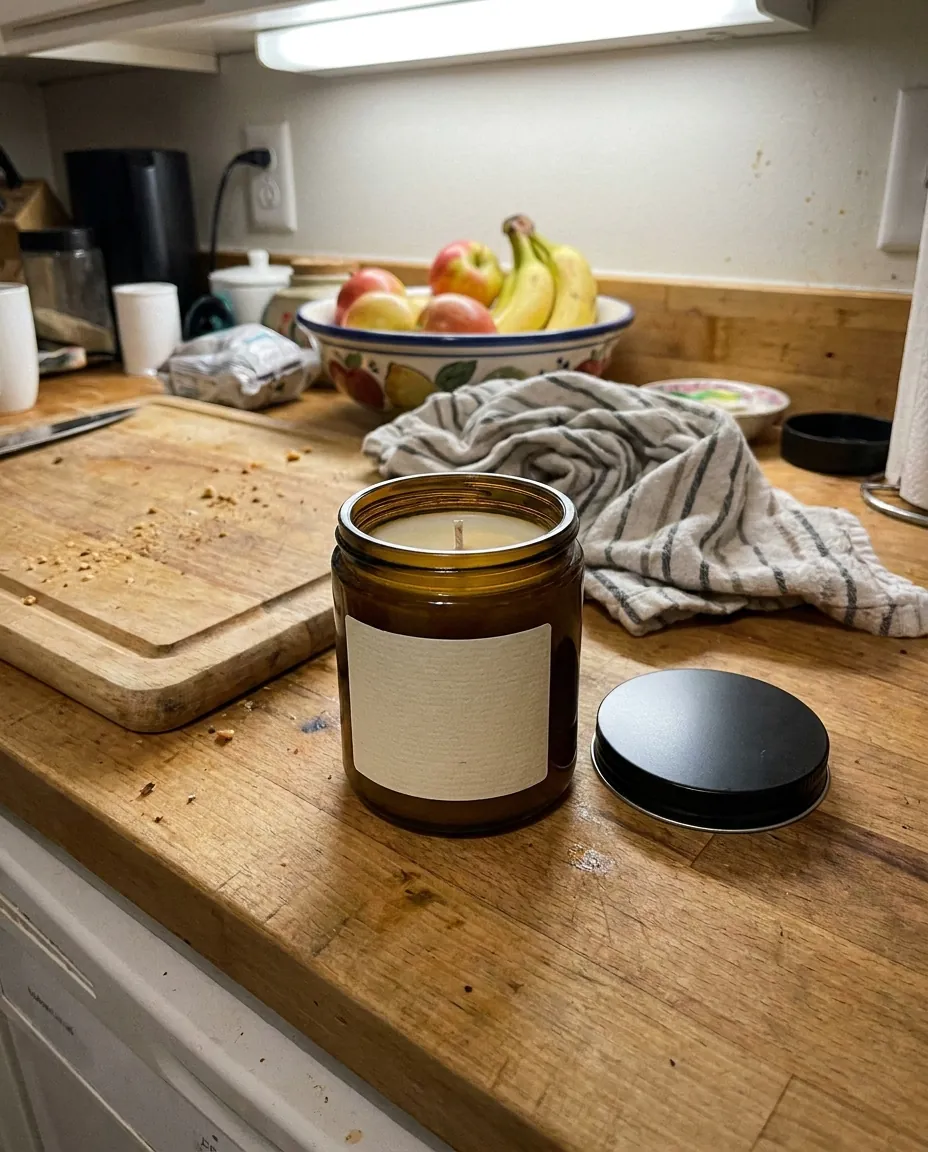
Photo too dark, glare on the surface or something unwanted in the corner? Say so. The editor can add studio light, improve quality or remove stray details. For specific jobs there are dedicated tools, and you can jump to the one you need from here. Each change is applied to the finished frame, so you can refine a shot step by step until it looks right. remove objects from a photo
Open the photo editorQuestions & answers
What is an AI photo editor?
It is an editor that understands plain language. Instead of working with tools by hand you write what to change and the AI edits the image.
How do I edit a photo in Wraxa?
1. Upload a photo or open a frame from your shoot.
2. Type what you want to change.
3. Compare the result with the original.
4. Save the best version or roll back.
What edits can I make?
Remove or change the background, add studio light, delete unwanted objects, enhance quality and make any other change you can describe in words.
Can I restore an earlier version?
Yes. Each result is saved as a separate version, and you can go back to any of them for free.
Does editing help with Amazon, Etsy and Shopify images?
Yes, it helps you get a clean look: an even background, good light and no stray objects. Check the final requirements in your marketplace's image rules.
How is this different from Photoshop or Canva?
You do not have to learn tools, you simply describe the edit. For pixel-level retouching Photoshop is still better, but for quick product photo prep Wraxa is enough.
How much does Wraxa Visuals cost?
One-time access is $7 for 25 tokens: a single payment, no subscription or auto-renewal, and the tokens never expire. The Visuals subscription is $20 a month for 100 tokens every month, and you can cancel anytime. There is no free trial.
What is the difference between one-time access and the subscription?
One-time access is for trying it out: your 25 tokens stay with you until you use them. The subscription is for regular content: 100 tokens arrive every month, and the unused monthly allowance resets on renewal. Purchased tokens add up with the subscription.

Upload your first photo and see how your product can look. One-time access from $7, no subscription required.
Open the photo editor