
Ad Creatives from your product photos
Upload a product photo, describe your audience and offer. Wraxa creates the ad visual and copy — and new variations for your next hypothesis. Have a new concept to test? Create a unique creative for it.
Create a creative from photo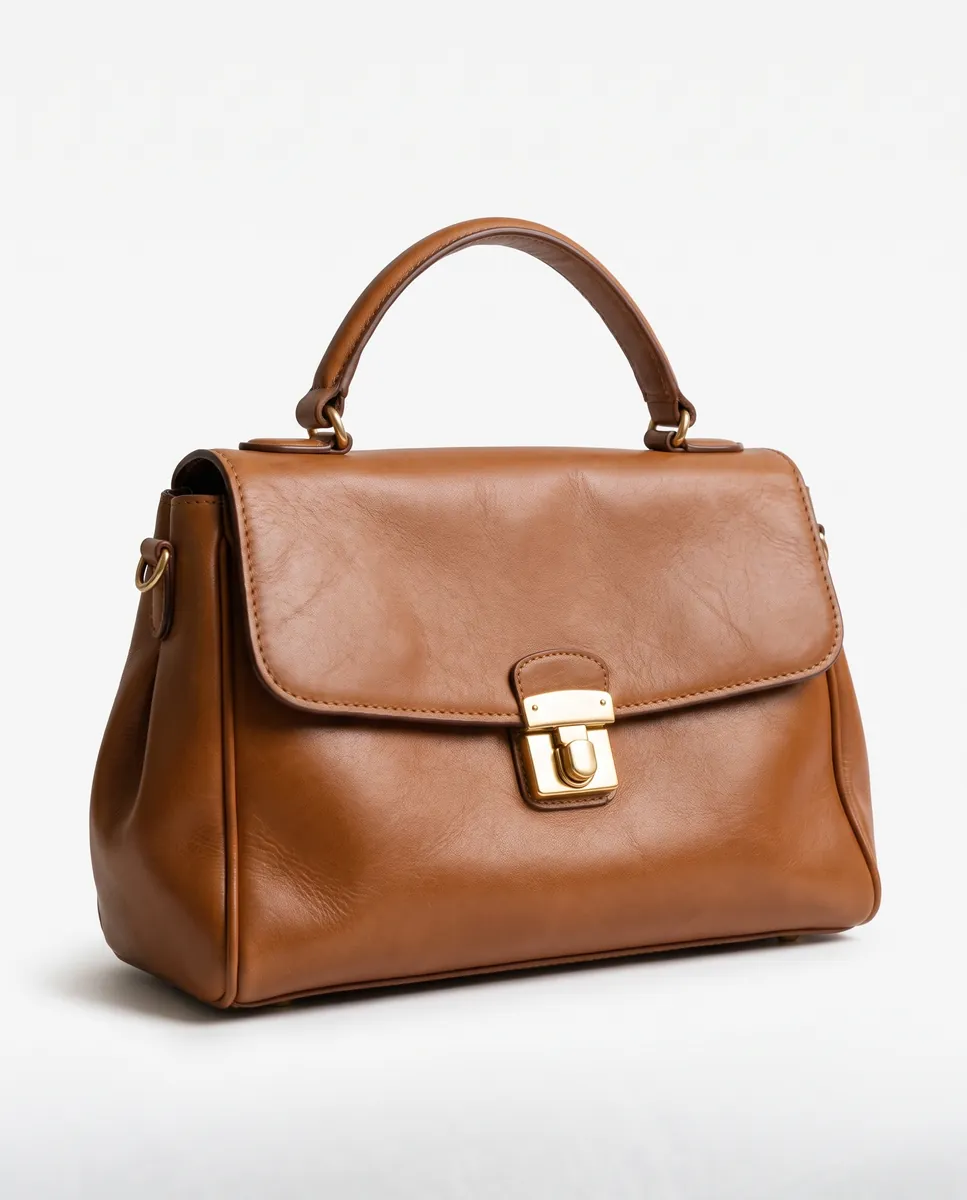
 BeforeAfter
How it works
Upload a photo
Add your product and brand info.
Describe your test idea
Clarify who the ad is for and the main focus.
Polish your creative
Review the copy, make edits, and download the visual.

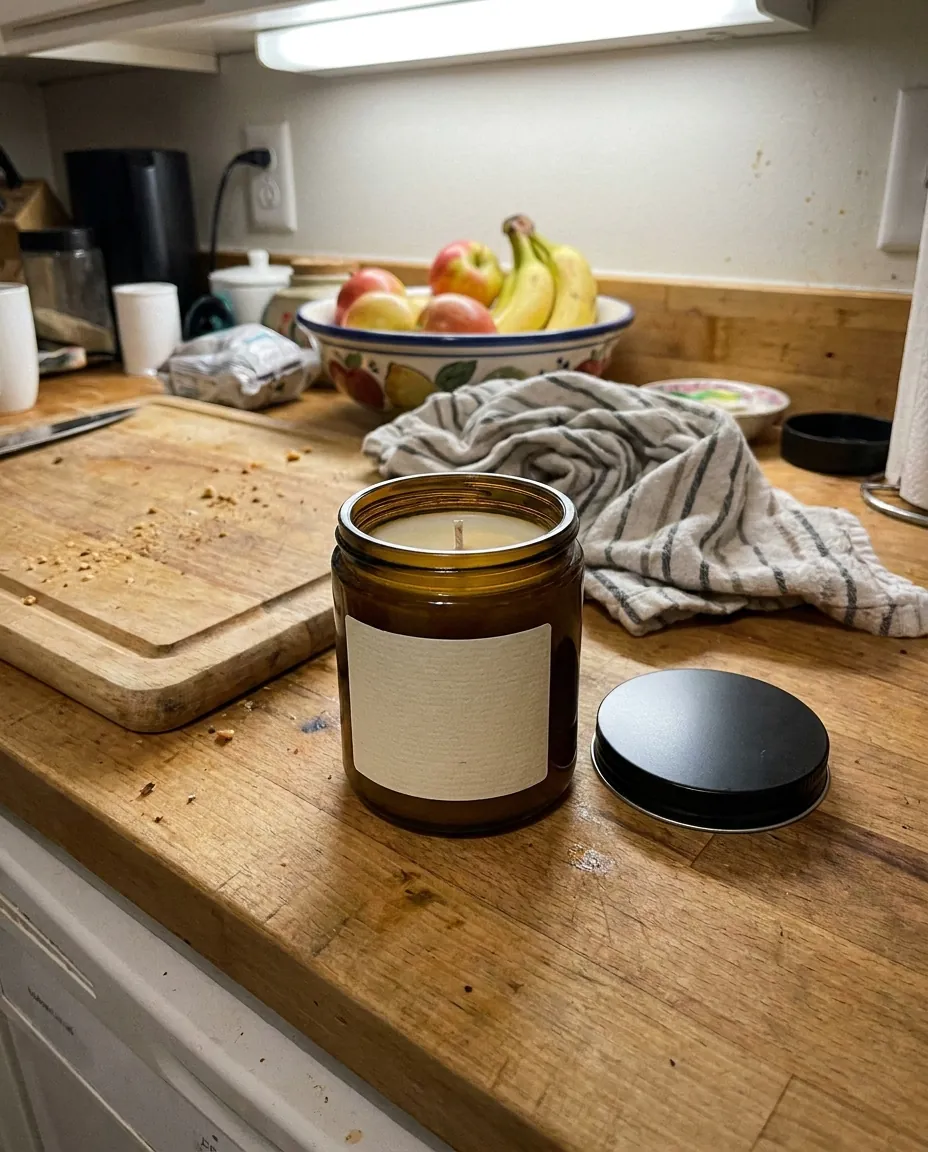 BeforeAfter
Got an idea, but no assets
That next test needs copy and visuals again. Describe the idea you want to test. Instantly get a creative draft, then refine it in chat.
Create a creative from photo
One product — different audiences
A single ad can’t cover every reason to buy. Experiment with different scenarios, angles, and copy for the same product.
Create a creative from photo
Edits without a new brief
You need a new angle, not a fresh start. Refine your request in chat. Your brand info and previous materials are already saved.
Create a creative from photoQuestions & answers
Can I use my own product photos?
Yes. Add them to your brand media library and specify which product and angle to use in your request. Check product details on the final image.
Does Wraxa launch ads or select targeting?
No. Wraxa helps you prepare creatives for your idea. Campaign setup, launch, and performance tracking remain in your ad account.
Got an idea, but no assets
That next test needs copy and visuals again. Describe the idea you want to test. Instantly get a creative draft, then refine it in chat.
One product — different audiences
A single ad can’t cover every reason to buy. Experiment with different scenarios, angles, and copy for the same product.
Edits without a new brief
You need a new angle, not a fresh start. Refine your request in chat. Your brand info and previous materials are already saved.
Start with a photo and one offer.
Add your brand, upload a product photo, and explain who you’re targeting and what you offer. The assistant uses this info to prepare your creative. You choose the version and launch the ad in your own ad account.
How much does Wraxa Visuals cost?
One-time access is $7 for 25 tokens: a single payment, no subscription or auto-renewal, and the tokens never expire. The Visuals subscription is $20 a month for 100 tokens every month, and you can cancel anytime. There is no free trial.
What is the difference between one-time access and the subscription?
One-time access is for trying it out: your 25 tokens stay with you until you use them. The subscription is for regular content: 100 tokens arrive every month, and the unused monthly allowance resets on renewal. Purchased tokens add up with the subscription.



Upload your first photo and see how your product can look. One-time access from $7, no subscription required.
Create a creative from photo