
Flower shop photos with AI: bouquet photography for Instagram and your site
A bouquet lasts a day or two, yet every order deserves a great picture. Upload a phone photo to Wraxa and get clean frames for your website and styled scenes for Instagram. Works on phone and desktop, with no photographer and no studio lights.
Try for $7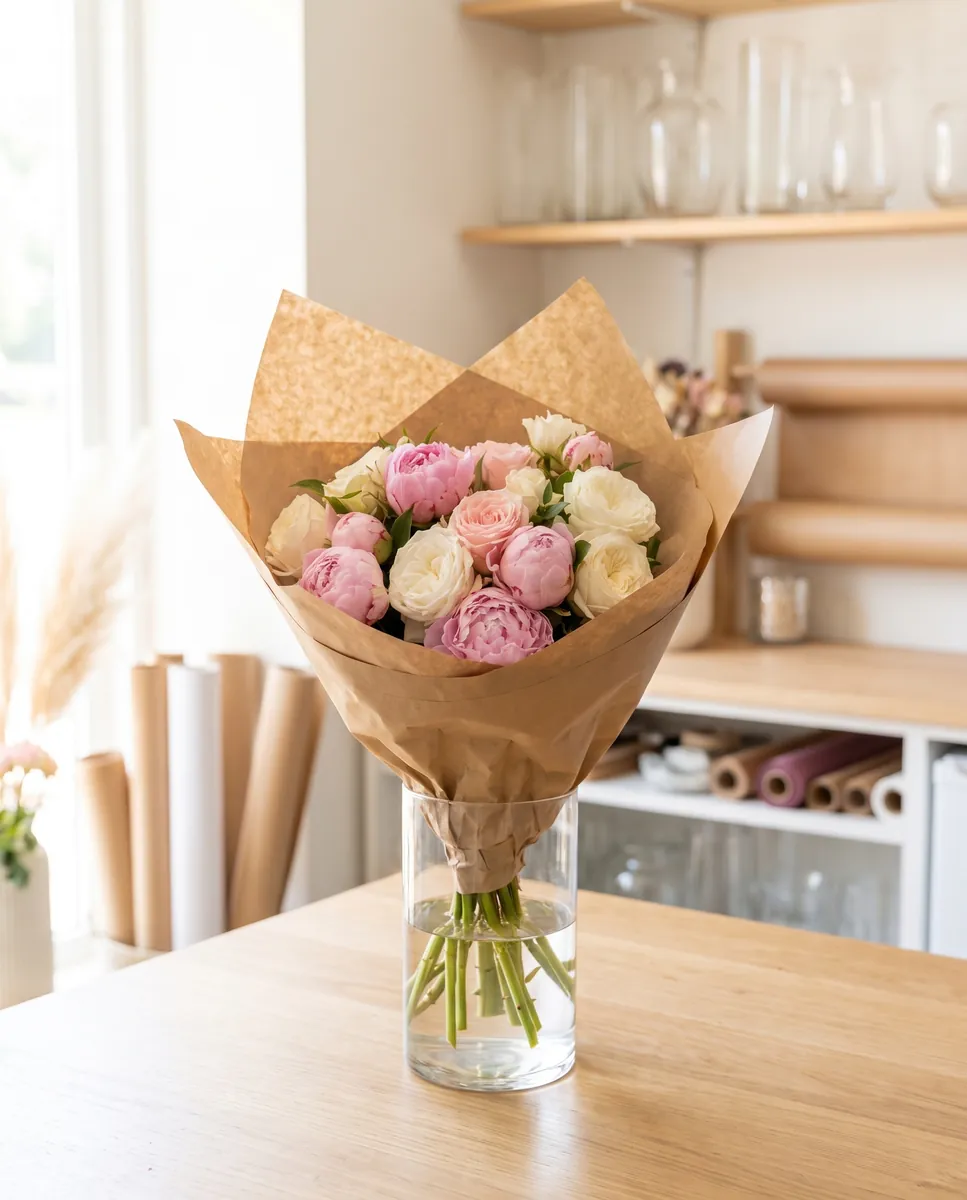
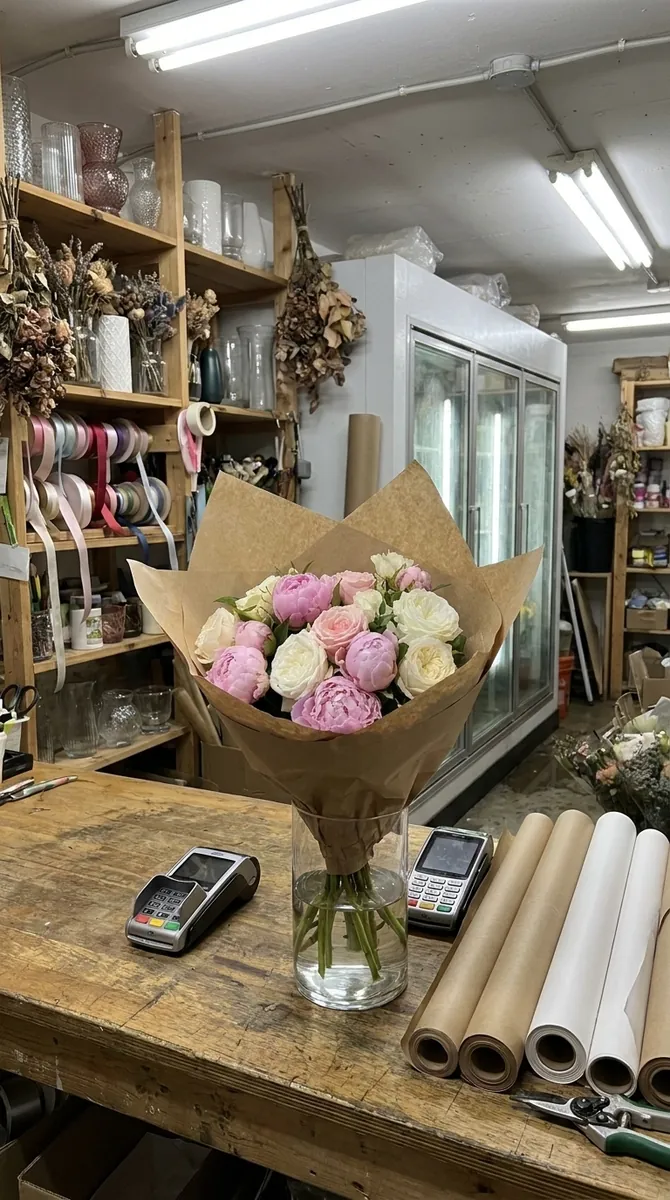 BeforeAfter
How it works
Photograph the bouquet
Shoot the finished bouquet by a window with your phone while it is fresh.
Create the frames
The AI produces clean catalog frames and two lifestyle shots in an interior.
Publish
Pick the format, 1:1 for your site and 4:5 or 9:16 for the feed and Stories, then download.
BeforeAfterClean frames for your catalog
A website needs even pictures on a neutral background where color and composition are clear. The AI photoshoot builds a series from one photo: wide, angled and close. Your catalog looks tidy even if you shot the bouquet in the back room. AI photoshoot for a bouquet
Try for $7
Remove what does not belong
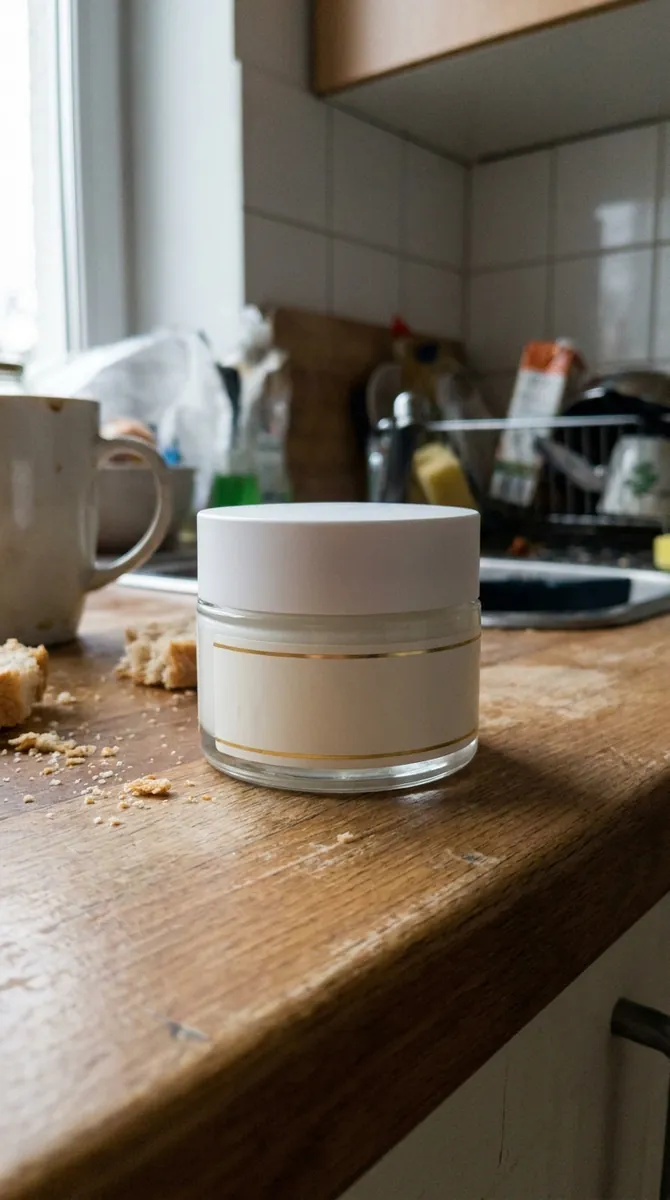
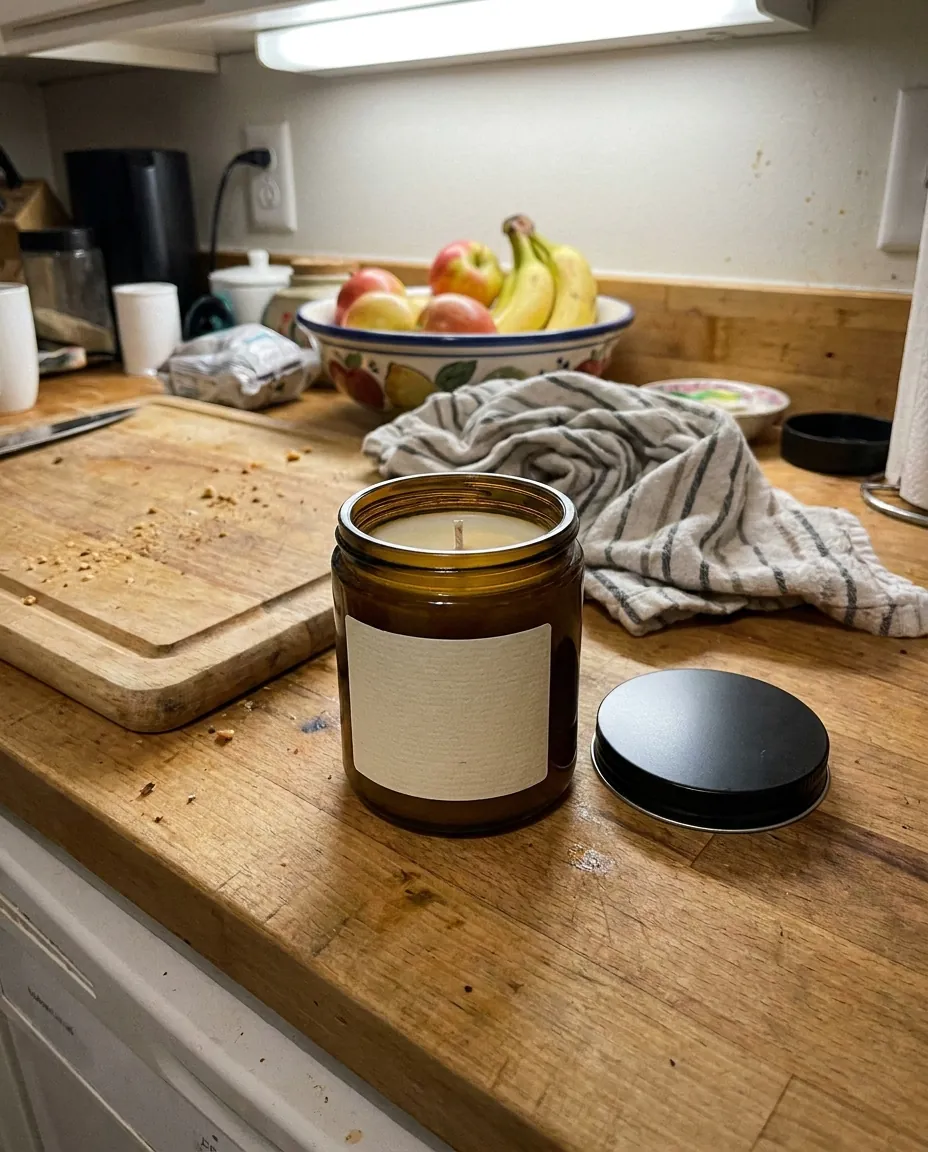
Boxes, tools or a stray object in the background ruin a shot. Describe what to remove and the tool erases it while keeping the bouquet intact. You can photograph wherever it is convenient and still publish a clean image. Each removal is saved as a version, so you can undo it for free. remove objects from a photo
Try for $7
Scenes for Instagram
A bouquet in a vase, by a window or in gift wrap makes people want to order. Describe a scene and the AI places your bouquet there. Seasonal scenes for Valentine's Day or Mother's Day are made without another shoot. create a scene for a photo
Try for $7Video for Stories and Reels
A moving bouquet grabs more attention than a still. Animate photo turns a frame into a 5 to 10 second clip for Stories and Reels. You get the video without an operator or editing. Seasonal clips for holidays take the same effort: a photo, a click, a finished video. animate a bouquet photo
Try for $7Questions & answers
What is bouquet photography with AI?
It is AI-assisted image creation: you upload a picture of a bouquet and Wraxa produces a set of clean photos and scenes for your website and Instagram.
How realistic do the flowers look?
Composition and colors come from your photo, so the bouquet stays recognizable. Check delicate petals and small blooms at full zoom. Any frame can be adjusted by text or rolled back.
Can I use the images on Etsy, Shopify or marketplaces?
Clean frames on a neutral background fit catalogs and listings. Platforms such as Amazon, Etsy and Shopify each have their own image rules, which change over time, so check the current guidelines for your category.
Do I need a photographer or a studio?
No. A phone and daylight are enough. The AI adds backgrounds, angles and scenes.
How much does Wraxa Visuals cost?
One-time access is $7 for 25 tokens: a single payment, no subscription or auto-renewal, and the tokens never expire. The Visuals subscription is $20 a month for 100 tokens every month, and you can cancel anytime. There is no free trial.
What is the difference between one-time access and the subscription?
One-time access is for trying it out: your 25 tokens stay with you until you use them. The subscription is for regular content: 100 tokens arrive every month, and the unused monthly allowance resets on renewal. Purchased tokens add up with the subscription.
How many tokens does one photo or video use?
One photo uses about 1 token and one video about 12, so 25 tokens cover roughly 25 photos or 2 videos. You see the exact cost before you start, and failed generations are never charged.
Tools for this job
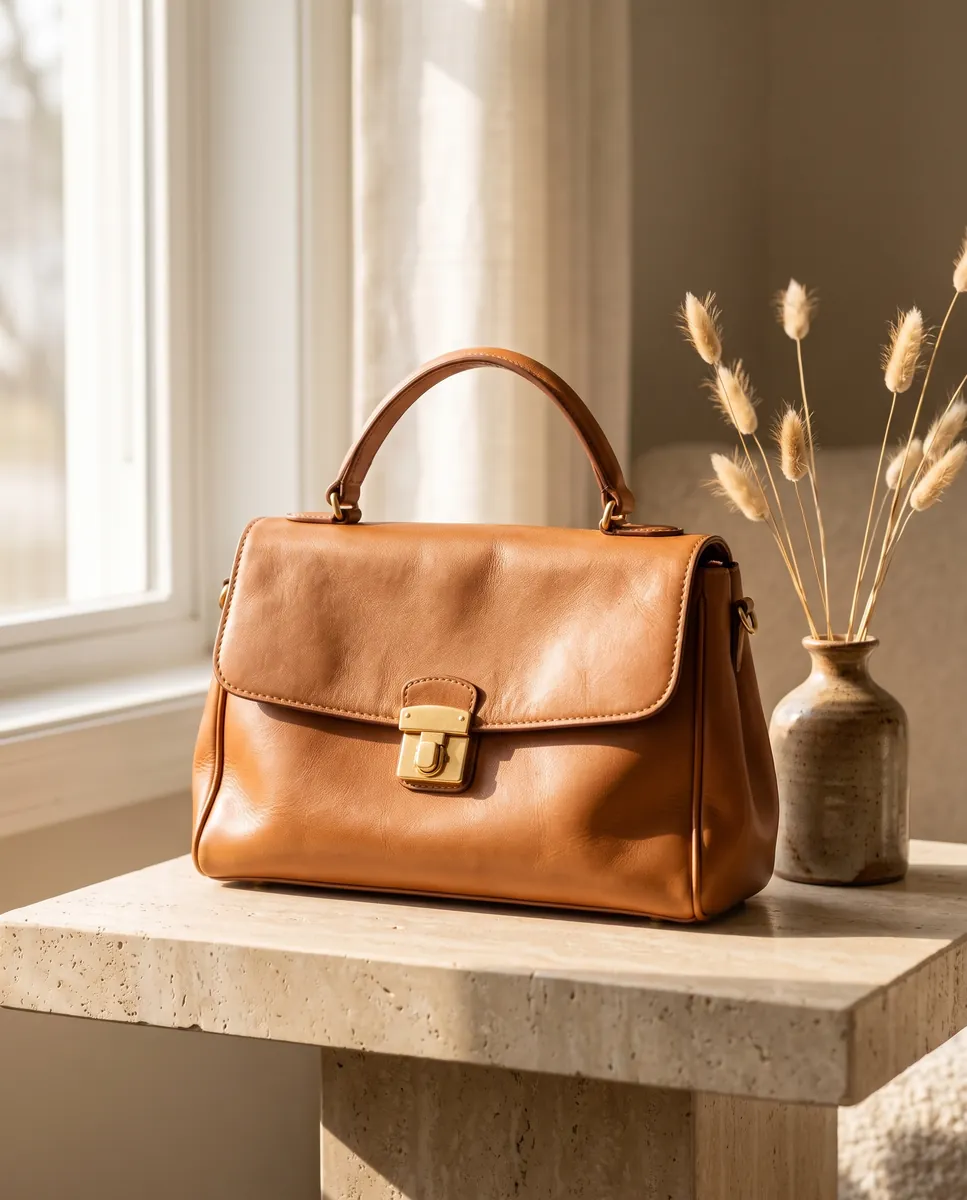
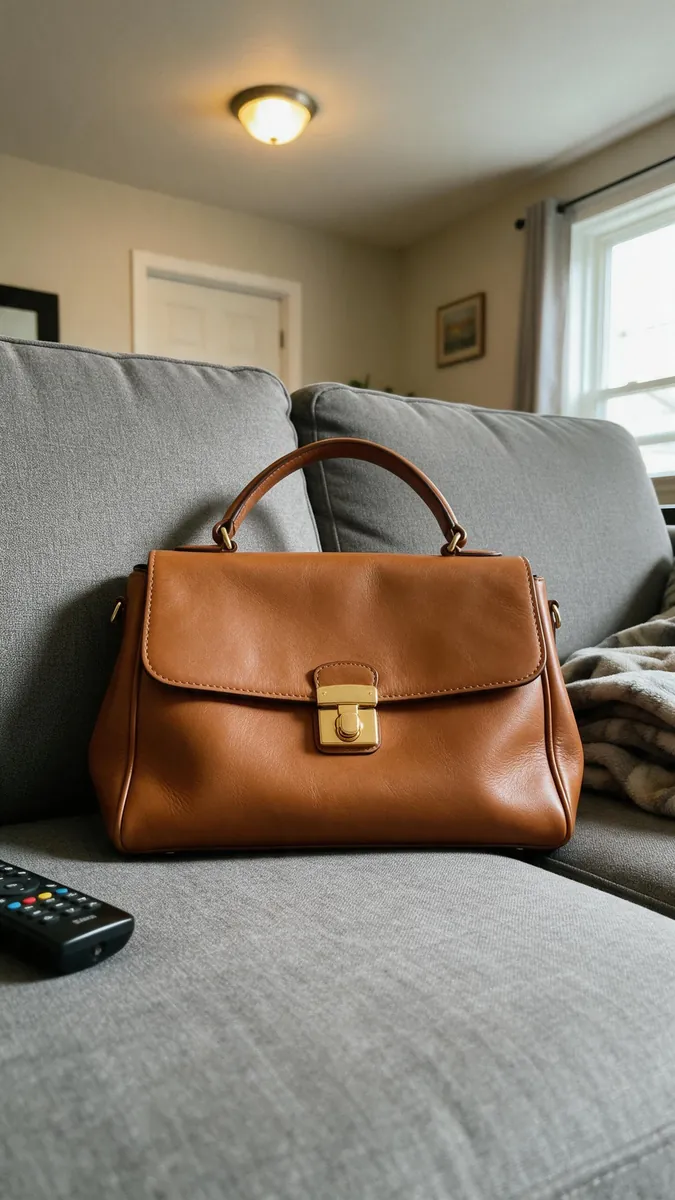 BeforeAfter
AI Photoshoot
One product photo becomes a set of 6 ready-to-use shots.Photo to Video
A 5 to 10 second clip from a single photo.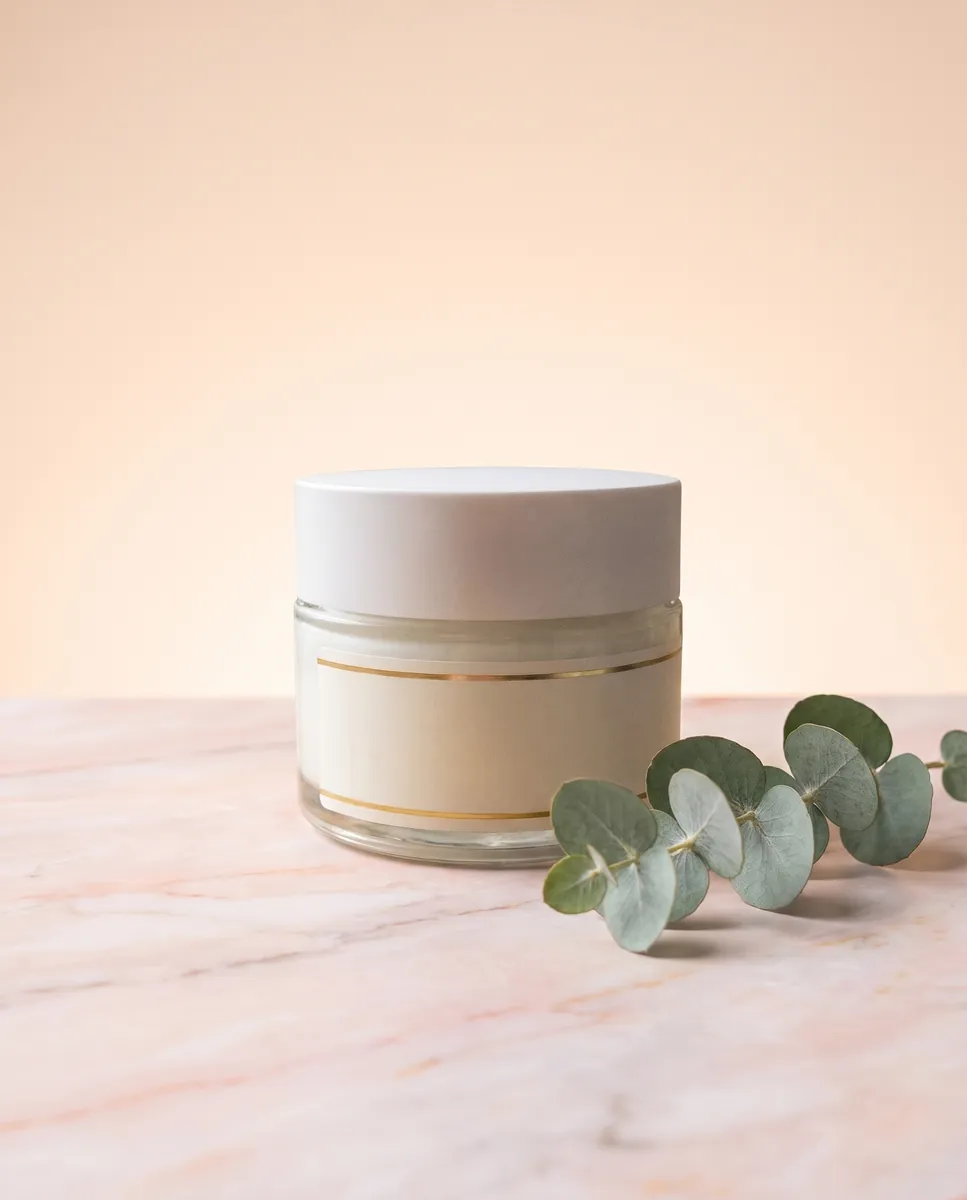
 BeforeAfter
Background Generator
Describe a scene in words and your product appears in it.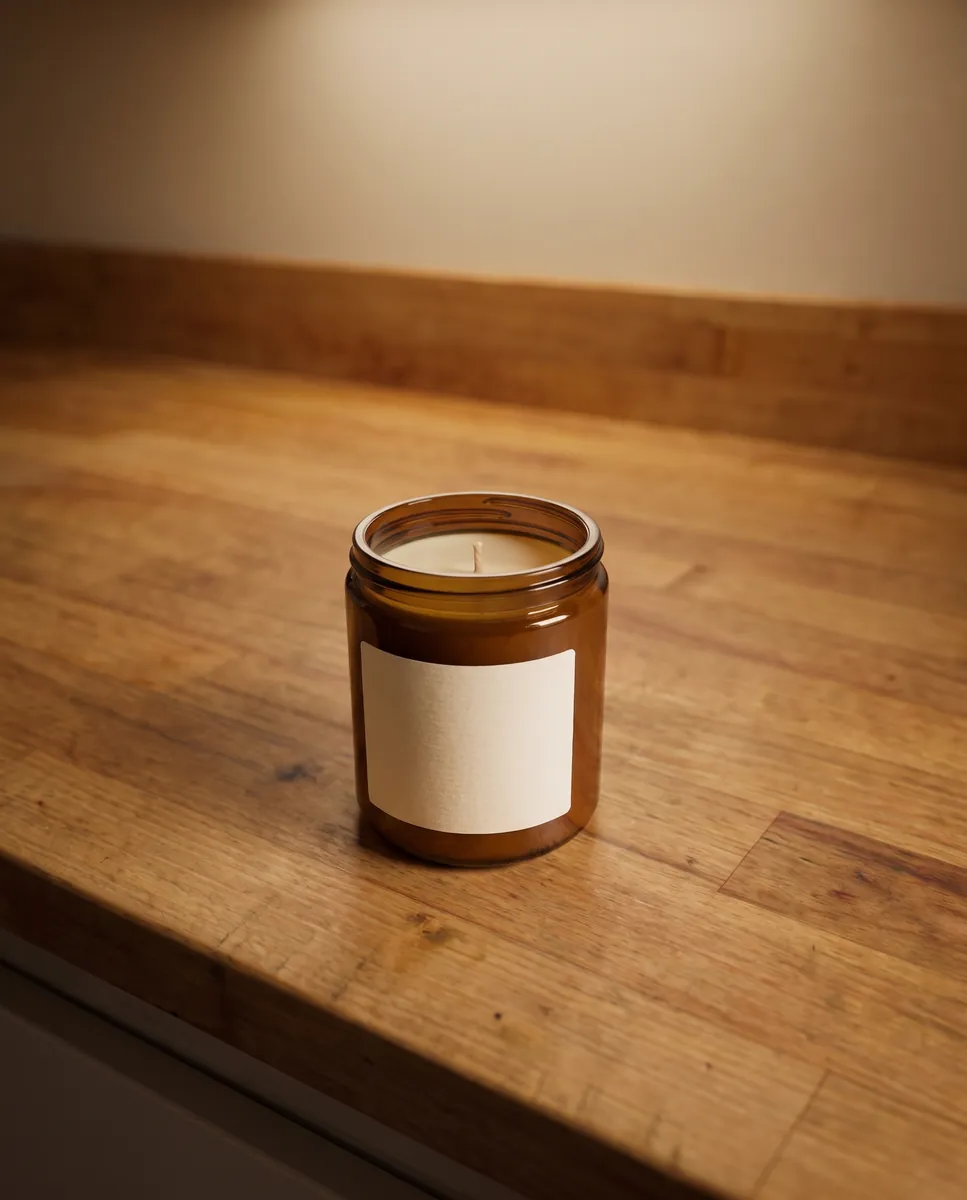
 BeforeAfter
Object Remover
Erase unwanted items and let the background fill itself in.
Upload your first photo and see how your product can look. One-time access from $7, no subscription required.
Try for $7