AI Product Photography: Turn One Photo Into a Full Shoot
Upload a regular phone photo of your product and Wraxa builds a whole photoshoot from it: studio angles on a white background plus two lifestyle shots in a real-looking setting. No studio, no lights, no photographer. Ready for Amazon, Etsy, Shopify and Instagram.
Get started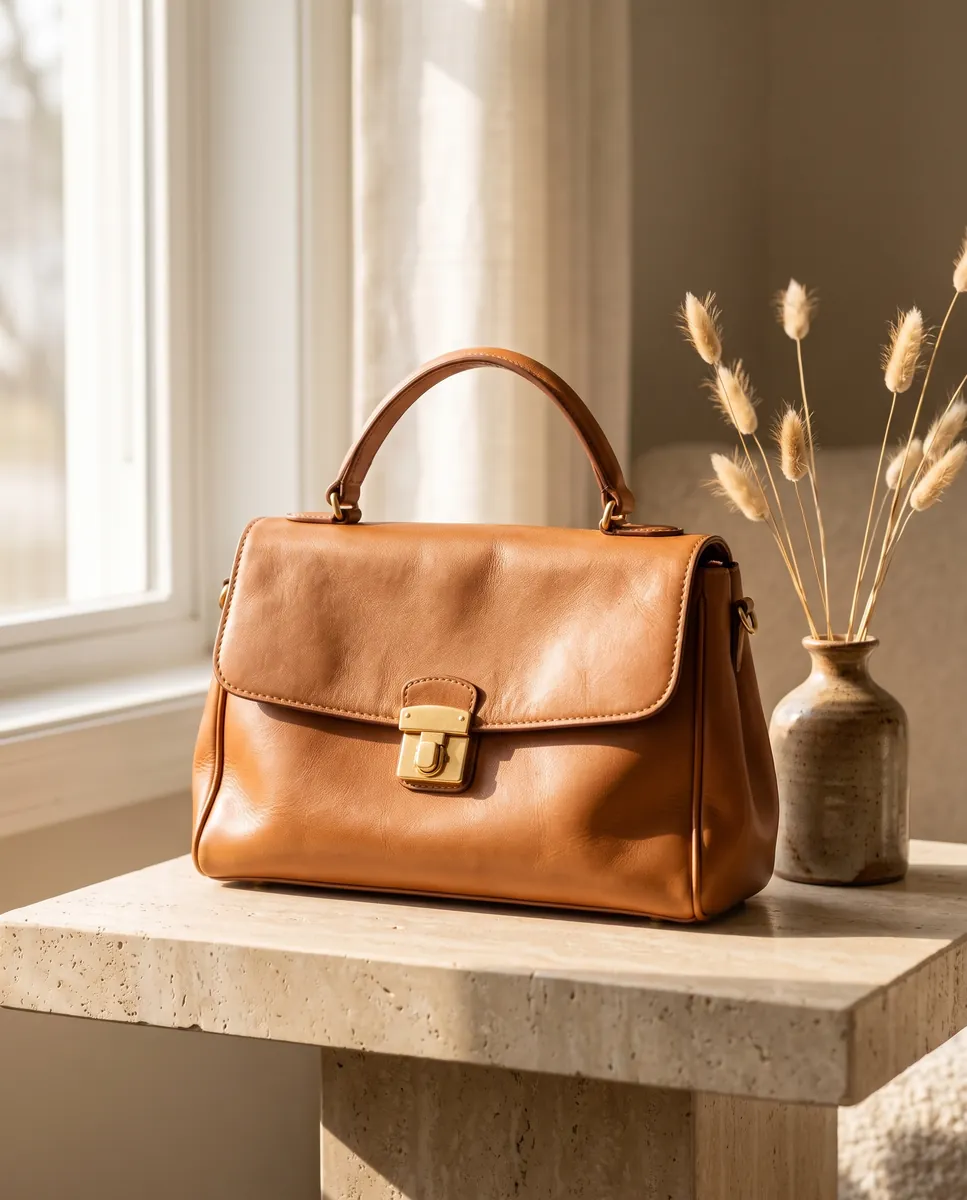
 BeforeAfter
How it works
Upload a photo
Any clear shot from your phone works. Keep the product fully in frame with even light.
Pick a format
Choose 1:1, 4:5, 3:4, 2:3 or 9:16 to match a listing, a feed post or a story.
Get 6 shots
Studio angles on white plus two lifestyle scenes. Tweak anything with a text prompt.
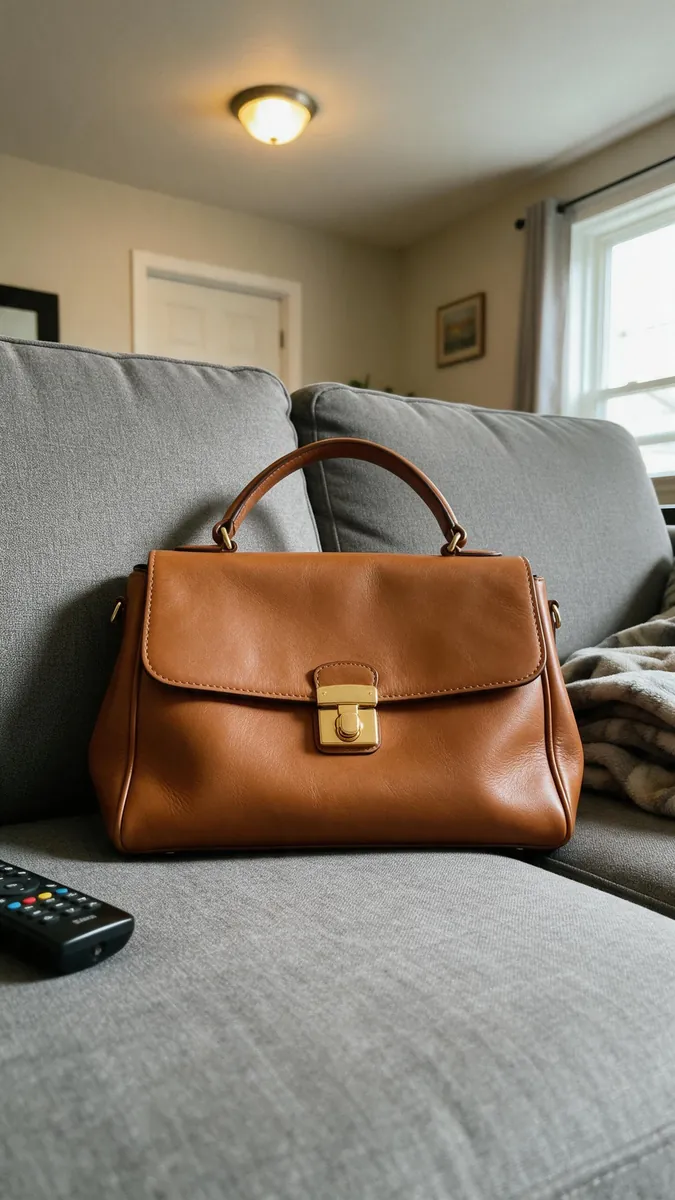
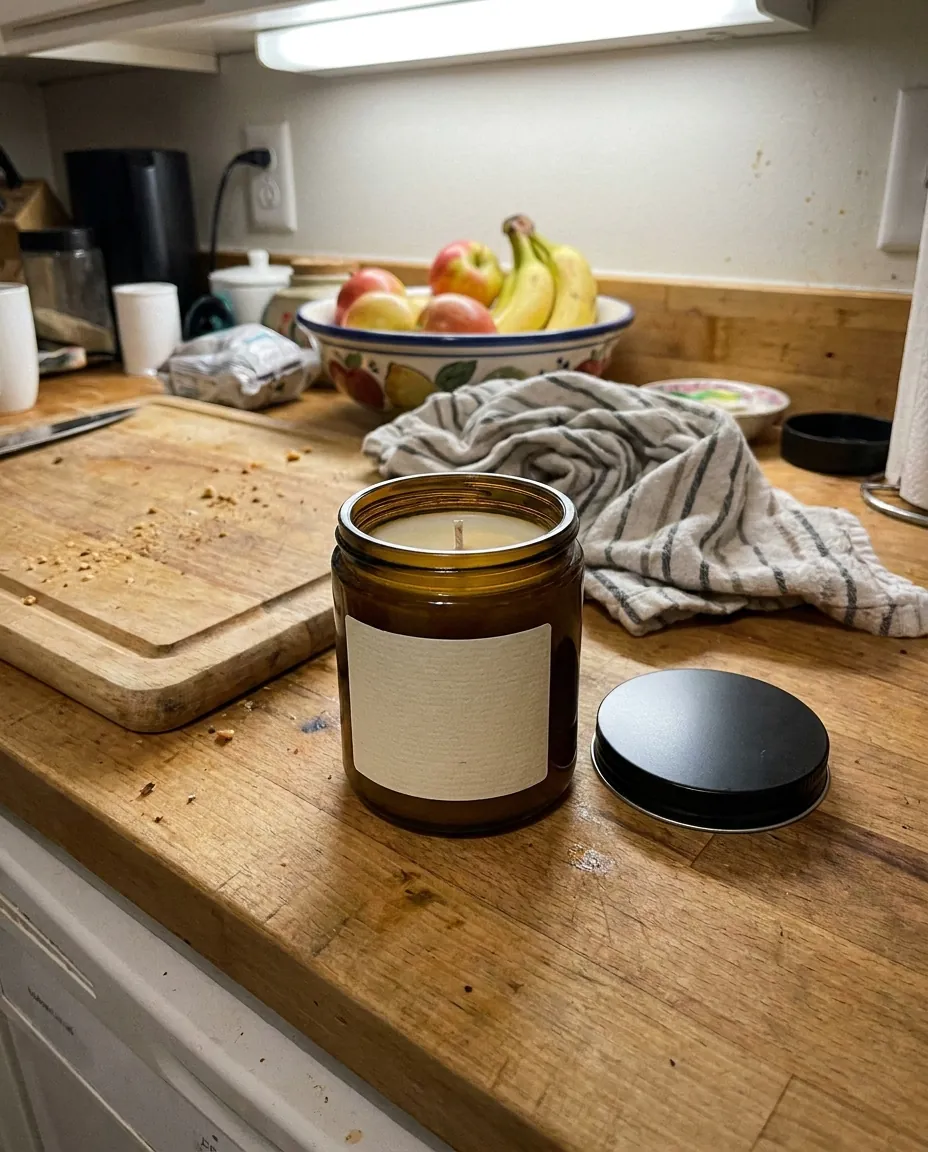 BeforeAfter
Studio product photos online, no studio needed
Clean white-background photos used to mean a lightbox, a tripod and half a day of work. Now one source image is enough. The AI generates several studio angles while keeping your product's shape, color and details intact. These shots work as the main image in a listing or as catalog photos. If a frame is not quite right, you can fix it separately with a text edit. fix any frame with a text edit
Get started
Lifestyle shots for ads and social feeds
White backgrounds sell on marketplaces, but a feed needs atmosphere. Every shoot includes two lifestyle shots: your product on a table, in a cozy room or in someone's hands, with natural light and depth. They show how the item looks in real life and give shoppers a reason to stop scrolling. The scene is matched to what you sell, so perfume does not end up next to a frying pan.
Get started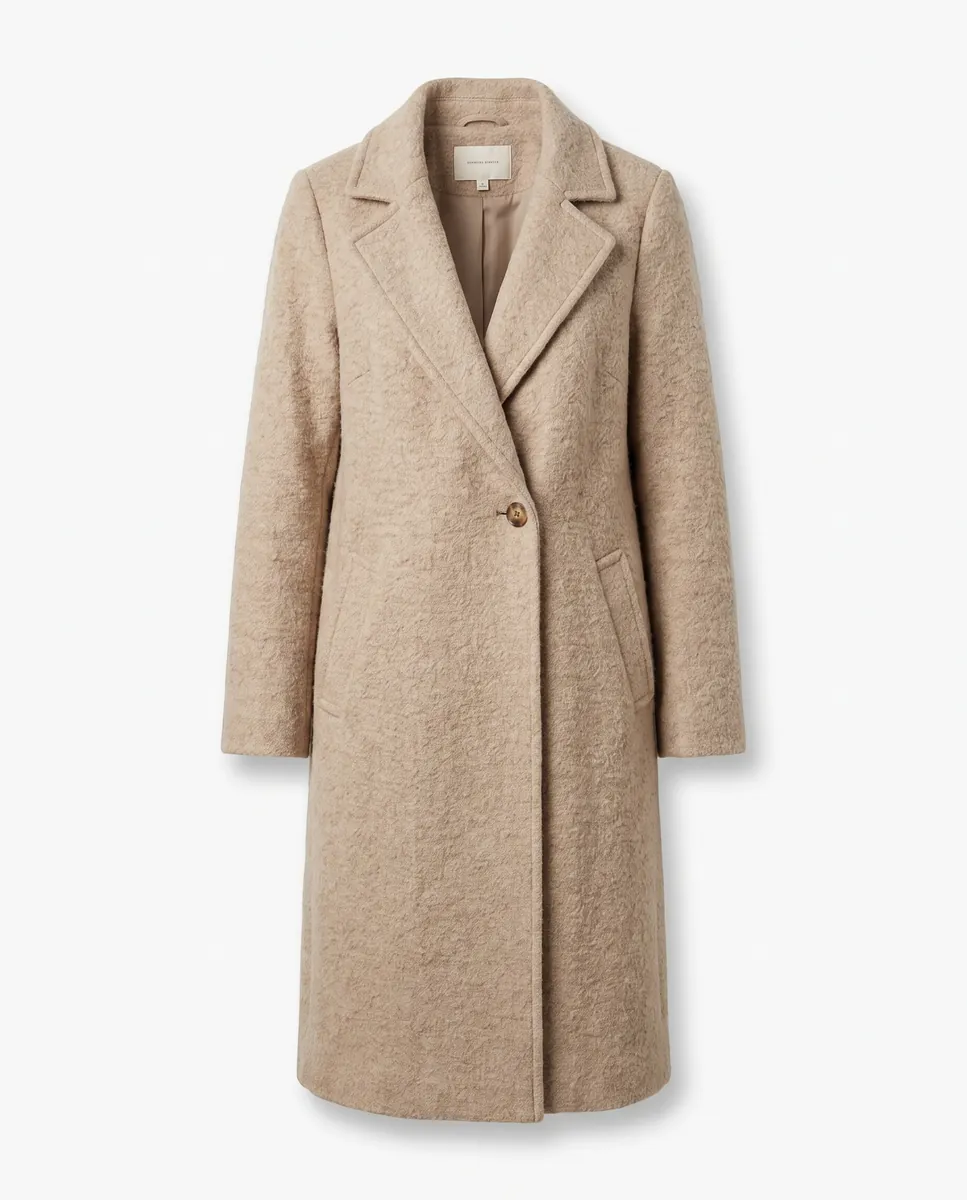
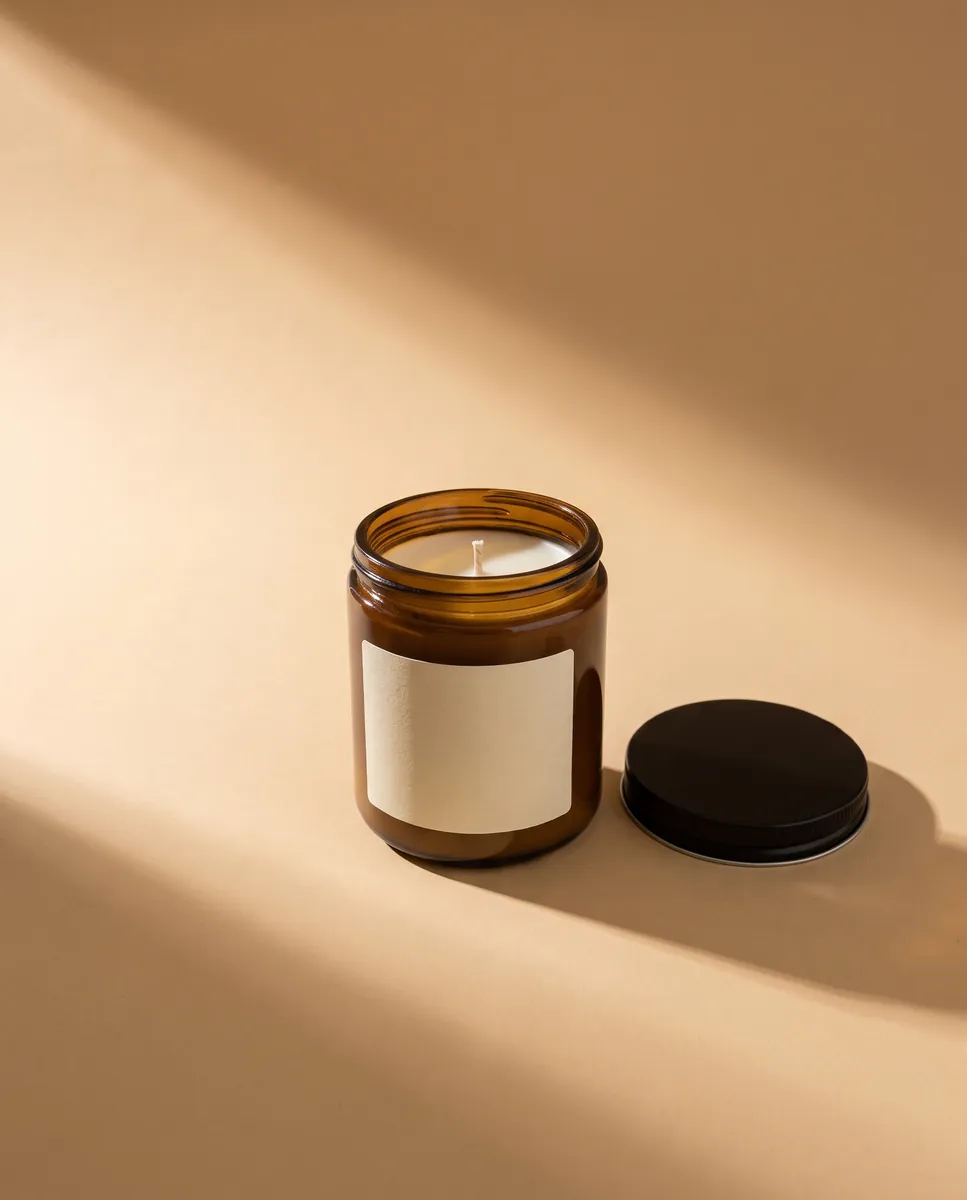
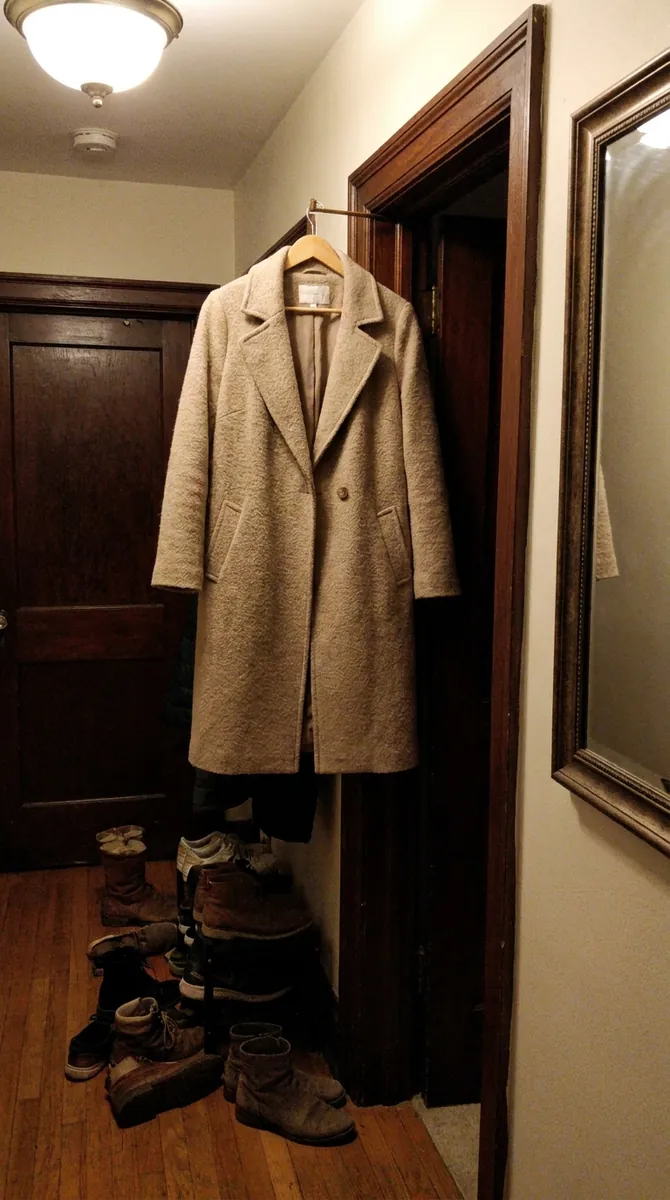 BeforeAfter
Ecommerce product photos in every format you need
The same shoot comes out in five aspect ratios: 1:1 for catalogs, 4:5 and 3:4 for listings and feeds, 2:3 for tall displays and 9:16 for stories and Reels. You do not crop by hand or lose the edges of your product. Files download right away, so you can refresh your Amazon, Etsy or Shopify pages the same evening.
Get started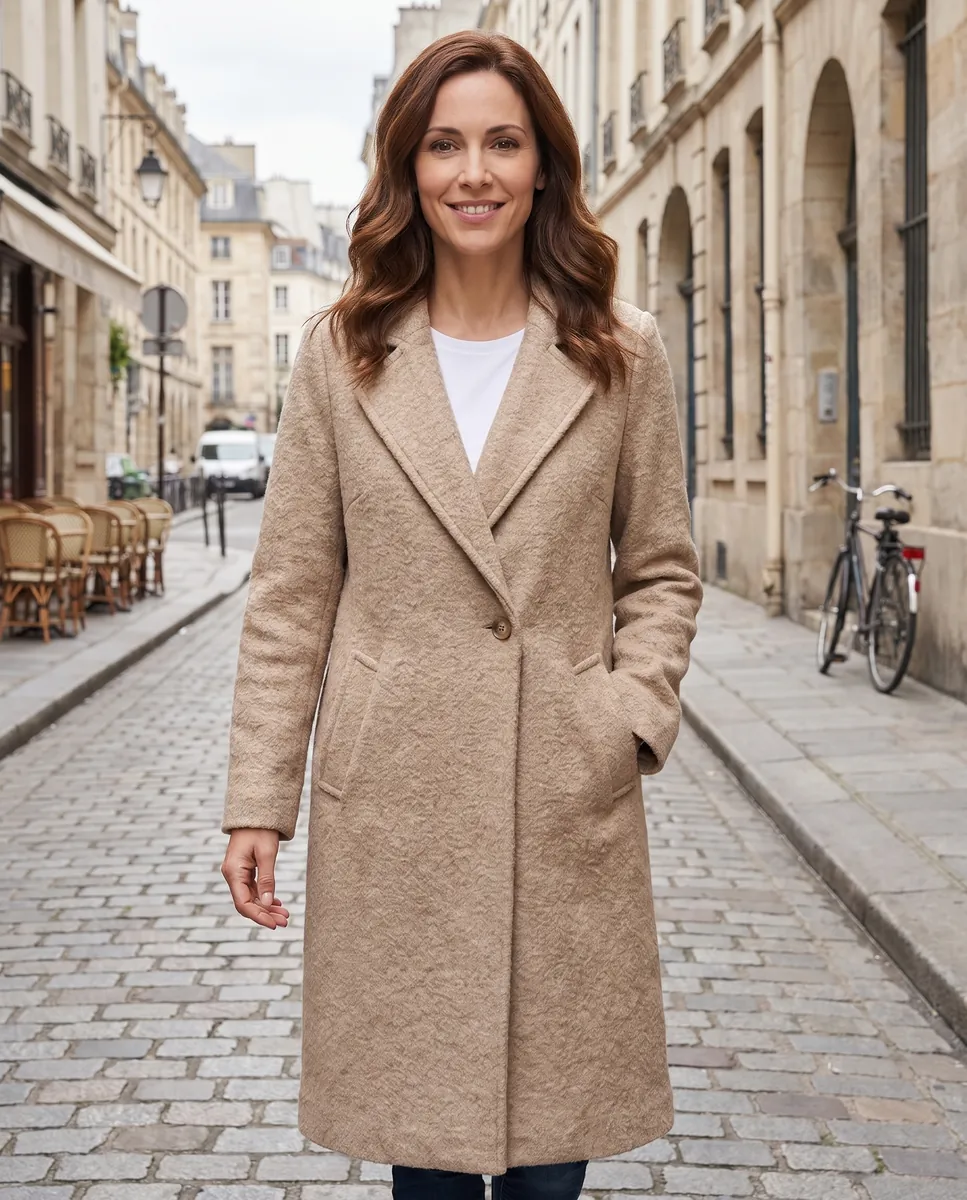
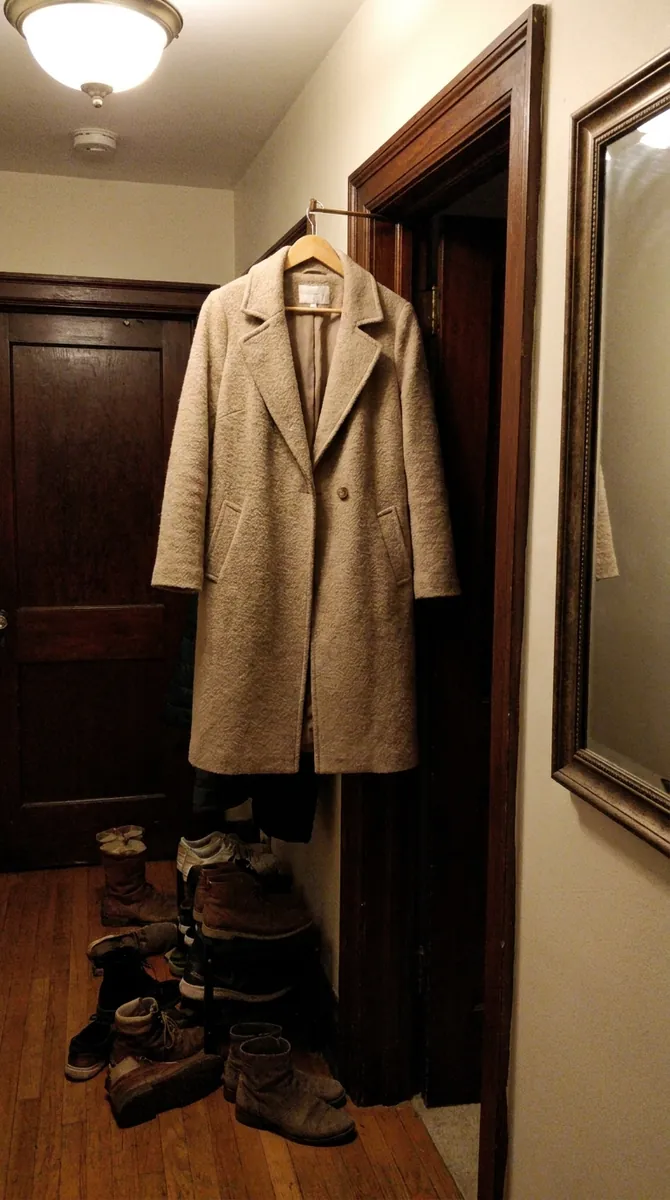 BeforeAfter
Show it on a model and bring frames to life
If an item sells better on a person, try it on a model from our library or on your own model photo. Once a frame looks right, you can turn it into a short video, with a slow camera move, shifting light and a bit of motion. One shoot ends up covering your listing, your feed and a short ad clip. put your product on an AI model
Get startedQuestions & answers
What is AI product photography?
It is a photoshoot without a camera or studio. You upload one photo of your item and the AI generates a set of professional images. In Wraxa that means 6 shots: studio angles on a white background and two lifestyle scenes.
How do I do an AI photoshoot in Wraxa?
1. Upload a photo of your product.
2. Choose a format: 1:1, 4:5, 3:4, 2:3 or 9:16.
3. Start the shoot and wait a couple of minutes.
4. Download the shots or fix any frame with a text prompt.
Will the photos work for Amazon, Etsy and Shopify?
Studio shots on white are made with listing images in mind, and the 1:1 and 4:5 formats cover the most common needs. Always check the image rules of your marketplace and category before uploading.
How realistic are the results?
The AI keeps your product's shape, color and details. A sharp, well-lit source photo gives the best result. If something looks off, change that frame with a text prompt and restore an earlier version for free.
How is this different from hiring a photographer?
You skip shipping samples, scheduling and paying per angle. A shoot takes minutes and you can repeat it as often as you like. A photographer still wins for complex staged scenes, but for everyday catalog work the AI is faster and cheaper.
Do I need to install an app?
No. Wraxa runs in your browser on a phone or a computer, so you can shoot, edit and download from one device.
How much does Wraxa Visuals cost?
One-time access is $7 for 25 tokens: a single payment, no subscription or auto-renewal, and the tokens never expire. The Visuals subscription is $20 a month for 100 tokens every month, and you can cancel anytime. There is no free trial.
What is the difference between one-time access and the subscription?
One-time access is for trying it out: your 25 tokens stay with you until you use them. The subscription is for regular content: 100 tokens arrive every month, and the unused monthly allowance resets on renewal. Purchased tokens add up with the subscription.

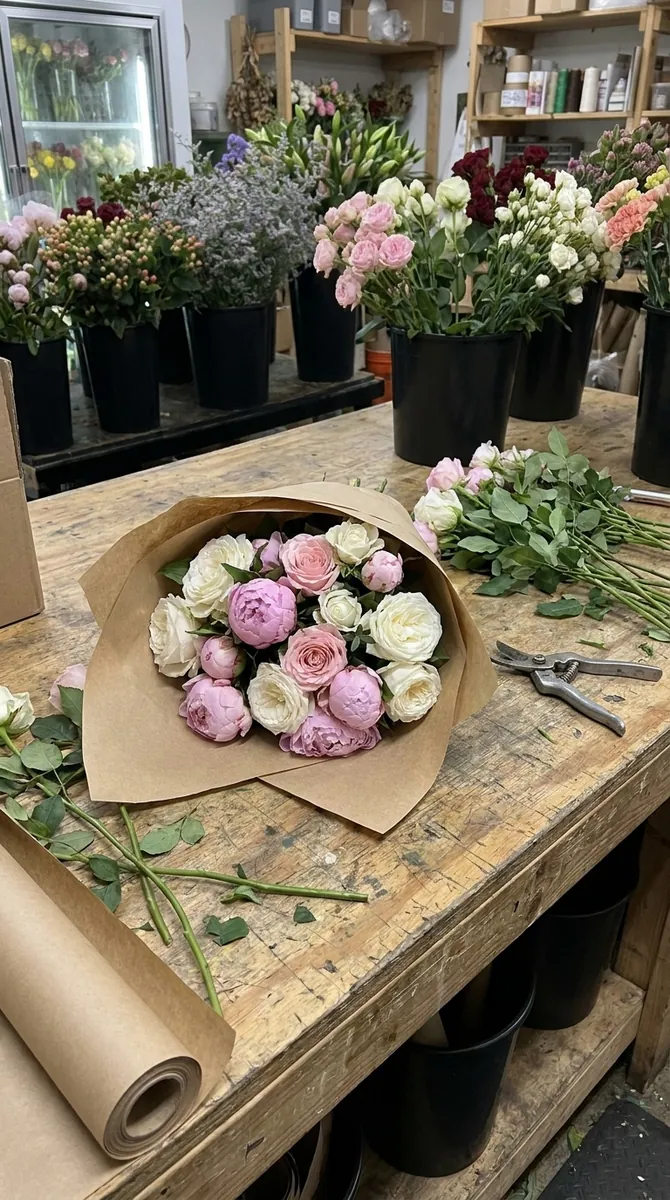
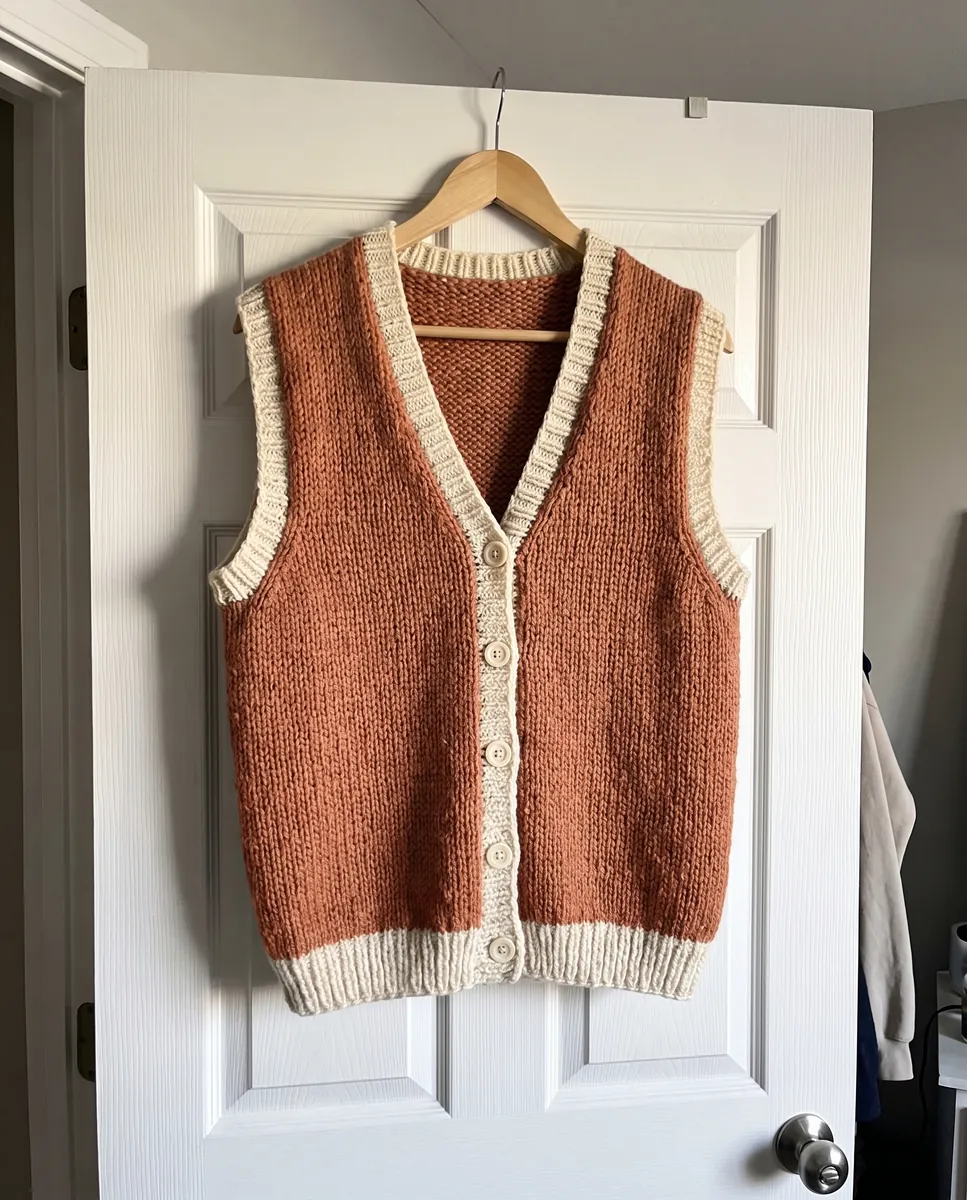
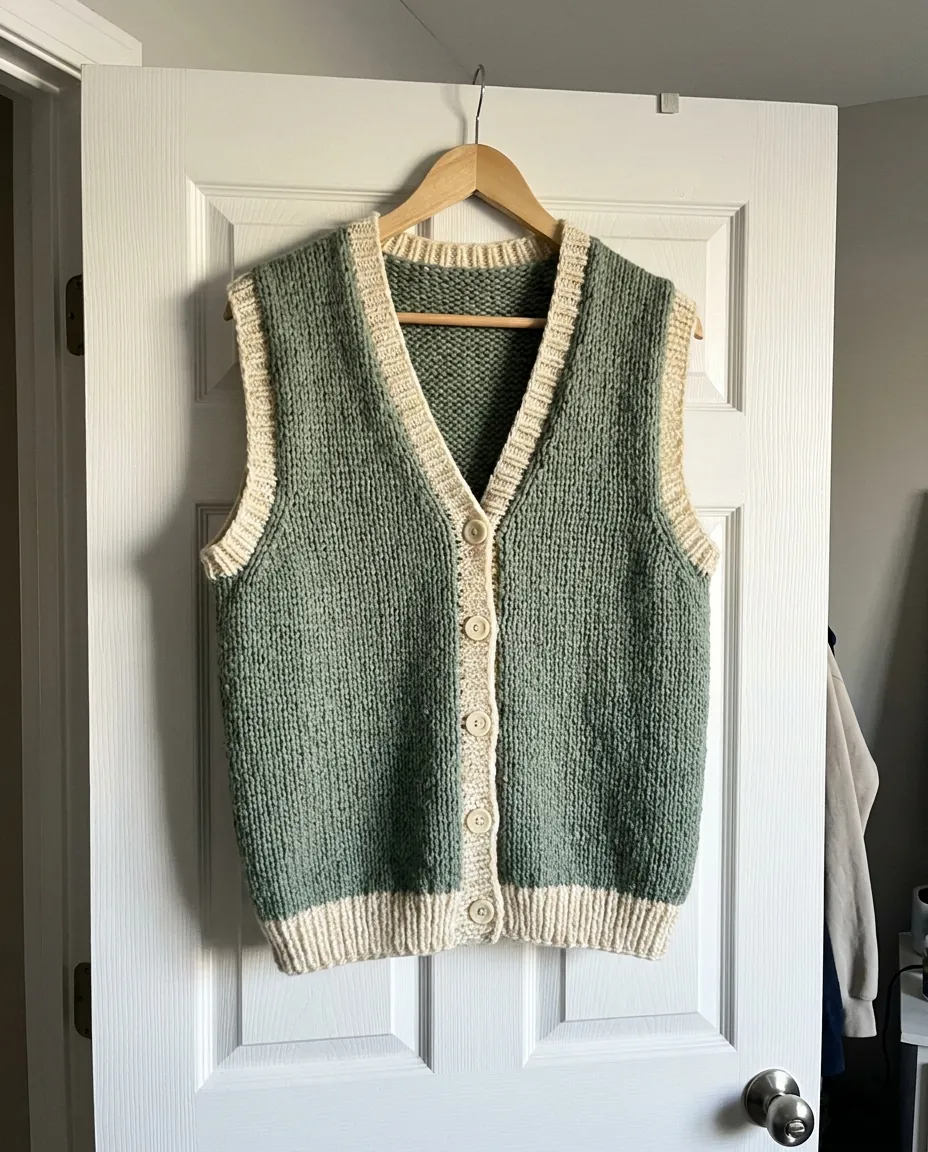
Upload your first photo and see how your product can look. One-time access from $7, no subscription required.
Get started