AI Background Remover: Clean Cutouts for Product Photos
Need a clean white or transparent background for a listing? Upload a photo and the AI cuts out your item neatly, including fine details, edges and thin parts. No tracing outlines by hand. You get an image ready for a marketplace, a catalog or a brand new background.
Remove background
 BeforeAfter
How it works
Upload a photo
A phone shot works. The product should stand out clearly from the original background.
Run the removal
The AI cuts out the item and leaves a clean background.
Download or continue
Save the image or swap in a new scene right away.
BeforeAfterRemove the background from an image without tracing
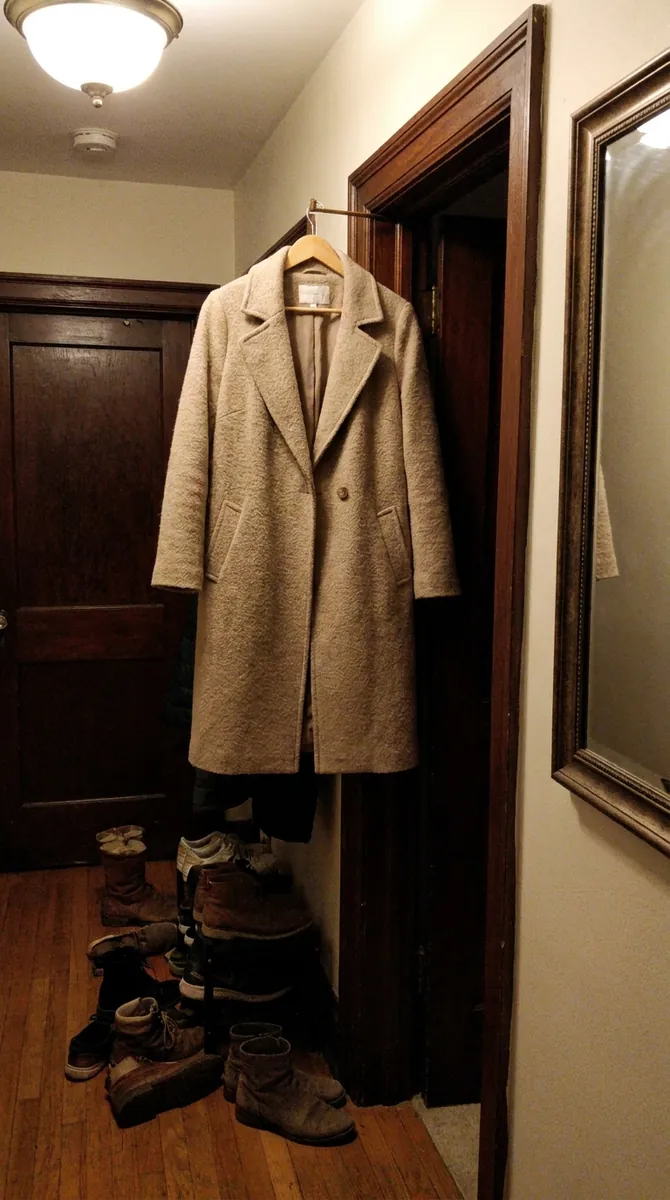
Cutting out an object in a standard editor means ten minutes with the lasso tool. The AI does the same in seconds: it finds the product's edges and separates them from the background. It handles clothing, shoes, bags, cosmetics, jewelry and home goods. Edges look natural, without jagged halos. No heavy software is needed: it all runs in your browser on a phone or a computer.
Remove background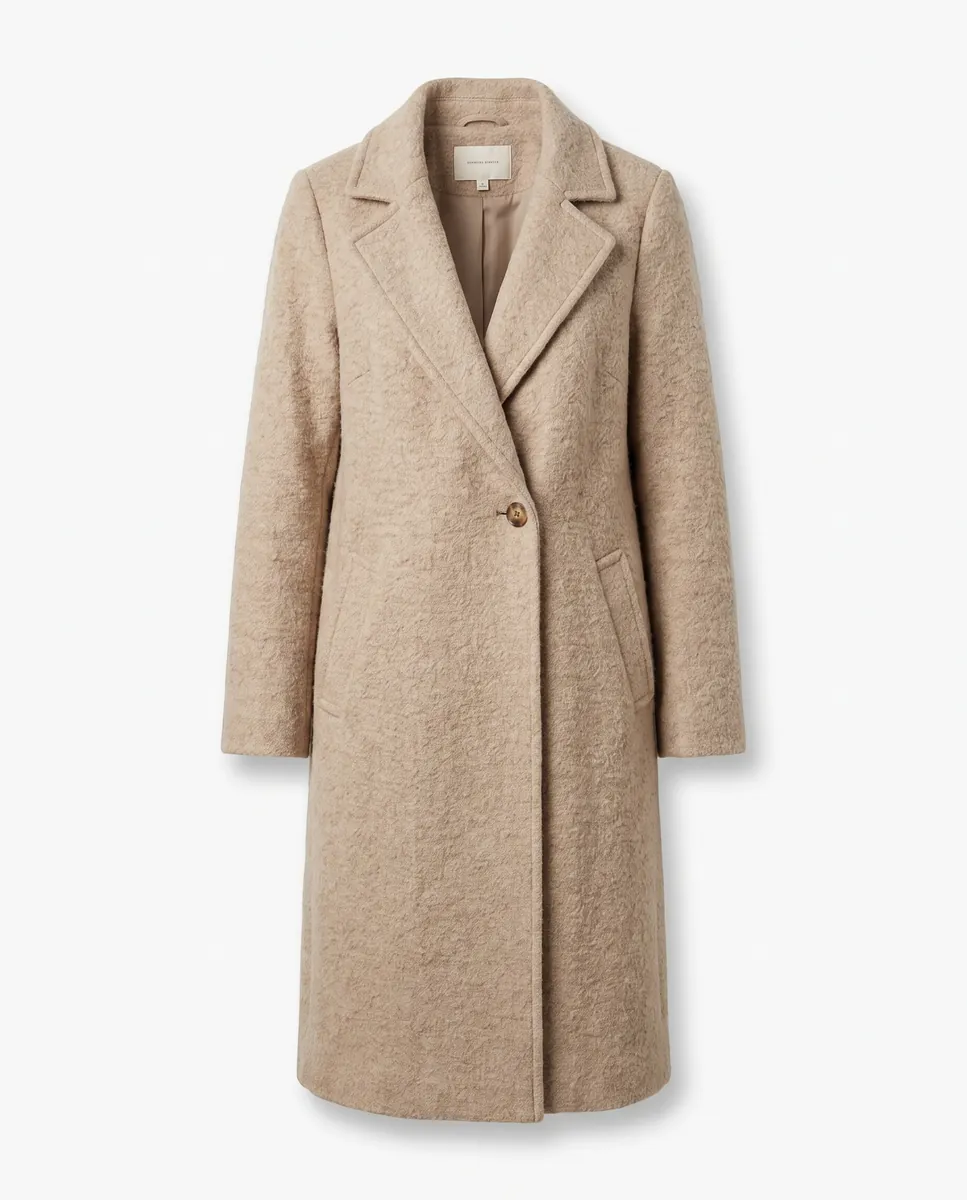
 BeforeAfter
White background product photos for marketplaces
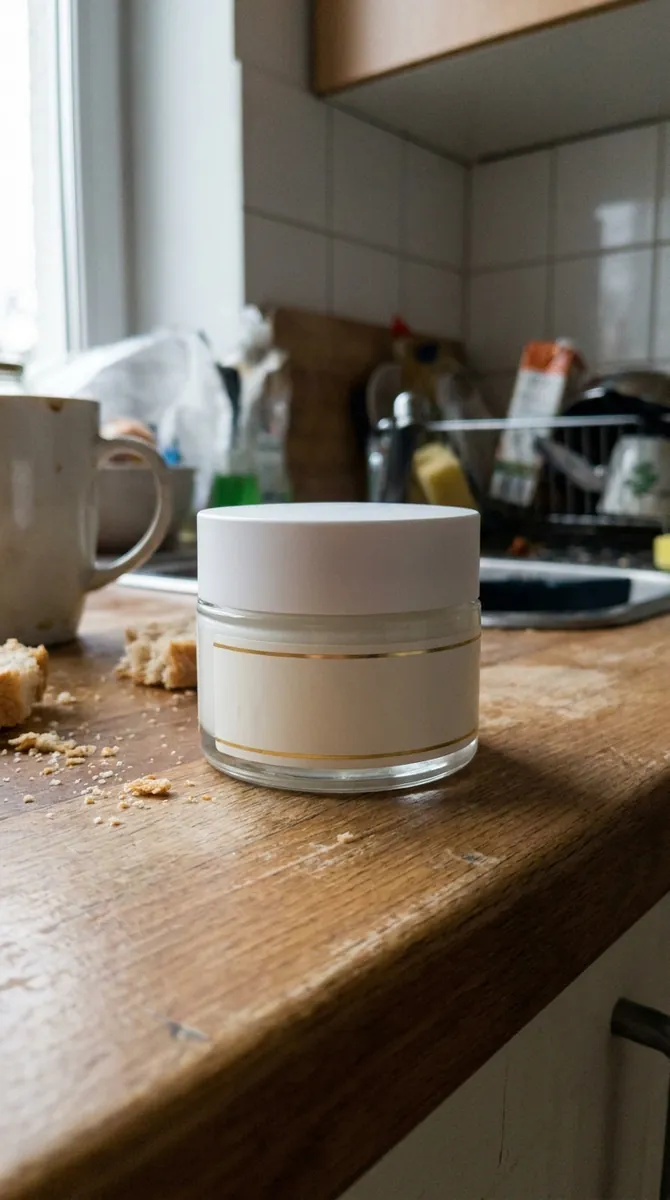
Many marketplaces ask for the main image on white. Upload a shot taken on a desk, a windowsill or a kitchen counter and get a clean studio look. After that you can build a multi-angle shoot right away. Check the rules for your category: some demand pure white, while others allow scenes. turn one photo into a full shoot
Remove background
 BeforeAfter
A new background instead of the old one
Once the product is cut out you can place it anywhere: a bright studio, a wooden shelf, a city street. Describe the scene in words and the background is generated around your item, with fitting shadows and perspective. One photo then becomes several versions for your feed, ads and catalog. generate a new background
Remove background
Thin details and tricky edges
Hair, fur, lace, fine chains and clear bottles are hard for any automatic cutout. If something is not perfect, open the result in the editor and fix that area with a text prompt. The earlier version stays in your history, so there is nothing to lose by trying. Such cases are rare, but a quick look up close before uploading is always a good habit. refine the result in the editor
Remove backgroundQuestions & answers
What is background removal?
It separates an object from its surroundings so you are left with a clean or transparent background. It is often needed for product listings and collages.
How do I remove a background in Wraxa?
1. Upload the photo to the editor.
2. Write remove the background or pick the matching action.
3. Check the result.
4. Download it or add a new background.
Is the result suitable for Amazon, Etsy and Shopify?
A white background is the usual requirement for a main image. For exact category rules, read the marketplace's image guidelines.
Can it handle thin or complex edges?
In most cases yes. For items like fur or glass, check the result up close and fix it with a text prompt if needed.
Can I go back to the original photo?
Yes. All versions are saved, and rolling back to any of them is free.
How is this better than other background removers?
Here the cutout is just one step. Right after it you can generate a new background, make a multi-shot photoshoot or build a post, without leaving the app.
How much does Wraxa Visuals cost?
One-time access is $7 for 25 tokens: a single payment, no subscription or auto-renewal, and the tokens never expire. The Visuals subscription is $20 a month for 100 tokens every month, and you can cancel anytime. There is no free trial.
What is the difference between one-time access and the subscription?
One-time access is for trying it out: your 25 tokens stay with you until you use them. The subscription is for regular content: 100 tokens arrive every month, and the unused monthly allowance resets on renewal. Purchased tokens add up with the subscription.
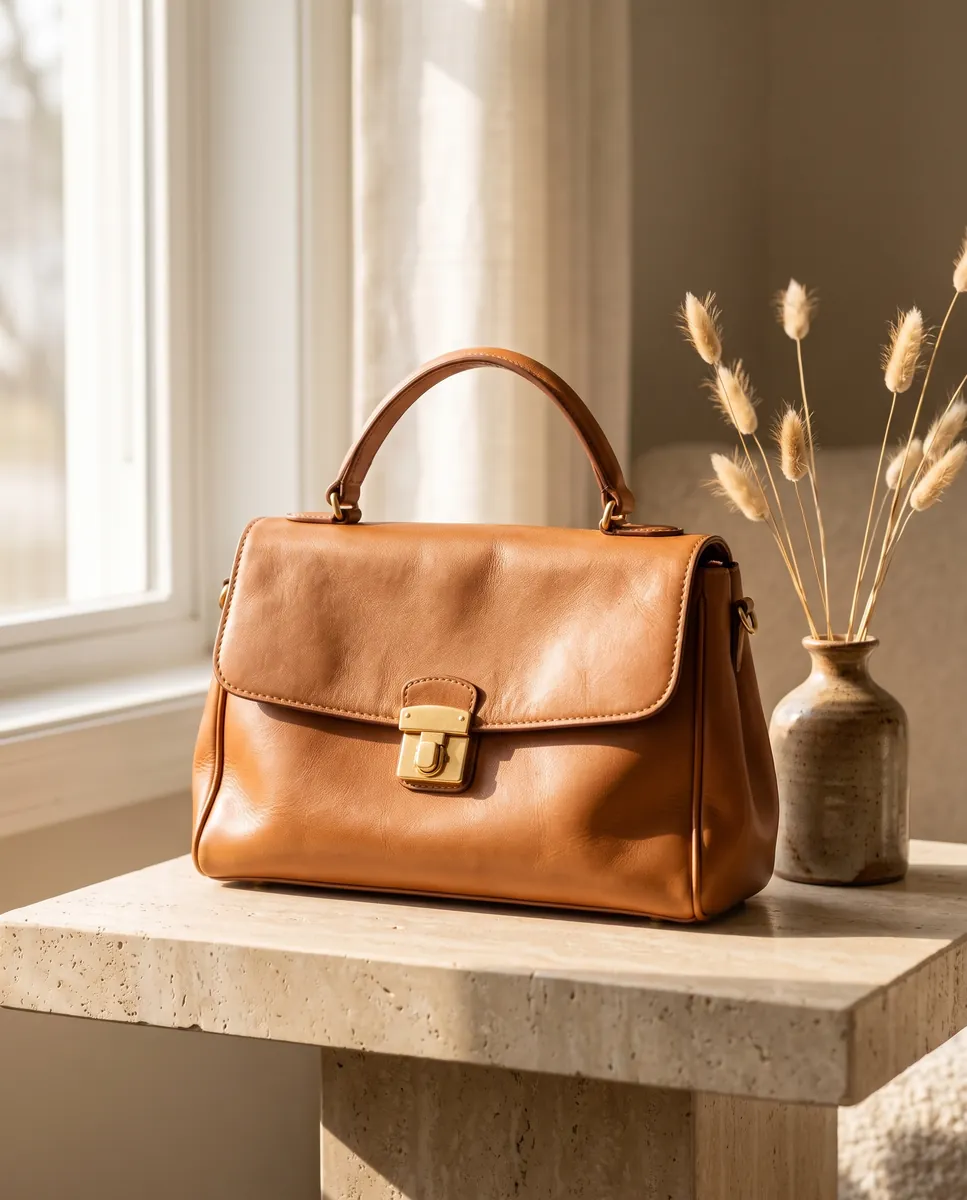
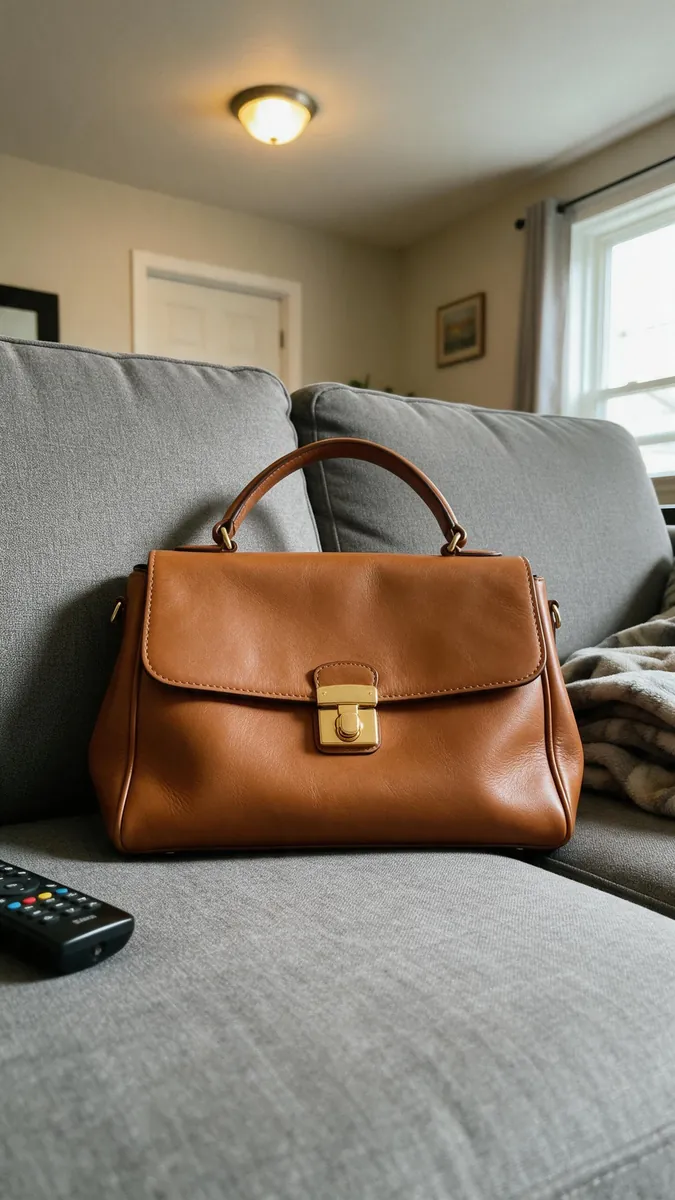
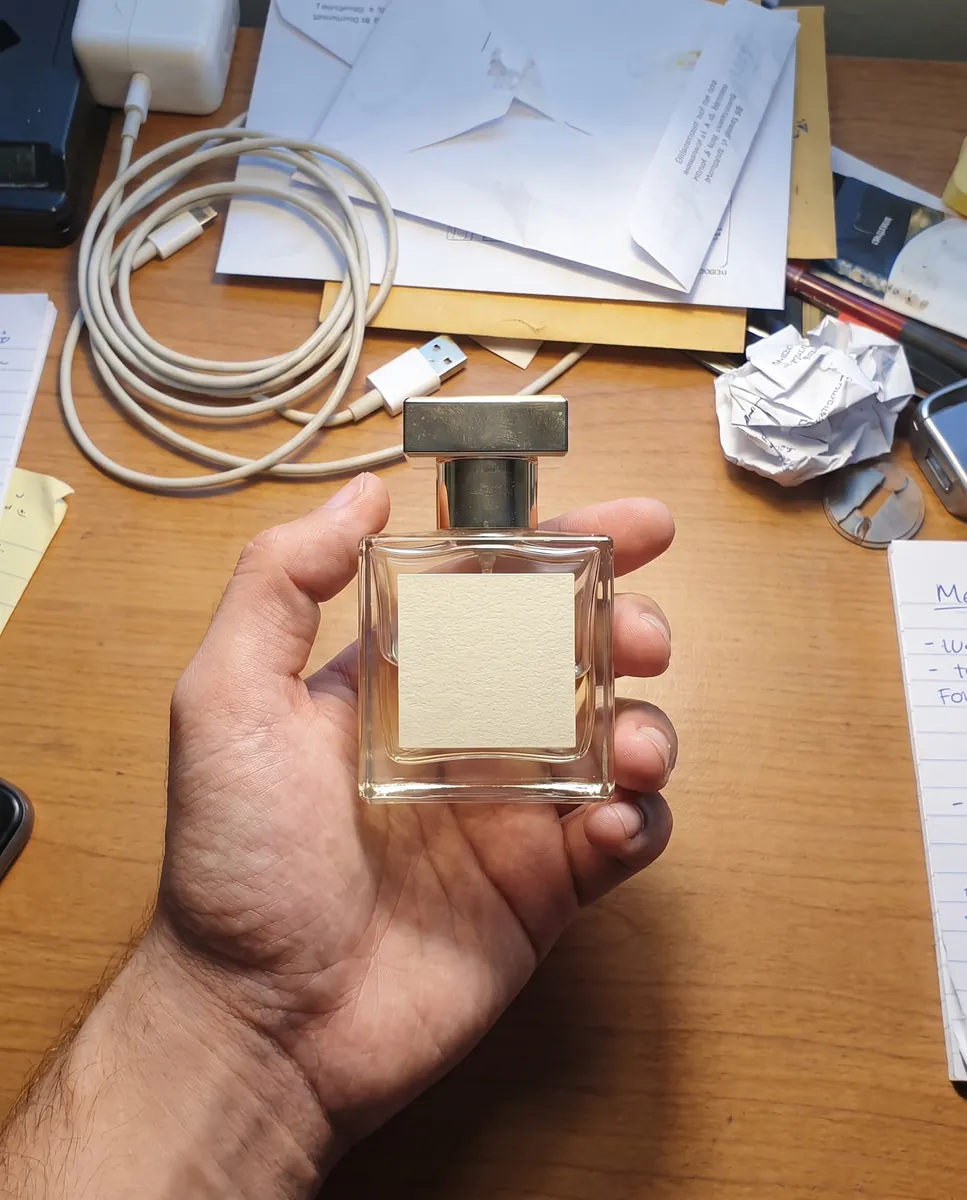
Upload your first photo and see how your product can look. One-time access from $7, no subscription required.
Remove background